Symptoms
- Ergo stage definitions differ from the current CRM pipeline.
- A stage disappeared, was renamed, moved, archived, deleted, or recreated in CRM.
- A deal appears in an unexpected stage or no-stage state.
- CRM stage updates fail after pipeline changes.
Most common causes
- CRM pipeline or stage configuration changed after Ergo setup.
- A display name changed, but the underlying stage identifier did not.
- A stage was deleted and recreated with the same label but a different identifier.
- A deleted stage still has deals, or the CRM blocks deletion/movement until those deals are handled.
What to check
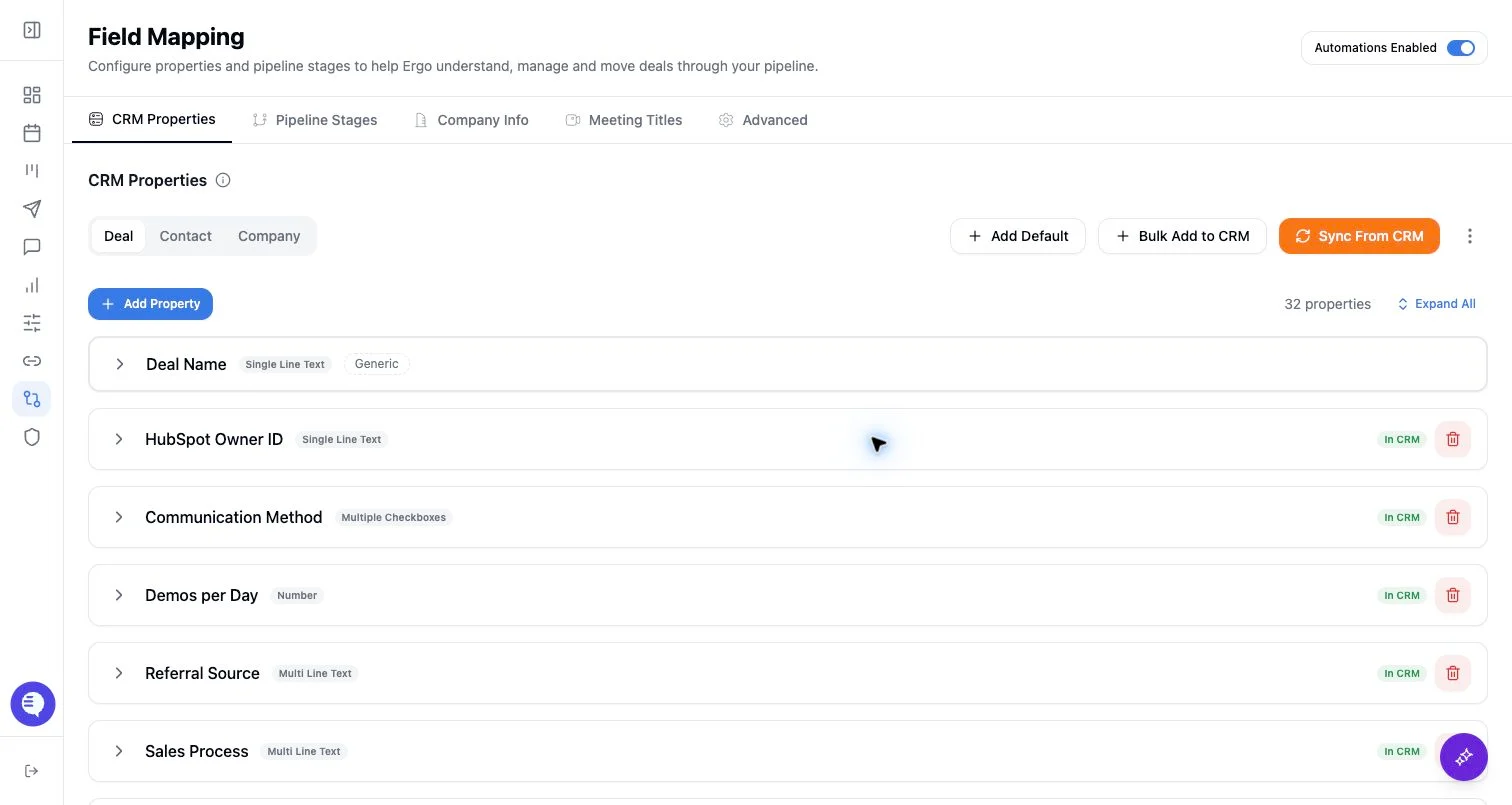
- Open Field Mapping and compare the selected pipelines and stages against the CRM.
- Sync stages from CRM before editing automation logic.
- Check whether the change was only a rename or a structural change such as delete/recreate or moving stages between pipelines.
- Check stage deal counts before deleting stages.
- Confirm each affected deal is in the intended pipeline and active stage in the CRM.
Resolution steps
- Resolve drift from the Field Mapping/stage pages instead of manually overwriting definitions in several places.
- If a stage was recreated, remap or resync the current CRM stage before retrying updates.
- If deals are stuck in a removed stage, move them in the CRM or use the CRM’s supported deletion behavior first.
- Test with one known deal before applying broader stage changes.
When to contact support
- Contact support when Field Mapping shows current stages but a known deal still resolves to the wrong stage.
- Include the workspace, CRM, pipeline, affected stage, example deal, recent stage change, and approximate time window.
- Keep examples generalized and avoid sharing sensitive customer content in support requests.