Symptoms
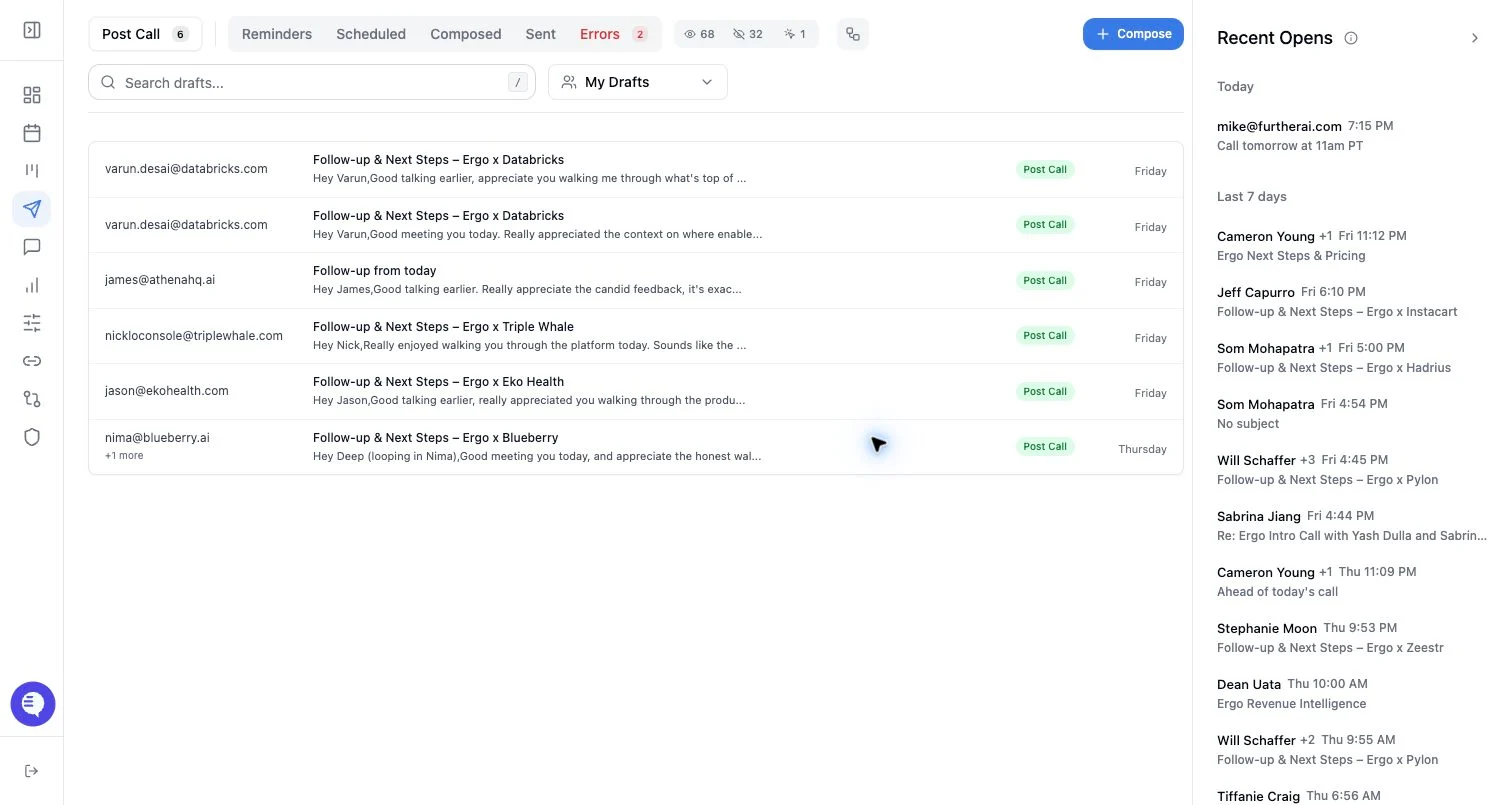
- A draft fails to send, schedule, unschedule, or retry.
- The failed-drafts queue shows validation errors.
- A scheduled or immediate send does not complete.
- A reply draft is missing thread context or sender identity.
Most common causes
- Sender email, recipients, subject, or body is missing or invalid.
- Email grant is disconnected, expired, or connected to the wrong mailbox.
- A reply-thread draft is missing thread context.
- Attachments, links, images, body formatting, or provider policy caused rejection.
- The draft was changed after generation and no longer passes validation.
What to check
- Open the failed draft and fix sender, recipients, subject, and body errors.
- Confirm the connected mailbox matches the sender on the draft.
- Reconnect email if the grant is stale, expired, or disconnected.
- For reply drafts, confirm the thread/history context is still available.
- Retry from the failed-drafts queue after validation passes.
Resolution steps
- Fix draft validation first; retrying with the same invalid fields will keep failing.
- Reconnect email only when the mailbox or grant is the likely failure source.
- If several drafts fail together, pause bulk sends and test one corrected draft.
- If a scheduled send fails, verify the draft is still editable and the scheduled time/state is valid.
When to contact support
- Contact support when validation is fixed, email is connected, and one corrected draft still fails.
- Include the workspace, affected user, draft ID, sender, failure state, workflow type, and approximate time window.
- Keep examples generalized and avoid sharing sensitive customer content in support requests.