Who can use this
- Everyone using Ergo, plus rollout owners and admins who need shared vocabulary.
Before you start
- Know which CRM, calendar, email, meeting, and collaboration sources your organization has connected to Ergo.
- Confirm whether you are a user, admin, super admin, or spectator.
- Ask your rollout owner before changing access, recording, integration defaults, or admin-only setup areas.
Steps
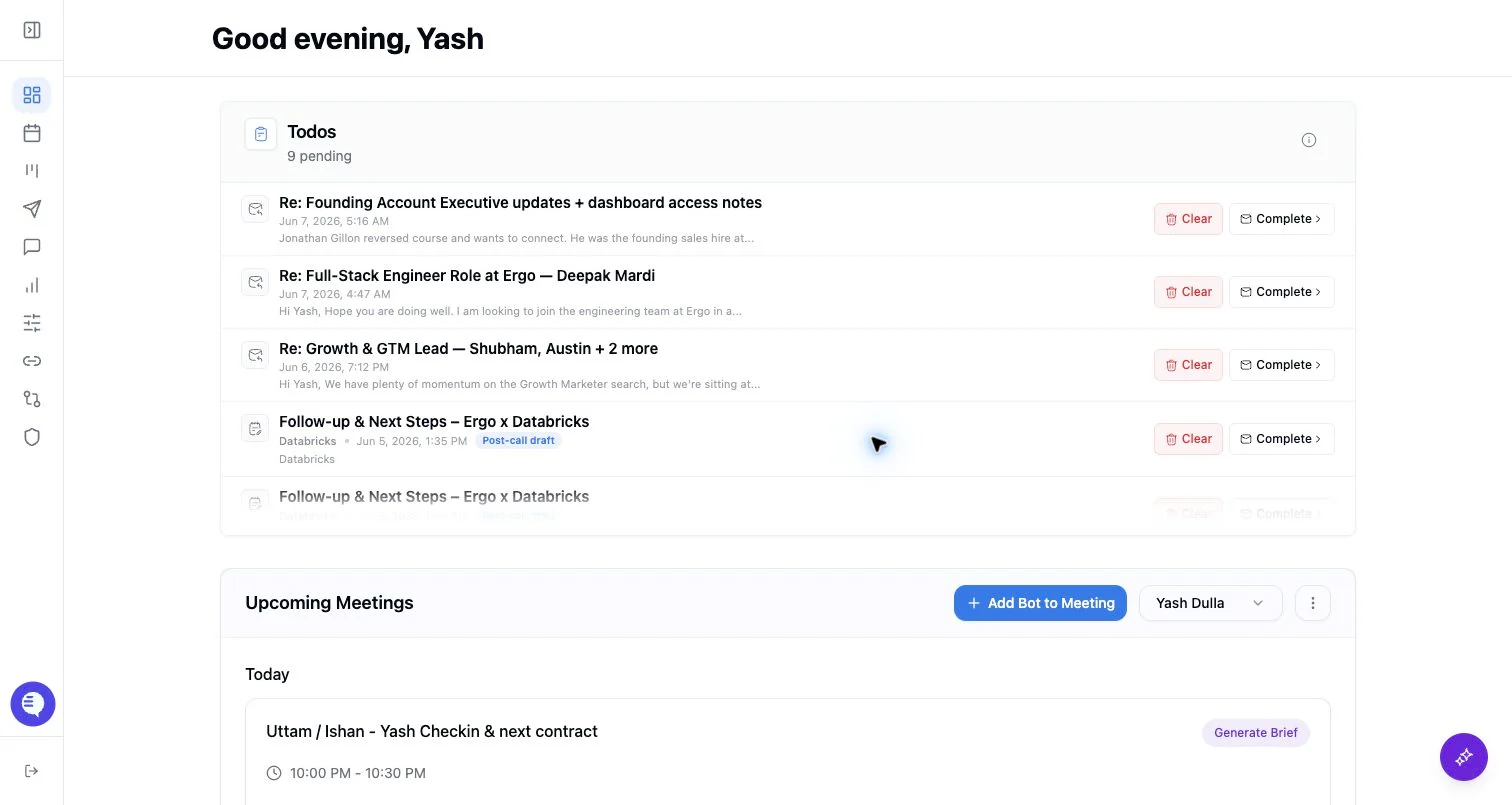
- Start from the dashboard, then open the product area that matches the work: meetings, drafts, deals, reporting, integrations, or admin.
- Treat field mapping as an admin/setup area, not a day-to-day workflow for every user.
- Complete setup before judging missing context; most surfaces depend on connected CRM, email, calendar, or notetaker sources.
- Use AI answers and generated drafts as reviewable outputs, not as unchecked final records.
What to expect
- Navigation changes by role, feature flag, connected-source access, and whether you are in the desktop app.
- Ergo can show separate states for meeting capture, transcript processing, insight generation, drafts, and reporting.
Common issues
- The wrong source, account, or organization context is selected.
- The needed source is not connected or fresh.
- A role or shared-link expectation is too broad.