Who can use this
- Everyone using Ergo, plus rollout owners and admins who need shared vocabulary.
Before you start
- Know which CRM, calendar, email, meeting, and collaboration sources your organization has connected to Ergo.
- Confirm whether the person needs a spectator seat, an admin/reporting grant, a shared link, or a standard user seat.
- Ask your rollout owner before changing access, recording, integration defaults, or admin-only setup areas.
Steps
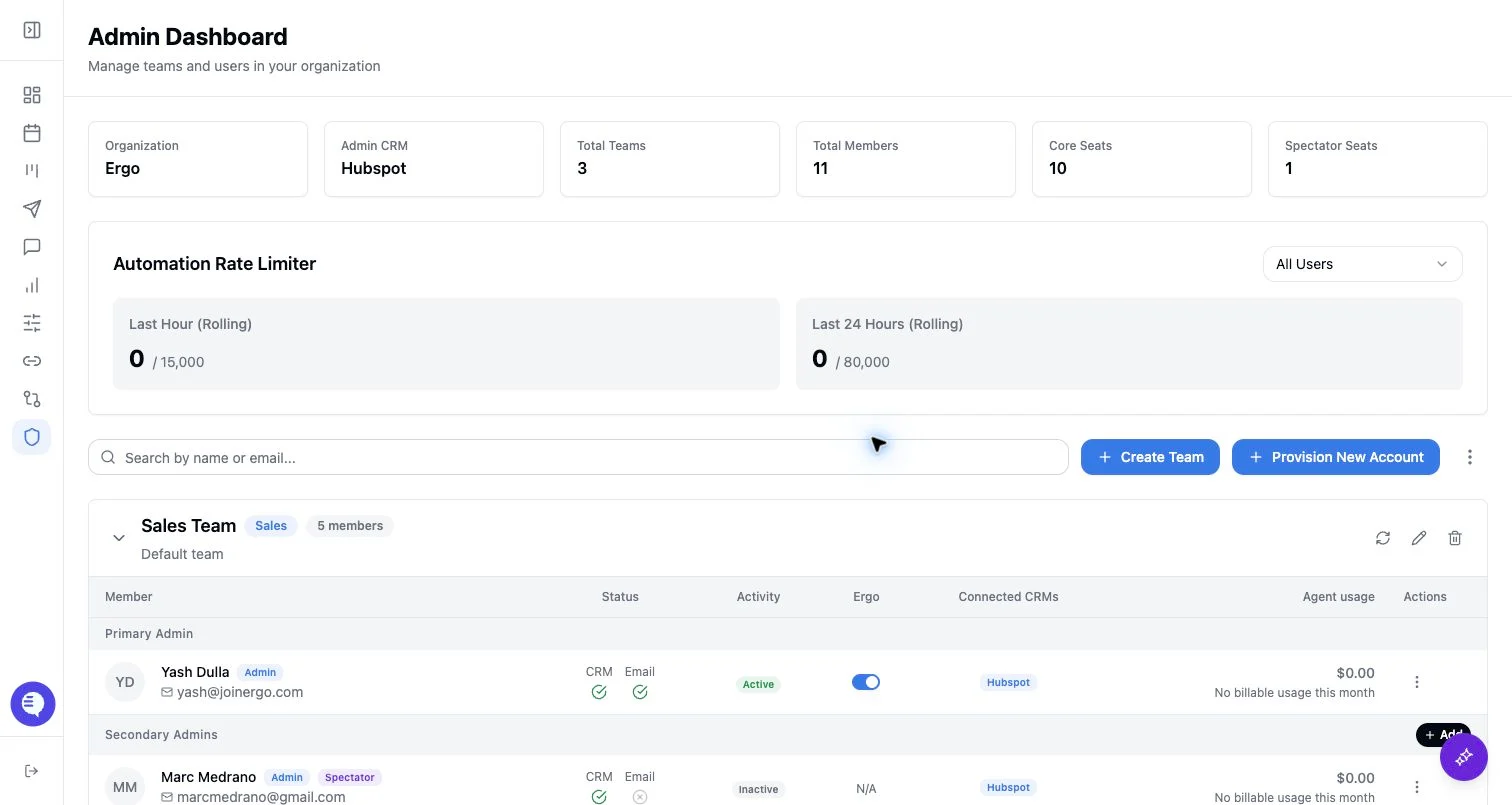
- Use spectator access for limited review workflows, not active selling or CRM administration.
- Confirm whether the spectator needs meeting access, reporting access, reporting cadences, shared links, or team-level visibility.
- Avoid granting full admin access when a shared meeting, shared dashboard, or reporting grant is enough.
What to expect
- Spectators do not see drafts and cannot use CRM write or email-drafting workflows.
- Field Mapping is an admin-only configuration area; do not treat it as a spectator workflow.
- Shared routes can provide narrow access to selected meetings, clips, notes, documents, charts, or dashboards. External recipients may need to verify their email before viewing.
Common issues
- The wrong source, account, or organization context is selected.
- The needed source is not connected or fresh.
- A spectator role, reporting grant, or shared link is expected to provide broader access than it actually grants.