Who can use this
- Admins and super admins who own organization-level setup.
- RevOps or operations teammates coordinating CRM, field, pipeline, reporting, notetaker, and rollout decisions.
- Delegated operators working from admin-approved setup direction.
Before you start
- Choose the production CRM or source of truth you want Ergo to use, and clean up unresolved test or sandbox data before broad rollout.
- Confirm the CRM account can read and update the fields Ergo needs.
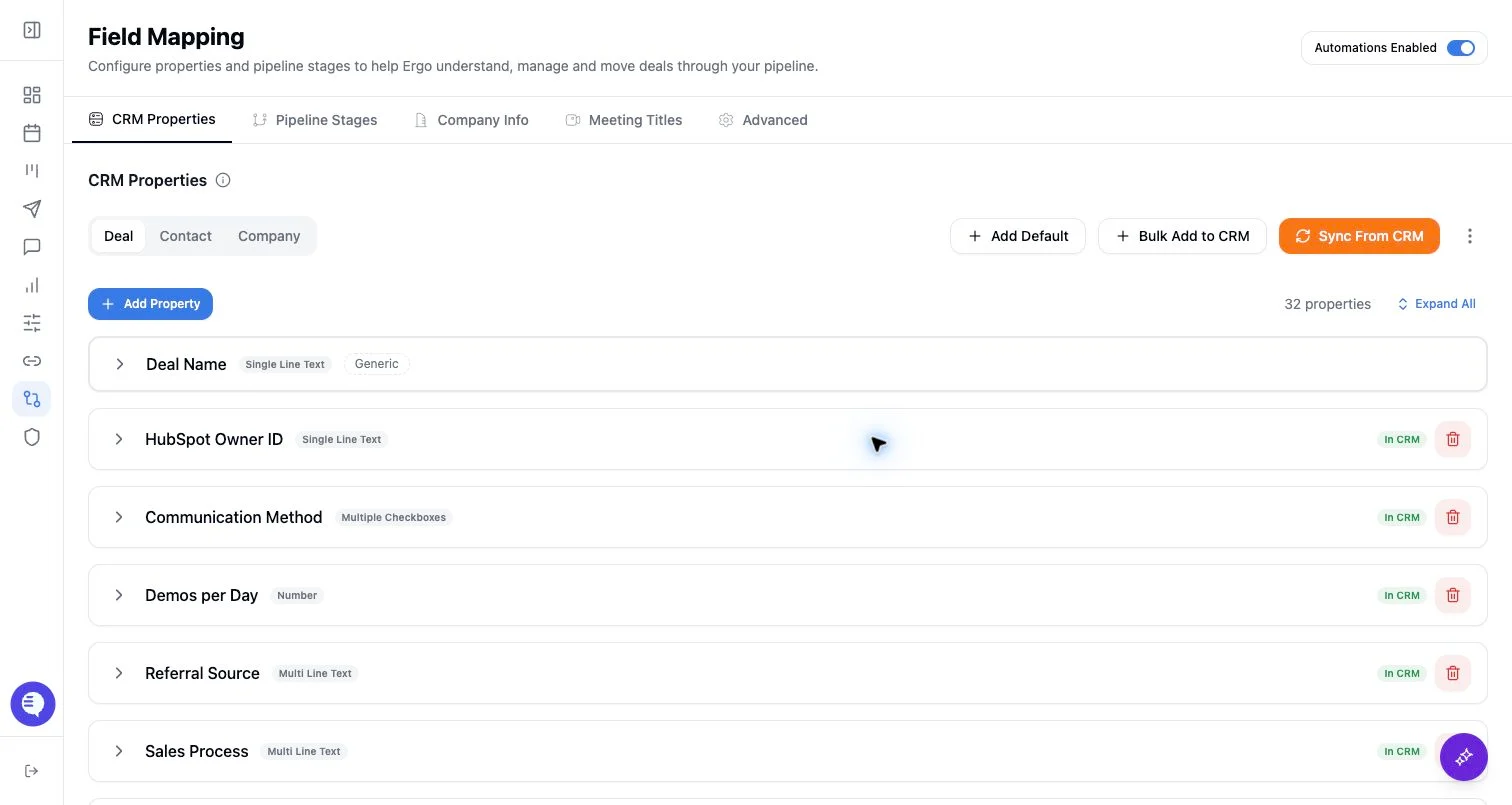
- Finalize required deal, contact, company, owner, and pipeline-stage fields before relying on CRM writeback or reporting.
- Decide which settings are required for the first pilot and which can wait, such as optional notifications, templates, and follow-up workflows.
- Assign an admin owner for gated setup areas such as CRM fields, reporting grants, pricing, notetaker defaults, and organization defaults.
Steps
- Connect the CRM, then complete field mapping, pipeline stages, company details, and meeting-title phrases before asking users to rely on CRM updates.
- Connect email and calendar for the setup owner, then have each user connect their own primary email/calendar account during personal setup.
- Configure notetaker defaults and confirm the team understands calendar ownership, waiting-room admission, and when a meeting may need manual bot dispatch.
- Configure collaboration tools, email templates, reporting defaults, and pricing only when those outputs are part of the first rollout.
- Invite a small pilot group and run one controlled workflow end to end: one meeting or call, expected dashboard visibility, processing state, and the CRM, reporting, or draft output that should be produced.
- After the pilot works, invite the broader team through the appropriate role-specific setup path.
What to expect
- Shared setup affects what downstream users see in meetings, deals, drafts, reporting, and search.
- CRM writeback and reporting are only as reliable as the connected CRM, mapped fields, pipeline stages, permissions, and meeting capture coverage.
- Slack, templates, notifications, and some follow-up workflows can be configured later when they are not needed for the first pilot.
- Historical backfills should start with a scoped sample and sales-relevant meetings before broad backfill.
Common issues
- CRM data contains test records, stale owners, incomplete fields, or unclear pipeline stages.
- Required CRM fields, property permissions, or field mapping are incomplete.
- Meetings are detected but not captured because the calendar owner, host admission, meeting link, or notetaker setup is wrong.
- A broad backfill includes internal or non-sales meetings that should not drive CRM updates.
- Users are invited before shared setup is complete, so personal setup appears to work while downstream outputs are incomplete.