Who can use this
- CSMs, account managers, onboarding owners, and post-sale teams preparing for customer calls.
- Managers reviewing account health, renewal, expansion, churn-risk, or handoff workflows.
- Admins, RevOps owners, and operators supporting customer-success setup and reporting.
Before you start
- Complete CSM setup, including personal email, calendar, and the approved notetaker source.
- Confirm customer-facing meetings are being captured and internal planning meetings are skipped unless your team intentionally wants them processed.
- Ask an admin or RevOps owner to configure CS-specific fields, stages, templates, and reporting before relying on renewal, expansion, churn-risk, handoff, or account-health workflows.
- Review AI-generated summaries, drafts, and signals before using them with customers or executives.
Tips
- Review the recent account history before every customer conversation. Start from the company or deal record, then check recent meetings, summaries, action items, emails, and related documents when they are available.
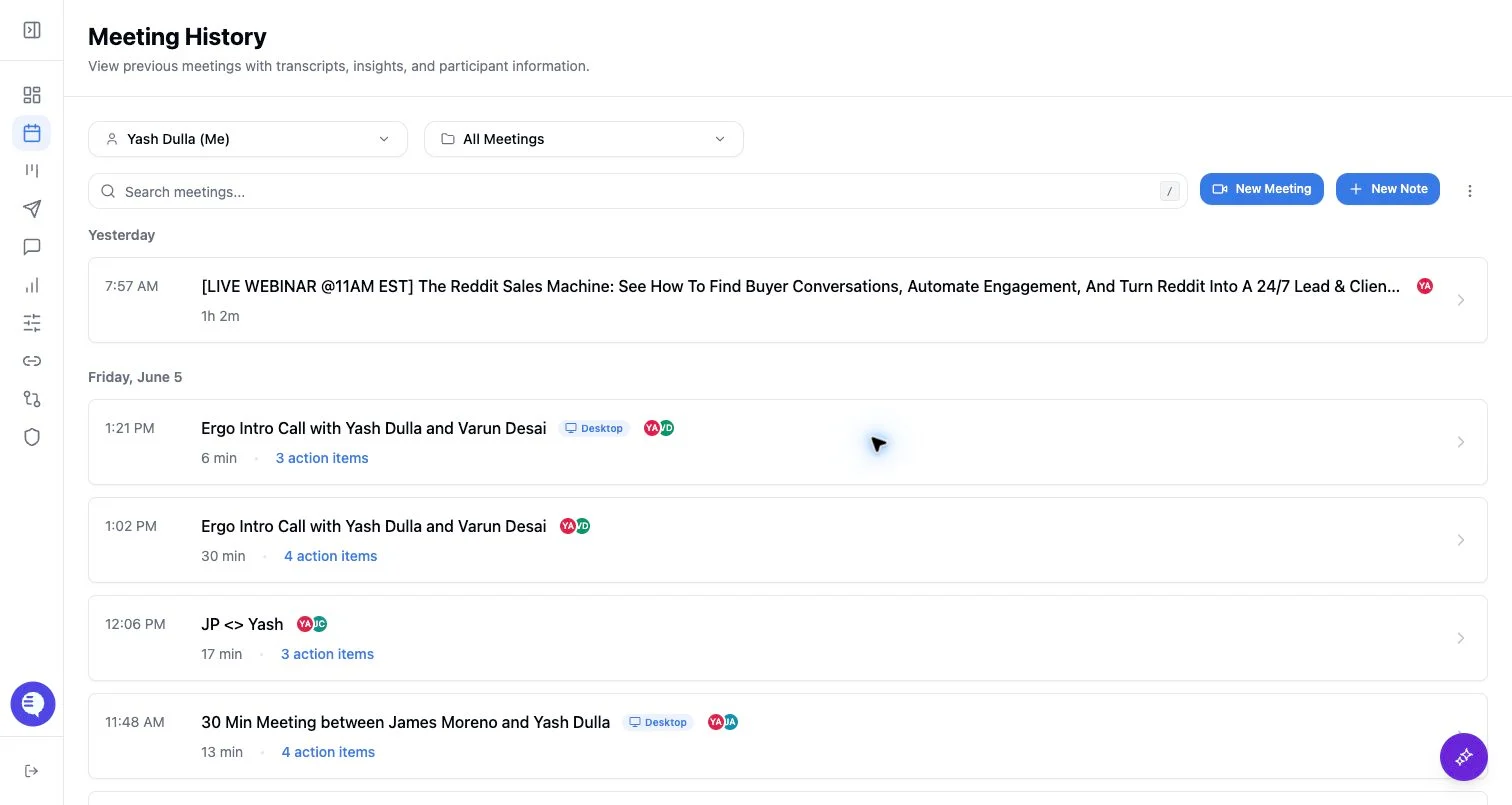
- Capture the right meetings. Customer check-ins, onboarding calls, QBRs, renewals, expansions, and product troubleshooting calls can create useful post-sale context. Internal planning meetings should only be captured when your team wants them included.
- Make follow-ups customer-safe. Treat AI drafts and recaps as starting points. Check customer facts, commitments, owners, dates, links, tone, and any promises before sending externally.
- Use search for account recall. Search by customer, stakeholder, topic, feature request, commitment, risk, meeting, or date range when you need to recover context quickly.
- Keep account context linked. If a summary or draft misses context, check whether the relevant company or deal record, contacts, prior meetings, emails, and documents are available to Ergo.
- Use CS reporting as a signal layer. Expansion, churn-risk, feature-request, objection, and account-health views are most useful after the relevant meetings have processed and the fields, dashboards, filters, and access grants are configured.
- Correct bad context early. If a meeting is matched to the wrong record, a field is missing, a template is wrong, or an internal call was captured by mistake, fix the source issue before more customer activity builds on it.
What to expect
- Meeting summaries, transcripts, action items, drafts, account views, search results, reporting fields, and health signals can finish or update separately.
- Account-health and CS reporting views depend on workspace feature access, connected sources, CRM or account matching, configured fields, processed meetings, and the viewer’s permissions.
- Drafts depend on eligible captured meetings, draft settings, templates, email grants, recipient context, and processing state.
- Search and chat answers are only as complete as the sources and prompt context available to Ergo.
Common issues
- Renewal, expansion, churn-risk, or account-health expectations are ahead of the configured CS fields, stages, templates, or dashboards.
- Internal meetings are captured, or customer meetings are skipped, because capture rules were not reviewed.
- Customer recaps are sent without checking AI-generated commitments, owners, dates, links, or tone.
- Account context is incomplete because relevant CRM records, contacts, documents, prior meetings, or email history are missing or not linked.
- Reporting is interpreted before enough customer meetings have processed or before mapped CS fields have populated.
- A meeting, account, draft, report, or dashboard is hidden by permissions, filters, saved views, date ranges, source access, or feature availability.
Related articles
- CSM setup
- Meeting history and folders
- Meeting detail page
- Skip internal meetings
- Why some meetings do not generate insights or drafts
- Review/edit AI drafts
- Search across meetings, emails, and documents
- Company detail
- Deal and account health
- Default dashboards
- Custom reporting fields
- Sales manager tips for success
- Roles and permissions