Who can use this
- AEs and other sellers completing personal setup.
- Operators or admins helping sellers finish setup.
- Managers checking whether seller workflows are ready for rollout.
Before you start
- Confirm the shared CRM, field mapping, pipeline stages, templates, and notetaker defaults are ready or owned by an admin.
- Confirm whether the AE should use Sync with Admin to inherit approved CRM keys, fields, stages, company context, meeting-title rules, templates, domains, and advanced settings.
- Use the AE’s primary work email and calendar account. Personal email/calendar grants do not transfer through admin sync.
- Confirm the AE has the right team, role, deal access, reporting access when needed, and collaboration access.
Steps
- Complete Sync with Admin if onboarding asks for it.
- Connect Google Workspace or Microsoft 365 so Ergo can see the AE’s calendar, relevant email context, and draft destination.
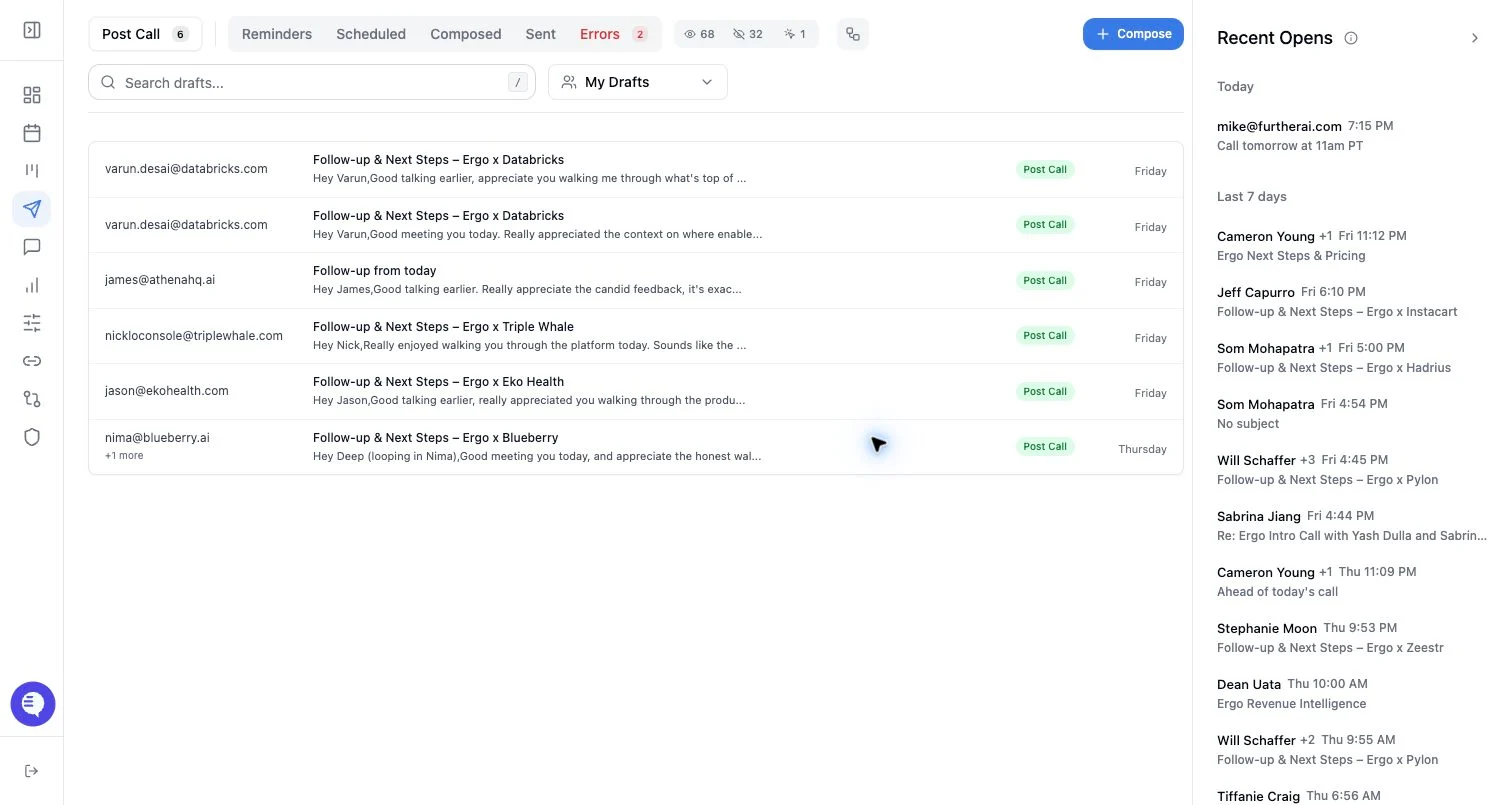
- Review email settings such as inbox monitoring, follow-up drafts, response drafts, external email-client behavior, and surfacing when those controls are available.
- Confirm templates are enabled and that the default post-call structure matches the team’s follow-up style.
- Connect the approved notetaker or desktop capture path after calendar setup, then confirm the AE knows when to admit the bot or use manual add-to-meeting.
- Connect Slack or other collaboration tools only when the team uses those workflows for call prep, alerts, handoffs, or CRM-update notifications.
- Test one real external meeting: capture the meeting, check transcript and summary, verify deal or customer context, review the generated draft when enabled, and confirm any CRM or reporting output that the team expects.
What to expect
- AEs usually follow the standard user onboarding path, not the admin CRM/field-mapping path.
- Post-call drafts are reviewable outputs. Do not rely on automated sending unless the team has explicitly enabled and approved that workflow elsewhere.
- Drafts depend on connected email/calendar, draft settings, meeting capture, source relevance, templates, recipient context, and processing state.
- Deals, search, Slack, and reporting may be hidden or incomplete when the AE lacks access or the source is not connected.
Common issues
- Email/calendar is disconnected, stale, or connected to the wrong account.
- The AE expects a draft before the meeting is captured, processed, relevant, or matched to usable email/deal context.
- A draft contains weak context because the meeting, CRM record, thread, template, or recipient information is incomplete.
- The bot is missing because the calendar owner, meeting link, host admission, or duplicate notetaker setup is wrong.
- Deals, drafts, search results, or reports are hidden by access, filters, saved views, or feature availability.