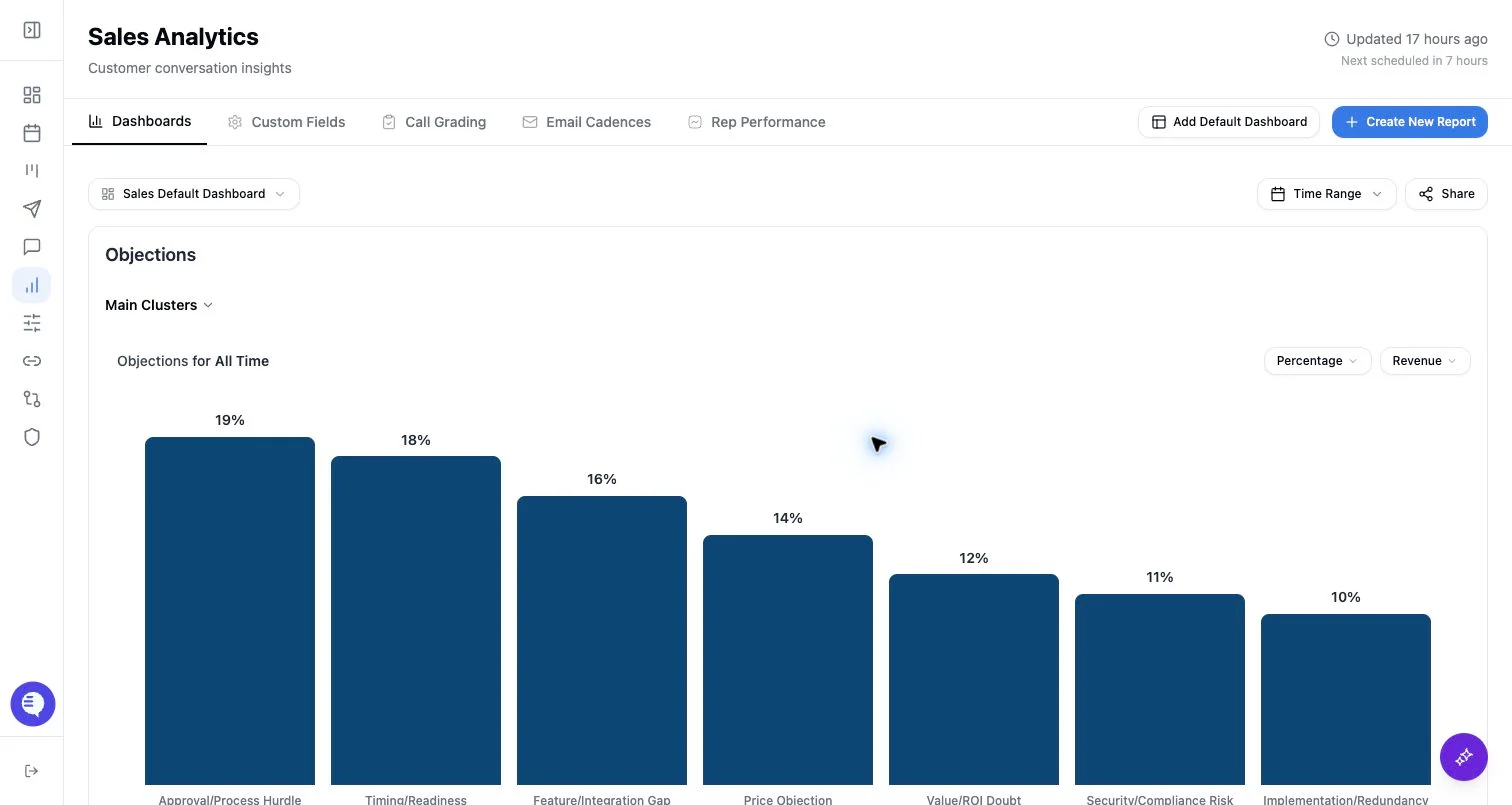
Chart link or dashboard link
- Chart links share one widget.
- Dashboard links share the dashboard view.
- Each link can be password protected.
- Each link can be revoked by unsharing it.
Share a chart
- Open the dashboard that contains the chart.
- Open the chart share action.
- Copy the generated link.
- Add a password if the audience needs one.
- Send the link only to intended viewers.
Share a dashboard
- Open the dashboard.
- Select Share.
- Copy the generated dashboard link.
- Add a password if needed.
- Revoke the link when access should end.
Password rules
- Passwords must be at least 6 characters.
- Passwords cannot exceed 128 characters.
- Updating the password changes the password required for that shared link.
- Removing the password leaves the shared link active unless you unshare it.