Who can use this
- Reporting email cadences are admin-only in the Reporting page.
- Recipients can include organization members and external email addresses.
Create a cadence
- Open Reporting.
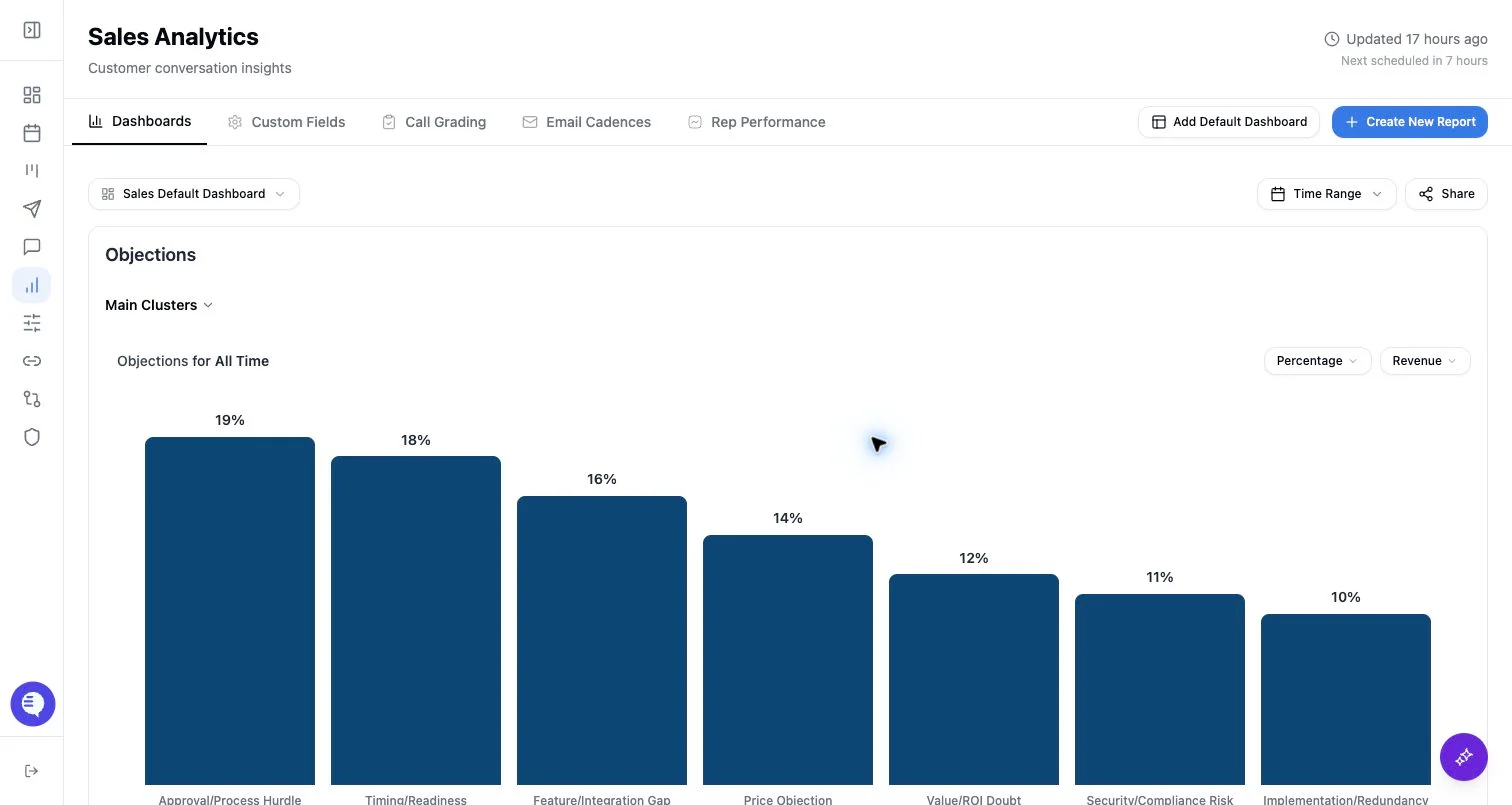
- Select Email Cadences.
- Select New Cadence.
- In Setup, enter a cadence name, weekly send day, send time, timezone, and enabled state.
- In Recipients, choose organization members or add external email addresses.
- In Fields, choose manual field selection or auto field selection.
- In Analysis, add instructions for what the report should emphasize.
- Save the cadence.
Field selection modes
- Manual: select up to 10 available Ergo reporting fields or rubric fields.
- Auto: leave selected fields empty and let Ergo choose fields for the run.
Recipients and schedule
- Recipient emails must be valid and cannot be duplicated.
- A pending external email must be added or cleared before saving.
- Cadences use a weekly schedule.
- The timezone must be a valid IANA timezone.