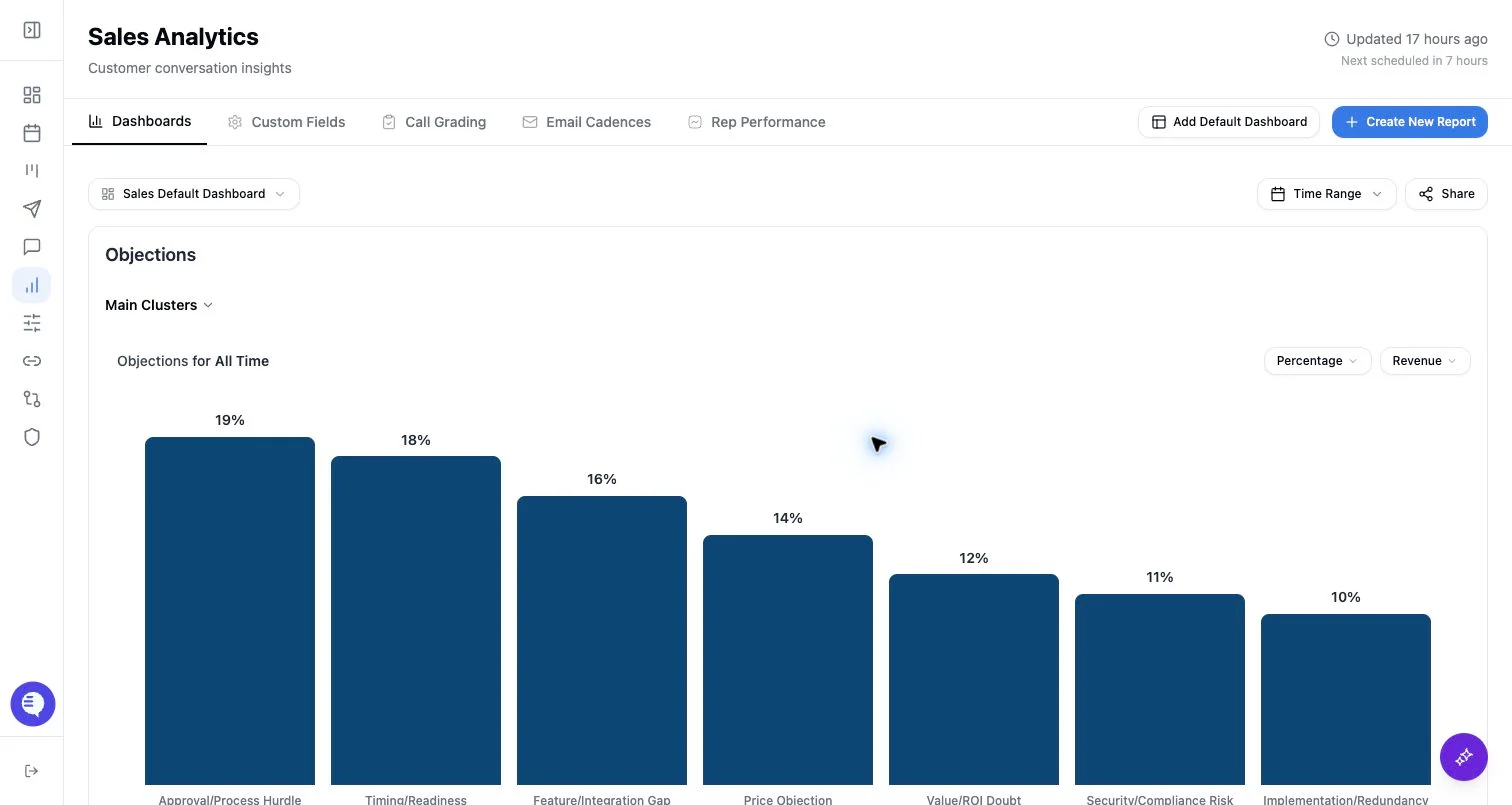
Create the field first
- Define the question the field should answer.
- Choose field type: sentence, picklist, or numerical.
- Write the field description with examples of what should count and what should not.
- Add picklist options or numerical buckets if needed.
- Decide whether the field is organization-level or team-level.
Historical data and backfill caveats
Do not assume every new field populates historical charts right away. Historical availability depends on:- Whether the relevant meetings or emails were captured.
- Whether the source data has been processed.
- Whether the field has been clustered or reprocessed.
- Whether the selected time range includes source records with that field.
- Whether team scope or access grants hide part of the data.
Reclustering and field tuning
Some reporting fields can be reclustered with updated instructions. Use this when the clusters are too broad, too narrow, or organized around the wrong themes. Reclustering may take time, and charts can change after the new clusters finish processing.Safer rollout path
- Start with one dashboard and a short review window.
- Validate the chart against source examples.
- Tune field definitions and buckets.
- Then share the dashboard or add the field to reporting email cadences.