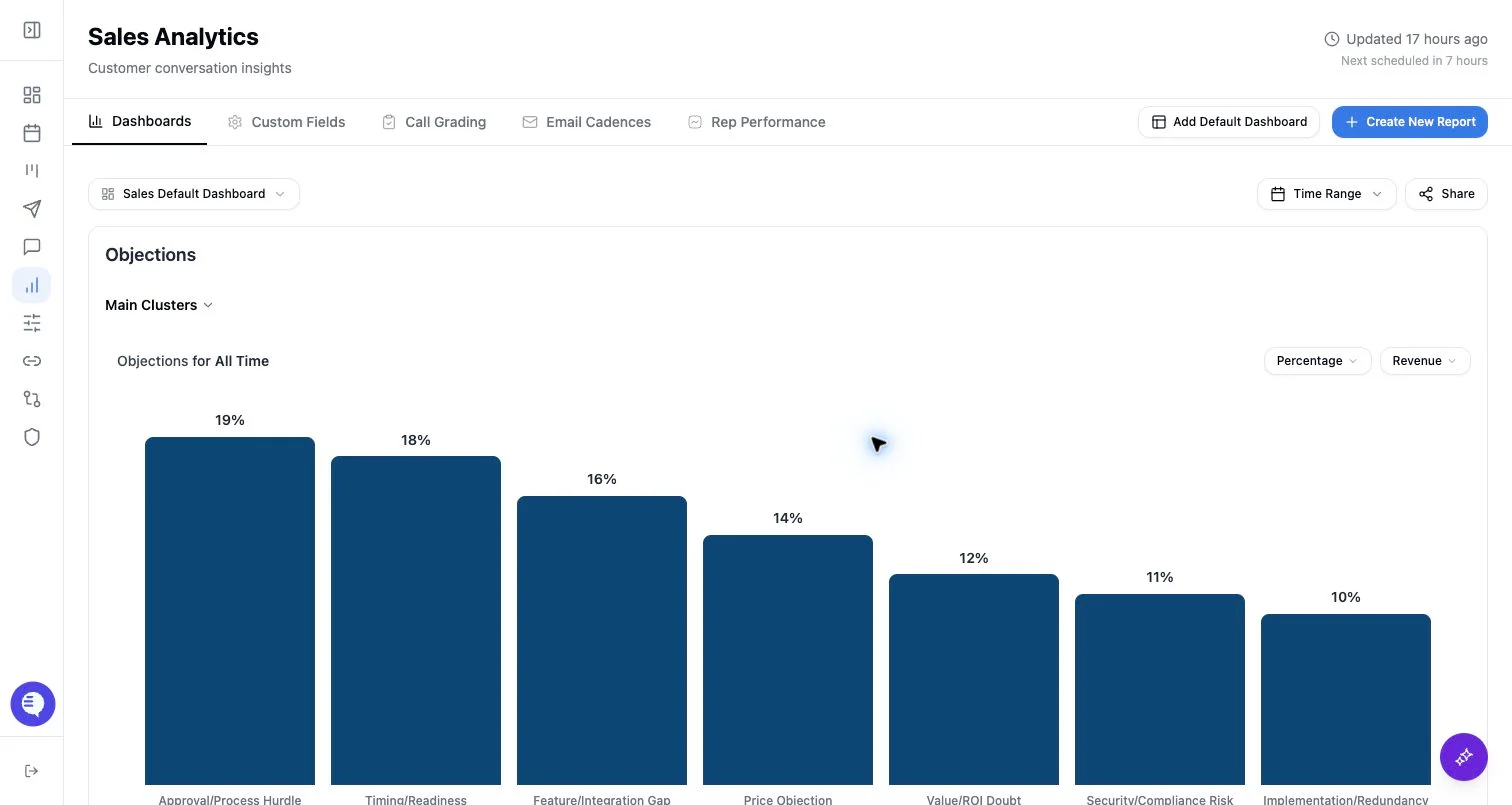
Time ranges
Reporting supports:- No filter
- Last 7 days
- Last 30 days
- Last 90 days
- Custom range
Field filters
Filters are built from reporting fields:- Picklist and sentence fields filter by selected values.
- Numerical fields filter by configured ranges.
- Rubric charts support a smaller set of filters, such as user, deal stage, and amount.
- Correspondence count can filter to meetings or emails when that mode is enabled.
Drilldowns
Charts can expose drilldowns into clusters, subclusters, representative sentences, or supporting details depending on the field type and view. Use drilldowns to inspect source context before treating a chart as a coaching or forecasting conclusion. Shared chart and dashboard links may not expose every authenticated detail view.When results look wrong
- Clear the dashboard-level time range.
- Check the chart’s saved time range.
- Remove filters one at a time.
- Confirm the field has data for the selected period.
- Check whether the chart is using a rubric, revenue view, correspondence type, or selected subcluster.
- If the chart is shared, open the authenticated dashboard to compare the full view.