What is different
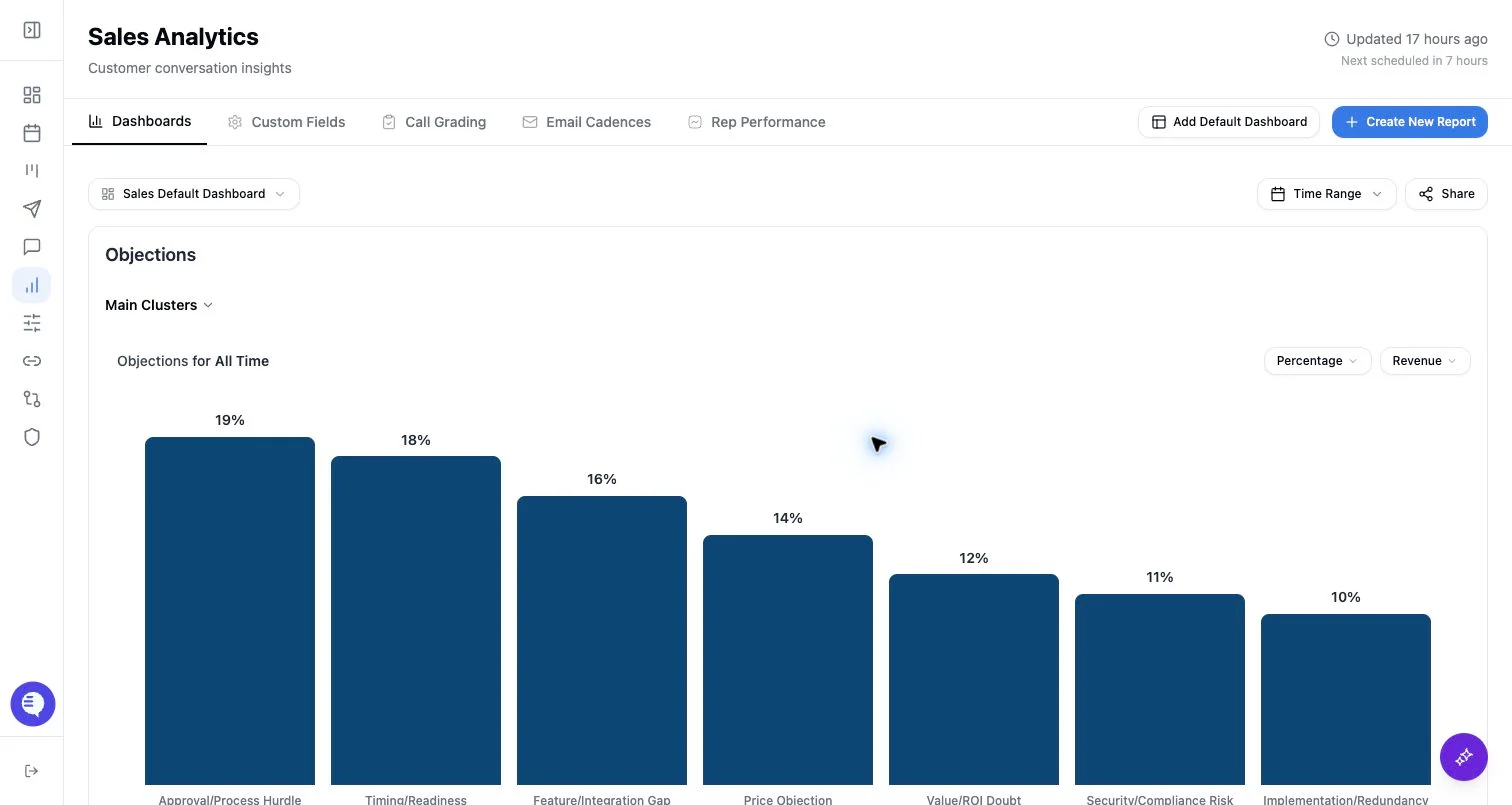
Standard customer Reporting analyzes data within the customer’s organization and access grants. Cross-org analytics compares aggregated reporting fields across multiple organizations and uses separate metadata about org IDs, field names, node counts, and field sentence counts. Because it spans organizations, it should not be used as a normal customer dashboard or shared customer-facing report.If you were sent here
- Confirm that your Ergo contact intended to discuss cross-org analytics.
- Use the standard Reporting overview for customer dashboards.
- Do not share cross-org examples, customer names, or organization-specific findings in public docs or customer dashboards.
- Ask your Ergo contact what data scope, access model, and output format are approved.
What to use instead
- Use dashboards for organization-specific reporting.
- Use custom fields and rubrics for team-specific analysis.
- Use reporting email cadences for recurring customer-facing summaries.
- Use shared dashboard links only for approved viewers of that organization’s data.