Before you upload
- Confirm you have permission to upload and process the recording.
- Use a recording with enough audio for transcription.
- Add the correct title, attendees, and related context when the UI asks for it so Ergo can attribute the meeting correctly.
What happens after upload
- Ergo stores the upload as a custom meeting record.
- Processing can create transcript and meeting outputs after the worker completes.
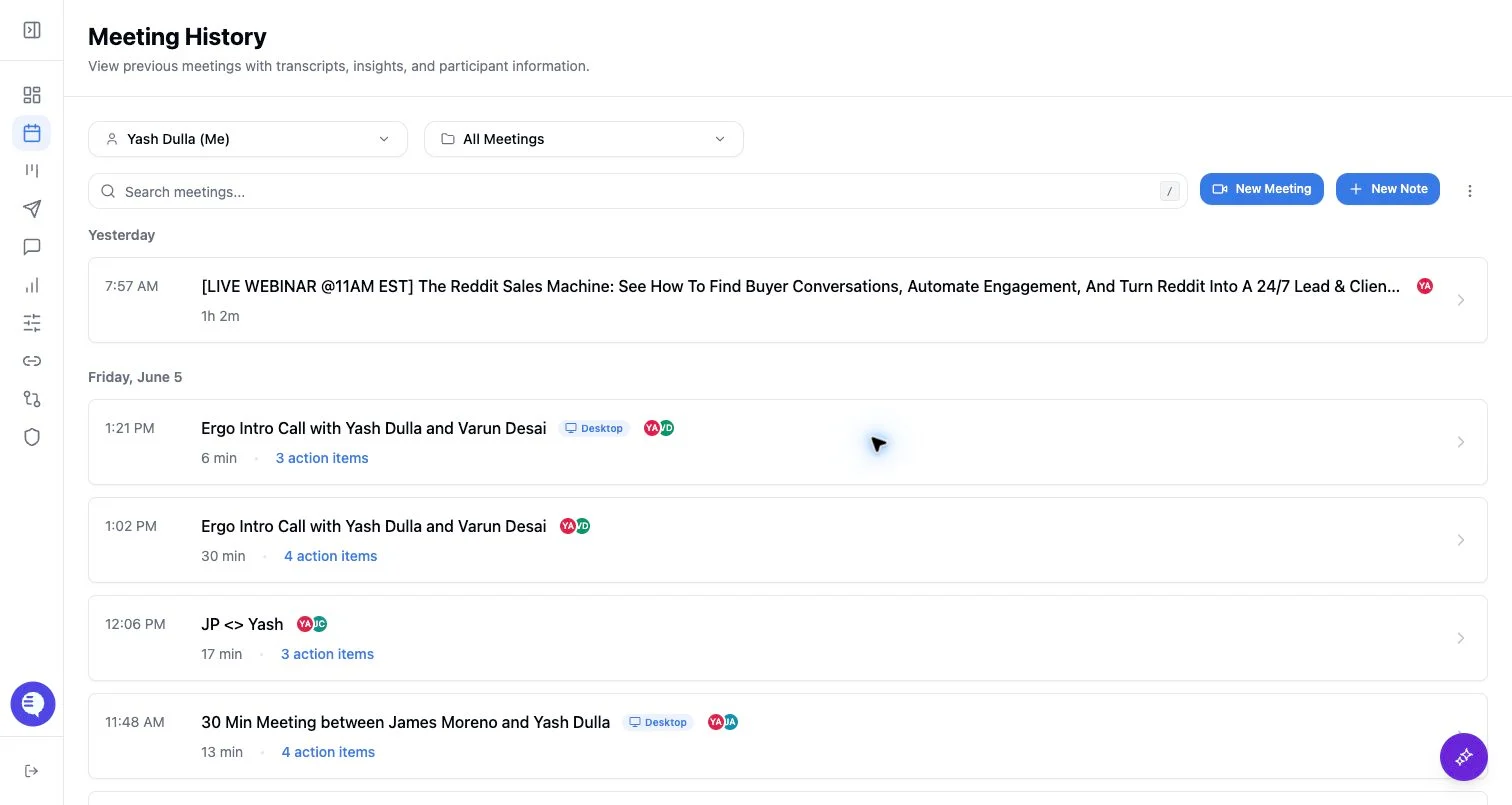
- The meeting can appear in history after processing, with source and processing state distinct from bot meetings.
Common issues
- The upload fails or remains processing.
- The transcript is empty because the audio is missing, short, or unclear.
- Downstream automations may not run the same way as scheduled notetaker meetings, especially when attendee, calendar, CRM, or deal context is missing.