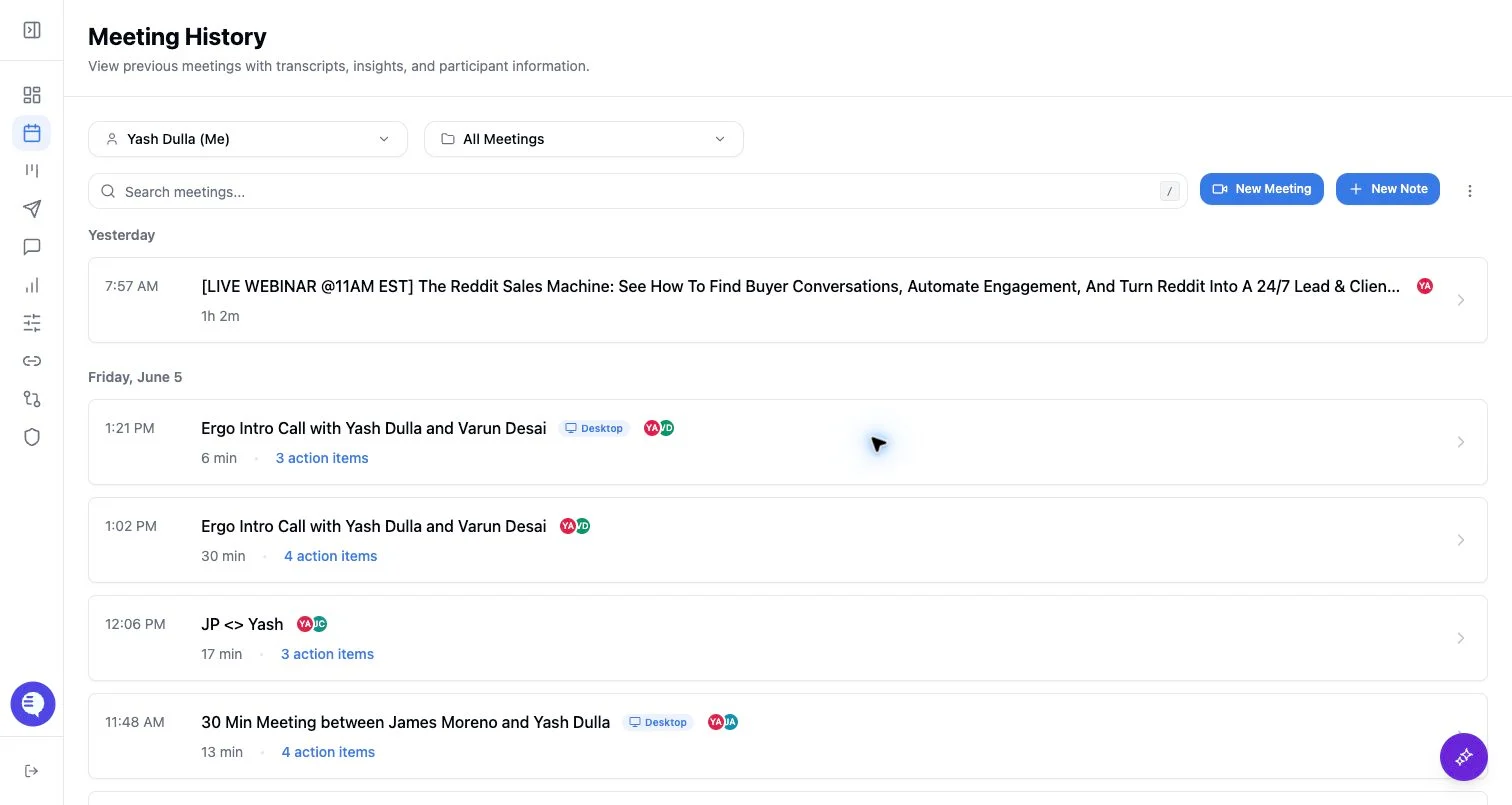
Before you push
- Confirm the meeting or note has useful content.
- Check transcript or note text, attendees, and related CRM record.
- If there is no calendar event, add attendee email context when the push flow asks for it.
- Avoid pushing duplicate records from multiple notetakers unless you intend to run the workflow twice.
What can happen
- Ergo can trigger downstream automation flows such as CRM updates, summaries, or draft generation depending on configuration.
- Automation eligibility depends on source, transcript or note quality, user settings, CRM connection, and workflow configuration.
- Processing can take a few minutes after a manual push.
- Pushed workflows may still produce generated output that should be reviewed before use.
Common issues
- The meeting is still processing.
- The transcript is missing.
- The wrong deal or contact is linked.
- Another meeting record already triggered the same downstream workflow.