What to check
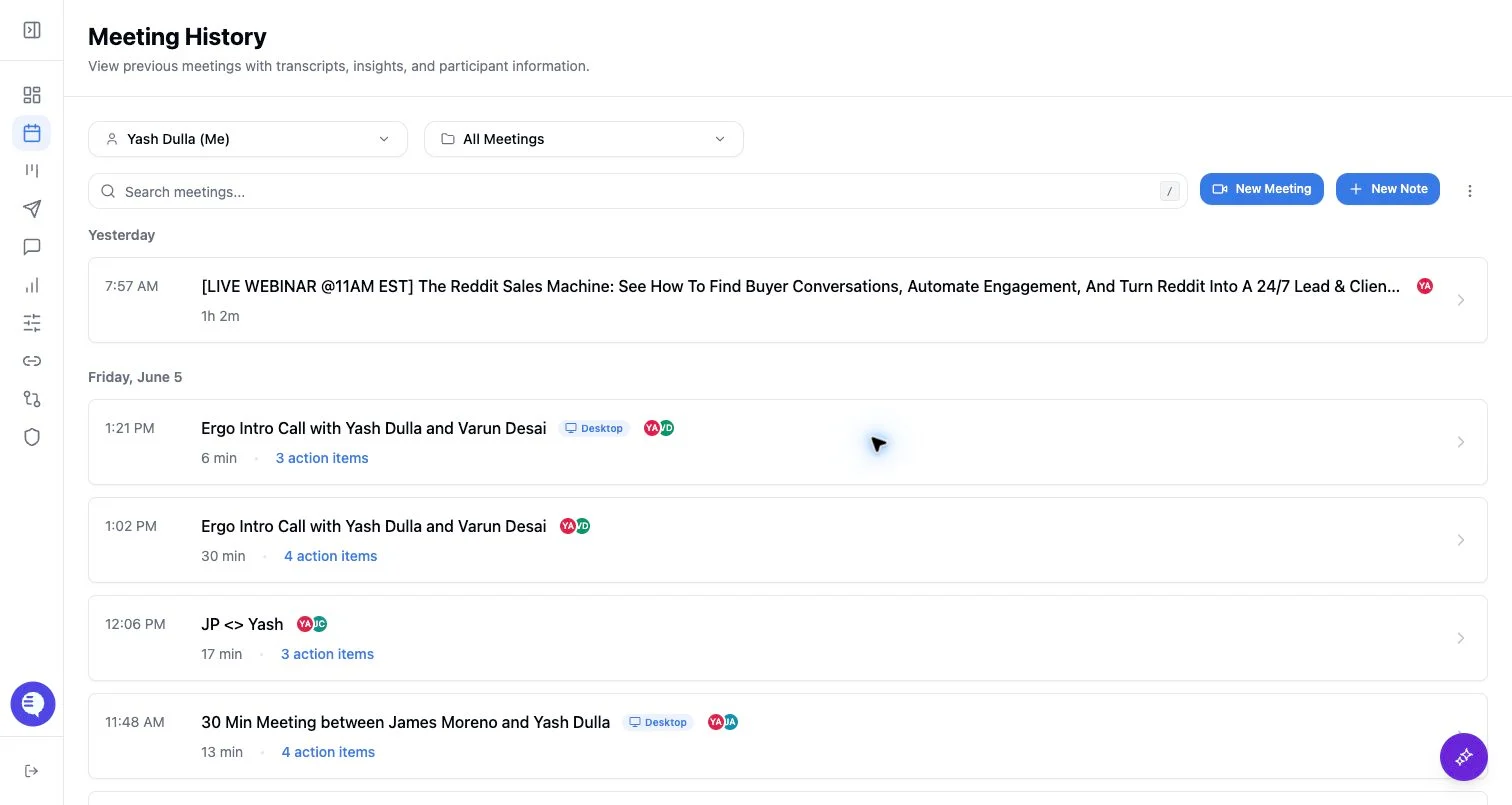
- Confirm which teammate’s notetaker was dispatched or which account owns the completed meeting record.
- Confirm whether the meeting appears under your own visibility, team visibility, or org-wide admin visibility.
- Keep bot state separate from meeting access: seeing a meeting does not mean you control every notetaker action for it.
What to expect
- Ergo stores the completed meeting with owner/dispatched-account and internal attendee context.
- Meeting history and search use visibility rules based on owner, internal attendees, team membership, custom grants, and admin access.
- Duplicate downstream outputs are not expected from normal same-org bot sharing. They can happen when the same conversation is captured or processed through more than one source, so review the meeting source before pushing automations or acting on drafts.
When to use this page
- Two teammates ask why they see the same meeting.
- A meeting has a single recording but several internal attendees.
- A team is deciding whether to use Ergo notetaker, desktop recording, or another notetaker for the same call.