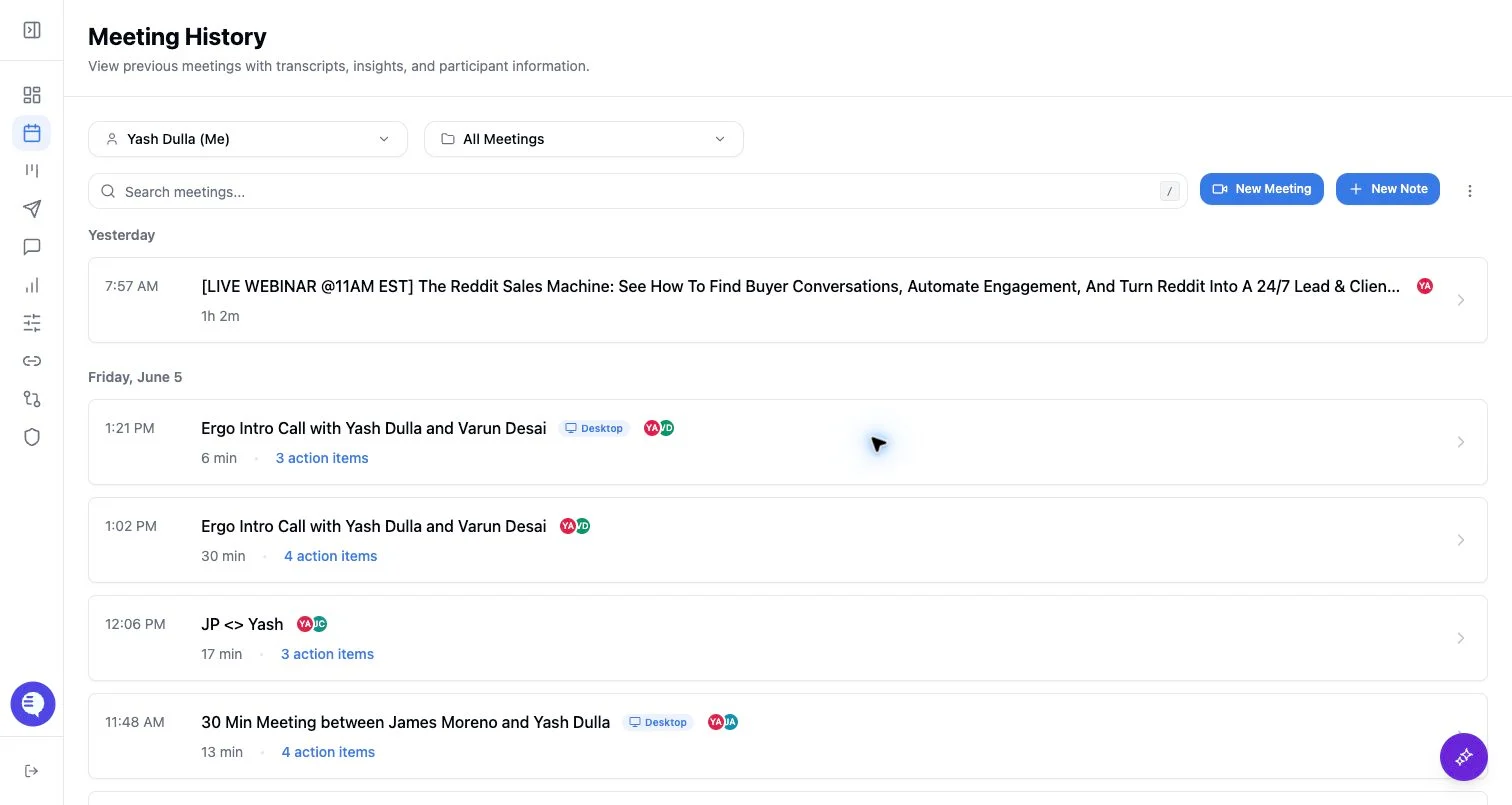
Find meetings
- Open Meetings.
- Search by title or attendee when available.
- Use filters such as owner, date, collection, folder, or source where the UI exposes them.
- Open a meeting to review video, transcript, summary, action items, clips, related records, and chat.
Folder behavior
- Folders organize meeting records for easier navigation.
- Privacy is controlled on the meeting record, not by the folder itself.
- Folders do not grant access to meetings that a user could not otherwise view.
- Deleting a meeting removes it from folders that reference it.
Visibility reminders
- Your history view is filtered by meeting access rules.
- Admins and team admins can see more meetings only when their role and grants allow it.
- Share links do not automatically make a meeting appear in every internal user’s history.