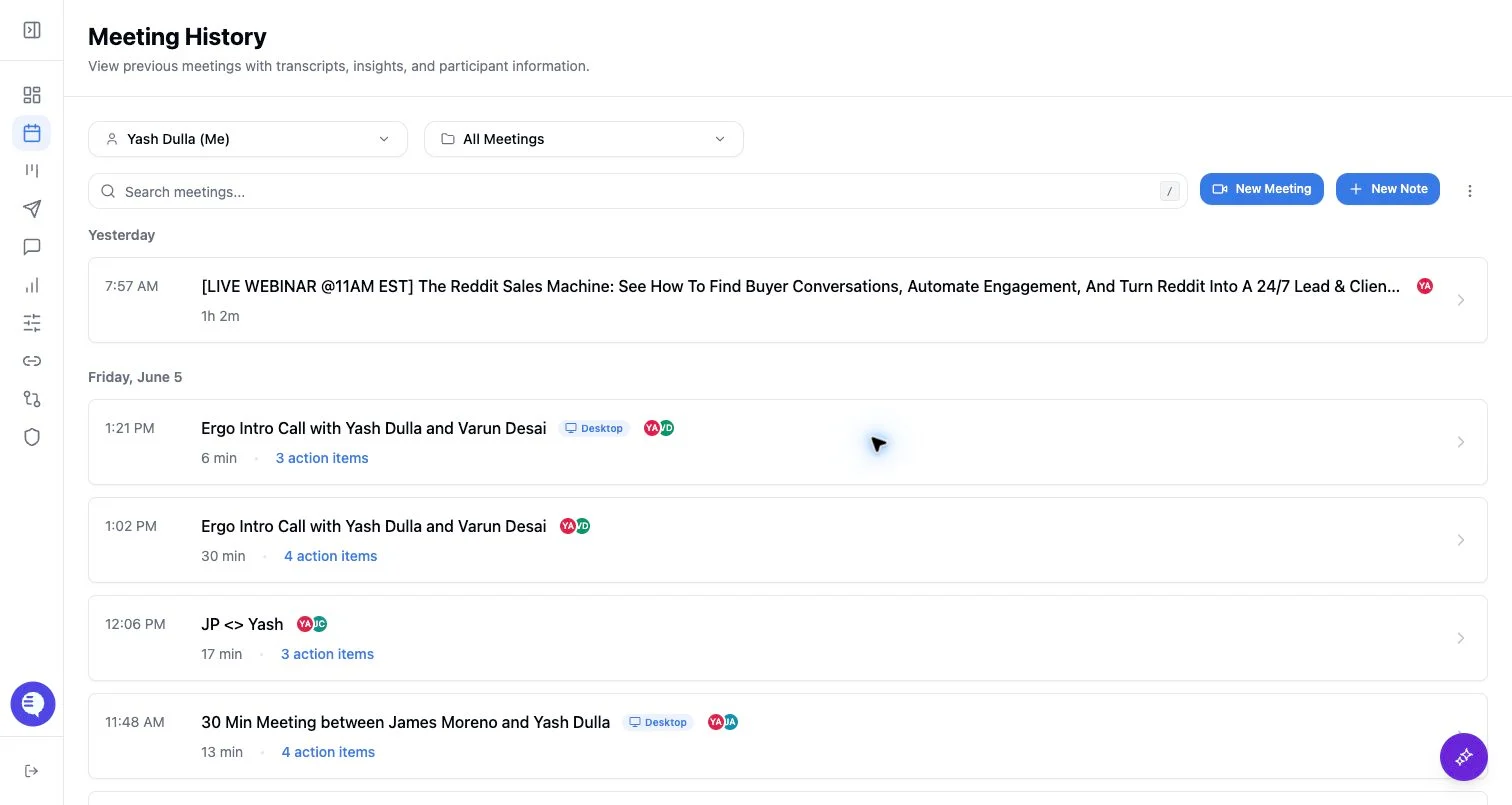
What you can review
- Video or recording playback when media is available.
- Transcript entries with speaker and timestamp context.
- Summary, action items, and generated analysis.
- Clips created from the transcript or video.
- Related deals, contacts, drafts, reporting occurrences, or automation actions when available.
- Meeting chat that answers questions using the meeting transcript.
What to check first
- Meeting source: bot, desktop recording, external upload, manual note, or another integration.
- Processing status, especially for desktop recordings.
- Whether the transcript exists before expecting summaries or AI answers.
- Visibility and privacy state before sharing.
Common issues
- A transcript exists but downstream insights are still pending.
- The recording exists but the meeting is private or not shared.
- The meeting has multiple capture sources and the expected output is attached to a different record.