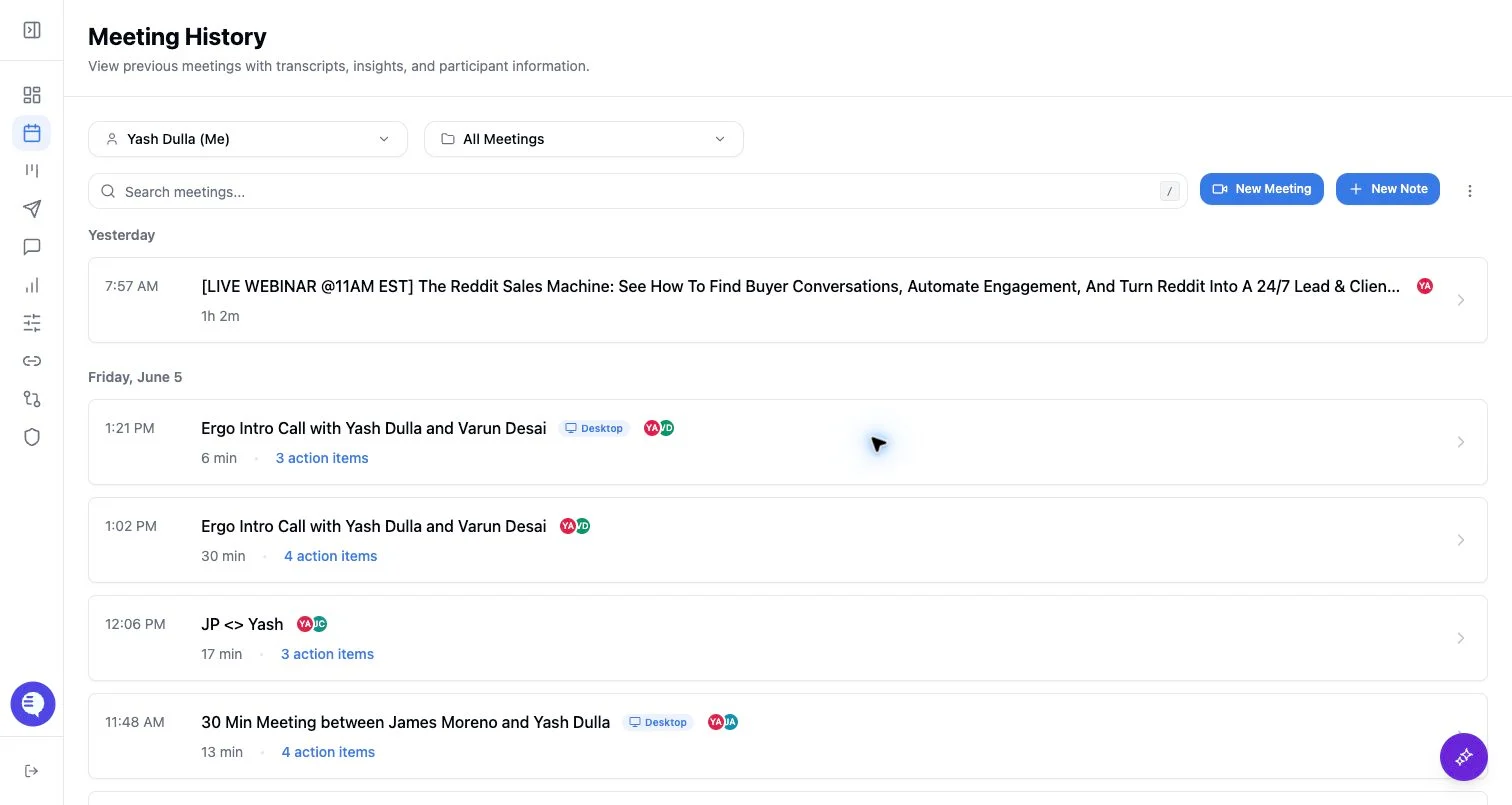
Internal visibility
- Owners can view their own meetings.
- Internal attendees can view meetings when access rules include them.
- Team admins and admins may have broader visibility depending on role, team membership, and explicit grants.
- Private meetings restrict internal visibility and can revoke existing share tokens when privacy is enabled.
Shared links
- Shared links are opened through a share token.
- Password-protected links require the password.
- Some shared access flows can require authenticated shared access instead of showing the meeting immediately.
- Revoking a share link removes the public token; it does not delete the meeting.
What to check when access fails
- Whether the user is the owner, an internal attendee, an allowed user, or an admin with the right scope.
- Whether the meeting is private.
- Whether the shared link was revoked or password-protected.
- Whether the user is trying to access a clip link instead of the full meeting link.