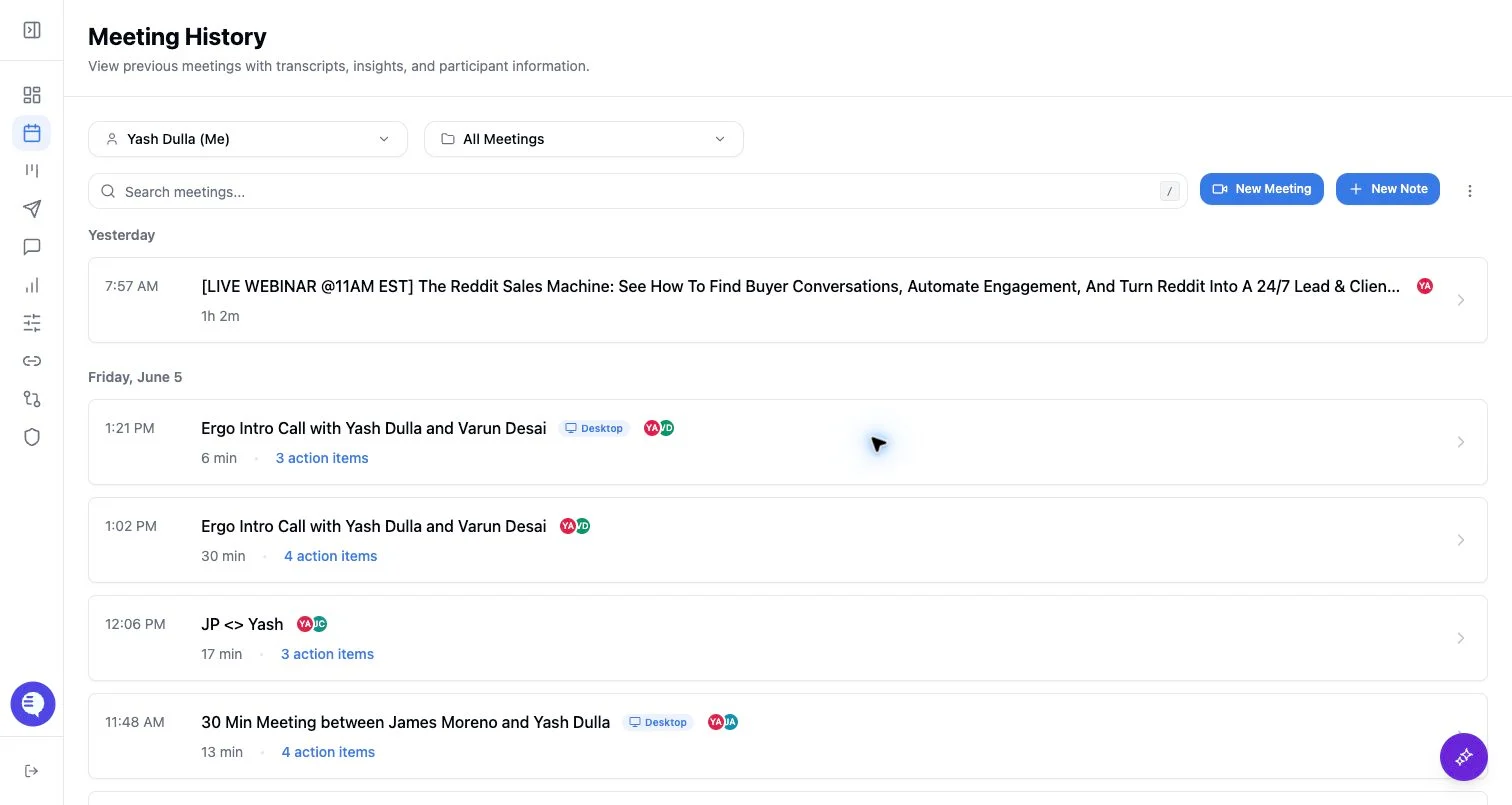
Delete a meeting
- Open the meeting record.
- Use the delete action if you have permission.
- Deletion removes the meeting record and cleans up related folder references.
- Stored media cleanup can be attempted as part of deletion, depending on source.
Retry processing
- Retry is available only for supported failed states.
- Desktop recordings can show processing or failed states that are distinct from bot meetings.
- Retry reprocesses captured data; it does not send the notetaker back into a live meeting.
- If the UI does not expose retry for a specific output, do not assume retry is supported for that state.
Before you act
- Confirm the source: bot, desktop, upload, or manual note.
- Check whether the transcript exists.
- Check whether deleting the record will remove context needed by drafts, reporting, or CRM workflows.
- If CRM fields were already updated, use the appropriate undo or correction flow separately; deleting the meeting record does not roll those CRM changes back by itself.