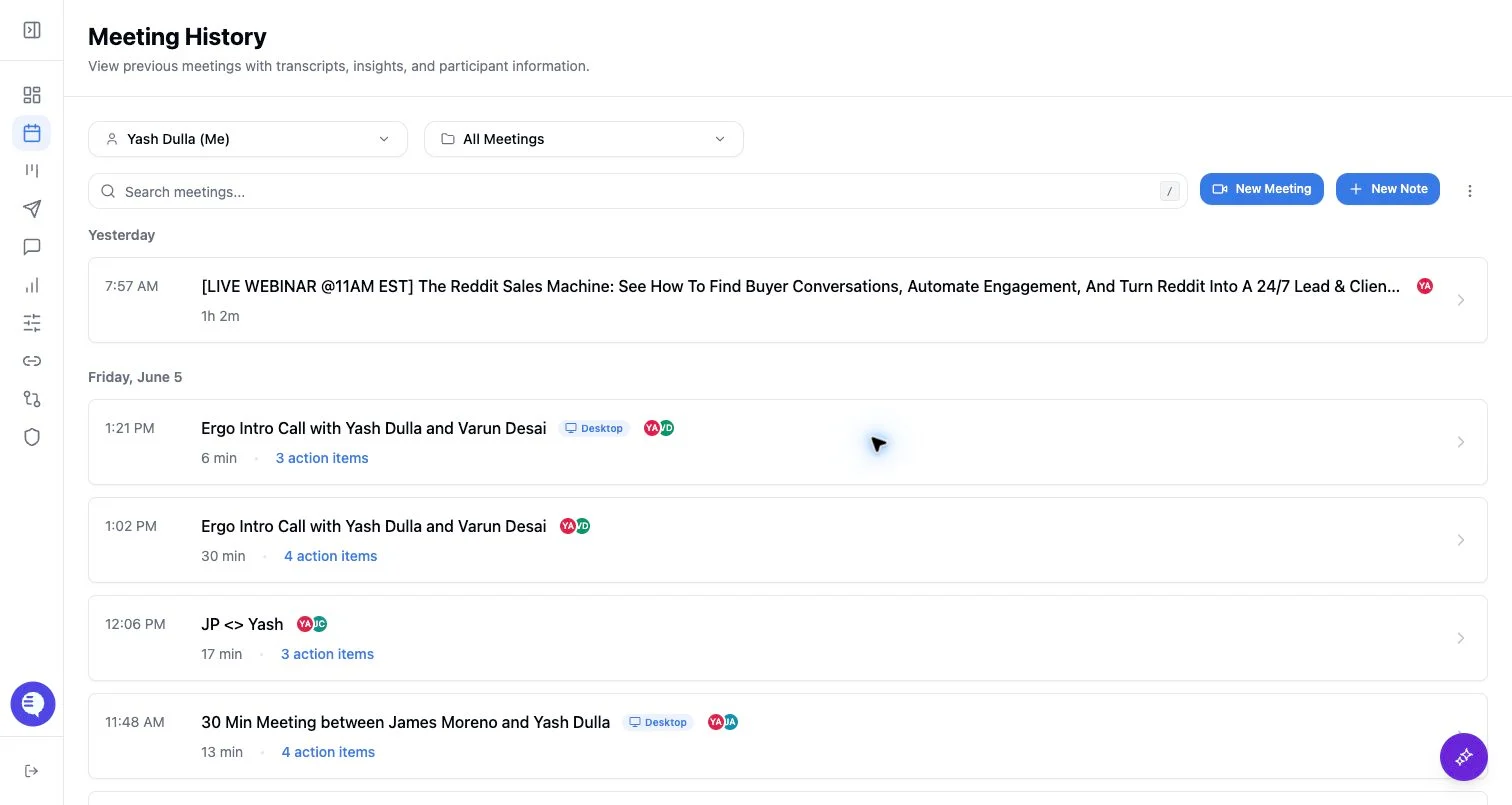
Before you start
- Connect your calendar before relying on the upcoming meetings list.
- Check that the event has a supported meeting link, such as Zoom, Google Meet, or Microsoft Teams.
- Treat the calendar event, notetaker schedule, live bot status, and completed meeting record as separate states.
Check an upcoming meeting
- Open the dashboard or Meetings.
- Choose the calendar you want to inspect if you have more than one connected calendar.
- Find the event and confirm the time, attendees, meeting link, and notetaker toggle.
- If the meeting is happening now or starting soon, check whether the bot is joining, waiting, recording, or removable.
What Ergo shows
- Upcoming calendar events are fetched from the connected calendar and refreshed regularly.
- Scheduled notetakers are checked separately from calendar events, so a calendar meeting can appear even when the notetaker is not scheduled.
- Live bot state can show joining, waiting room, recording, not recording, removed, or scheduled depending on what Ergo receives from the notetaker service.
- Pre-call briefings may appear separately from the notetaker state.
Common reasons a meeting is missing
- The calendar account is disconnected or the grant expired.
- The selected calendar is not the calendar that owns the event.
- The meeting has no supported conferencing URL.
- The meeting was created or changed too close to the start time for the calendar sync to pick it up before the call.