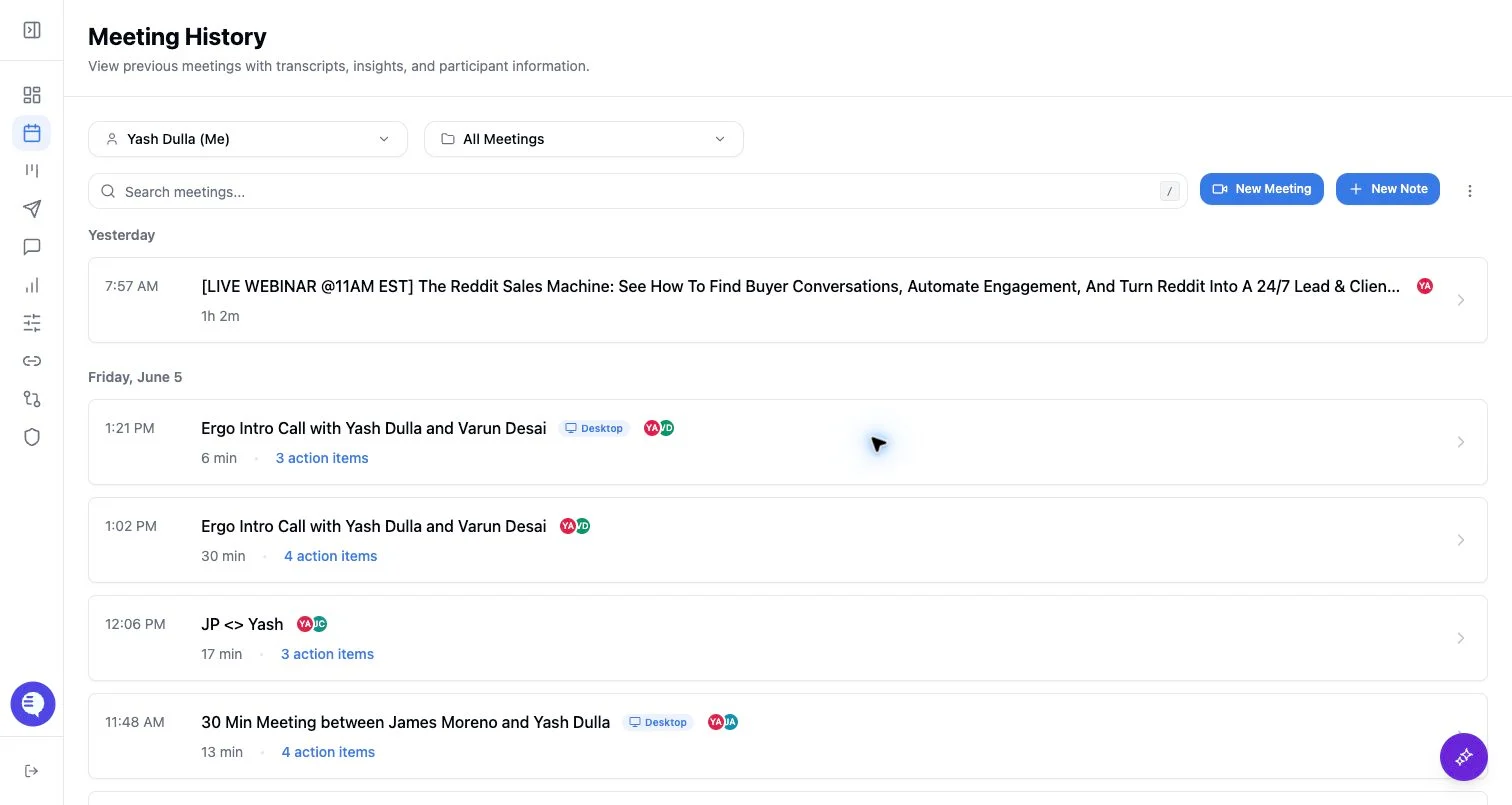
Create a clip
- Open the meeting detail page.
- Select the segment or transcript range you want to clip.
- Save the clip and review it before sharing.
Share a clip
- Use the clip share action to generate a clip-specific share link.
- Add or remove a clip password when needed.
- Revoke the clip share link when it should no longer be accessible.
Important differences from meeting sharing
- Clip share links are separate from full meeting share links.
- Revoking a clip link does not delete the clip or revoke the full meeting link.
- Shared clip access can require authentication or password validation depending on the clip settings.