Who can manage it
- Super admins can enable or disable time-based deletion.
- The retention value must be at least one day.
Turn it on
- Open the notetaker settings menu from upcoming meetings.
- Toggle Time-Based Deletion.
- Enter the number of days to retain meetings.
- Save and verify the displayed setting.
What to expect
- The setting applies at the organization level.
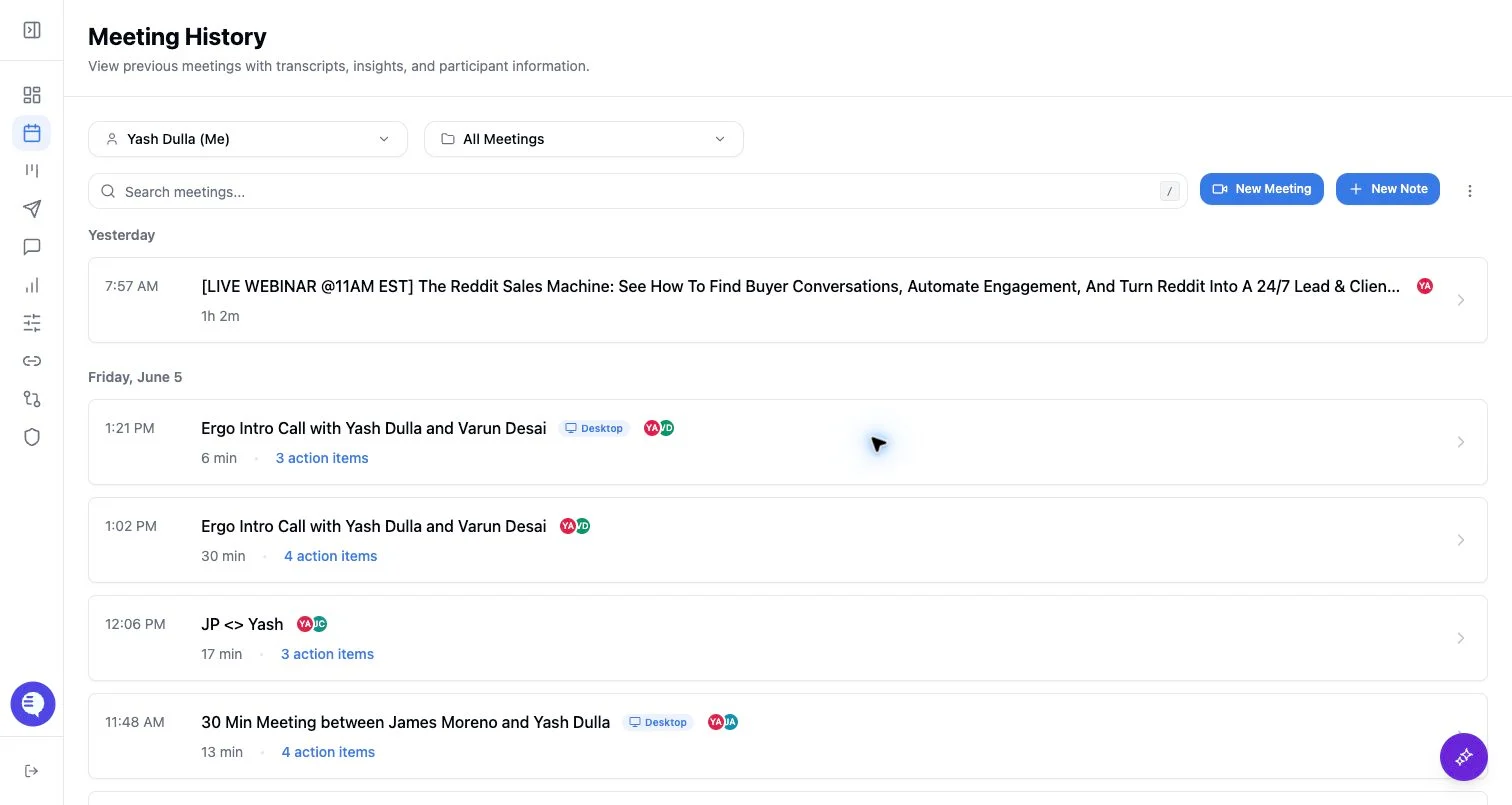
- Deleted meeting records are removed from meeting history.
- Deletion is separate from notetaker scheduling, sharing, summary emails, and CRM or draft outputs that may already exist.