Who can use this
- Admins and RevOps teams configuring the CRM connection.
- Operators who need to confirm Salesforce permissions before enabling field mapping or CRM updates.
Before you start
- Use a Salesforce account that has access to the objects, fields, owners, and pipeline data Ergo should use.
- Confirm required Salesforce validation rules and stage gates before enabling automated updates.
- Finish field mapping before relying on CRM writebacks or stage movement.
- Treat historical backfills as reviewable. Live data after setup is usually cleaner than old meetings processed before configuration was complete.
Steps
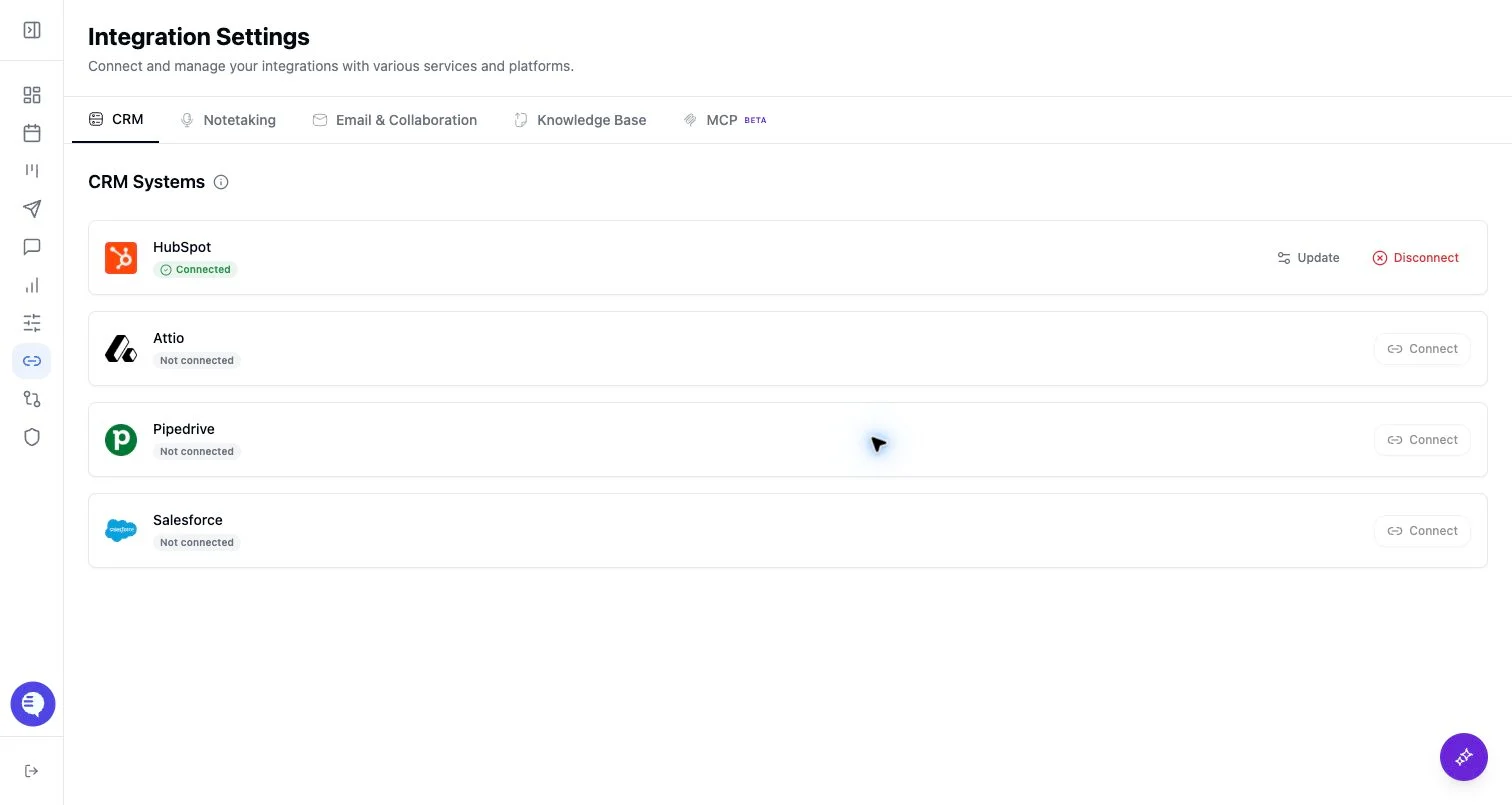
- Open Integrations and select Salesforce.
- Start the OAuth flow and approve the requested Salesforce access.
- Return to Ergo and confirm Salesforce appears connected.
- Review CRM properties, pipeline stages, and property permissions with your admin.
- Run a small verification workflow before enabling broad CRM updates or backfill.
What to expect
- Ergo can use Salesforce data for deal/account context, field mapping, CRM matching, and CRM update workflows.
- Salesforce validation rules, required fields, object permissions, and field-level permissions can block specific writes. Ergo should not be described as overriding Salesforce controls.
- Recording links and meeting notes may be written through configured CRM automation paths, but exact destinations depend on your field mapping and Salesforce configuration.
- Aggregated analysis and AI summaries remain in Ergo unless a specific field or activity writeback has been configured.
Common issues
- OAuth completed with an account that cannot access the target object, owner, or field.
- Salesforce validation rules block a stage or field update.
- Picklist values, internal IDs, or field types changed after field mapping was configured.
- A backfill created noisy records that need review before teams rely on them.