Who can use this
- Admins and operators configuring dialer ingestion.
- Users validating whether Salesfinity calls appear in Ergo.
Before you start
- Confirm the Salesfinity Dialer integration is enabled for your workspace.
- Have the Salesfinity API key ready.
- Review whether your workspace treats this integration as beta.
Steps
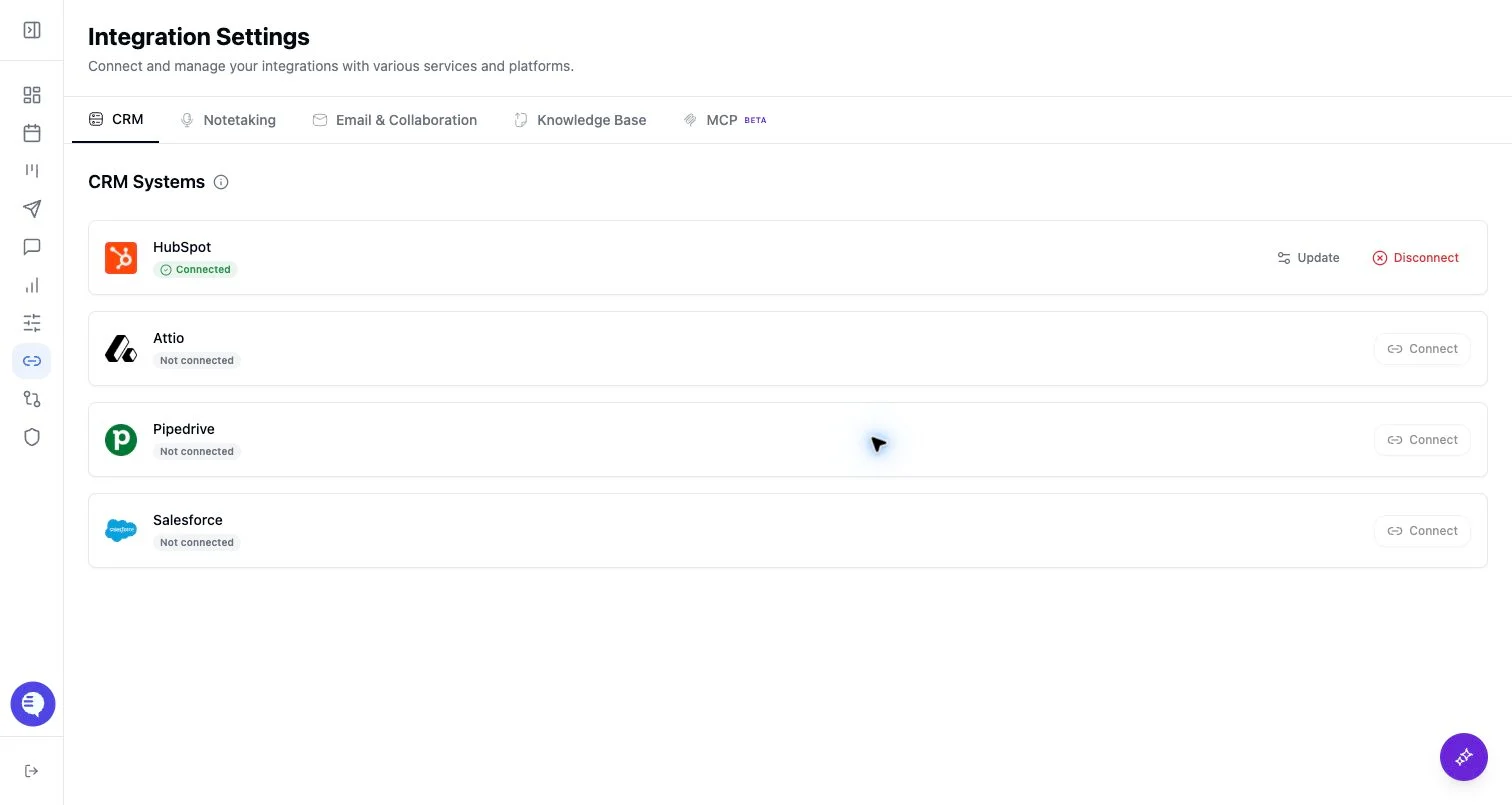
- Open Integrations and select Salesfinity Dialer.
- Paste the Salesfinity API key.
- Confirm Salesfinity appears connected.
- Test with one completed call before relying on broad sync.
What to expect
- Salesfinity is feature-gated and marked beta in the integration metadata.
- Ergo stores the API key and depends on downstream call-log and recording sync behavior.
- Do not promise complete backfill or every call until a test call has been verified.
Common issues
- The feature flag is not enabled for the workspace.
- The API key is invalid or lacks access.
- The call did not include the recording or metadata needed for downstream processing.