Who can use this
- Admins and RevOps teams configuring CRM access.
- Operators validating Pipedrive activity and field behavior.
Before you start
- Generate the API token from the Pipedrive user account that should authorize Ergo.
- Confirm the token can access the expected pipelines, deals, people, organizations, fields, and activity types.
- Review field mapping before enabling CRM update workflows.
Steps
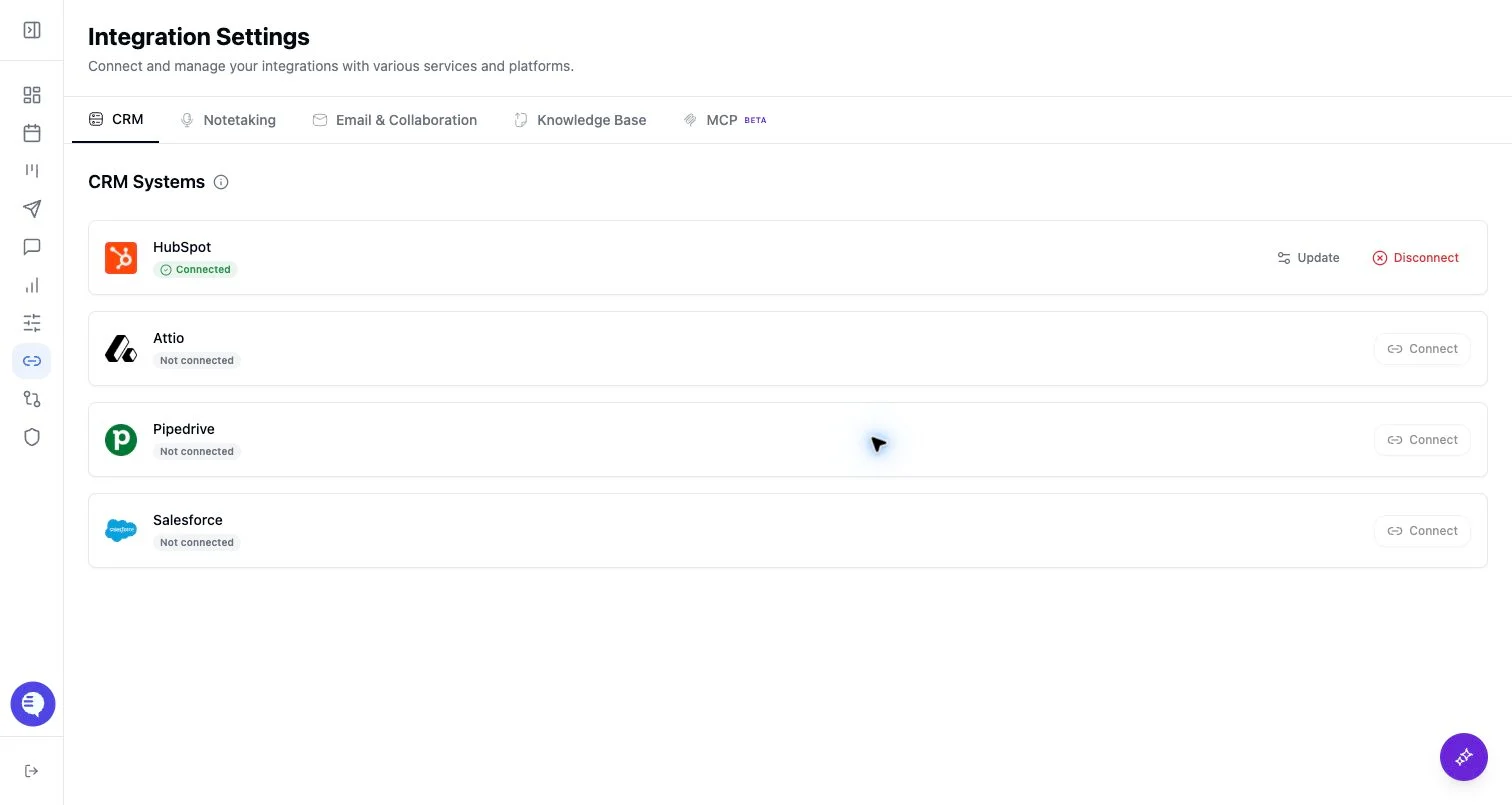
- Open Integrations and select Pipedrive.
- Paste the Pipedrive API token.
- Confirm Pipedrive appears connected.
- Verify the relevant pipeline, stage, field, and activity behavior before broad rollout.
What to expect
- Ergo can use Pipedrive CRM data for configured deal context, field mapping, matching, and activity write paths.
- Pipedrive token permissions, activity types, and pipeline setup affect what Ergo can read or write.
- Do not assume every Pipedrive activity type exists by default. Validate call, email, and task activity types during setup.
Common issues
- The API token belongs to a user without access to the target pipeline or field.
- Required activity types are missing or named differently.
- A Pipedrive field or stage changed after field mapping.