Who can use this
- Admins and operators configuring dialer ingestion.
- Users validating whether Outreach calls appear in Ergo.
Before you start
- Confirm the Outreach Dialer integration is enabled for your workspace.
- Connect with the Outreach account your team expects to authorize call data.
- Confirm your Outreach call events include the recording URL required for processing.
Steps
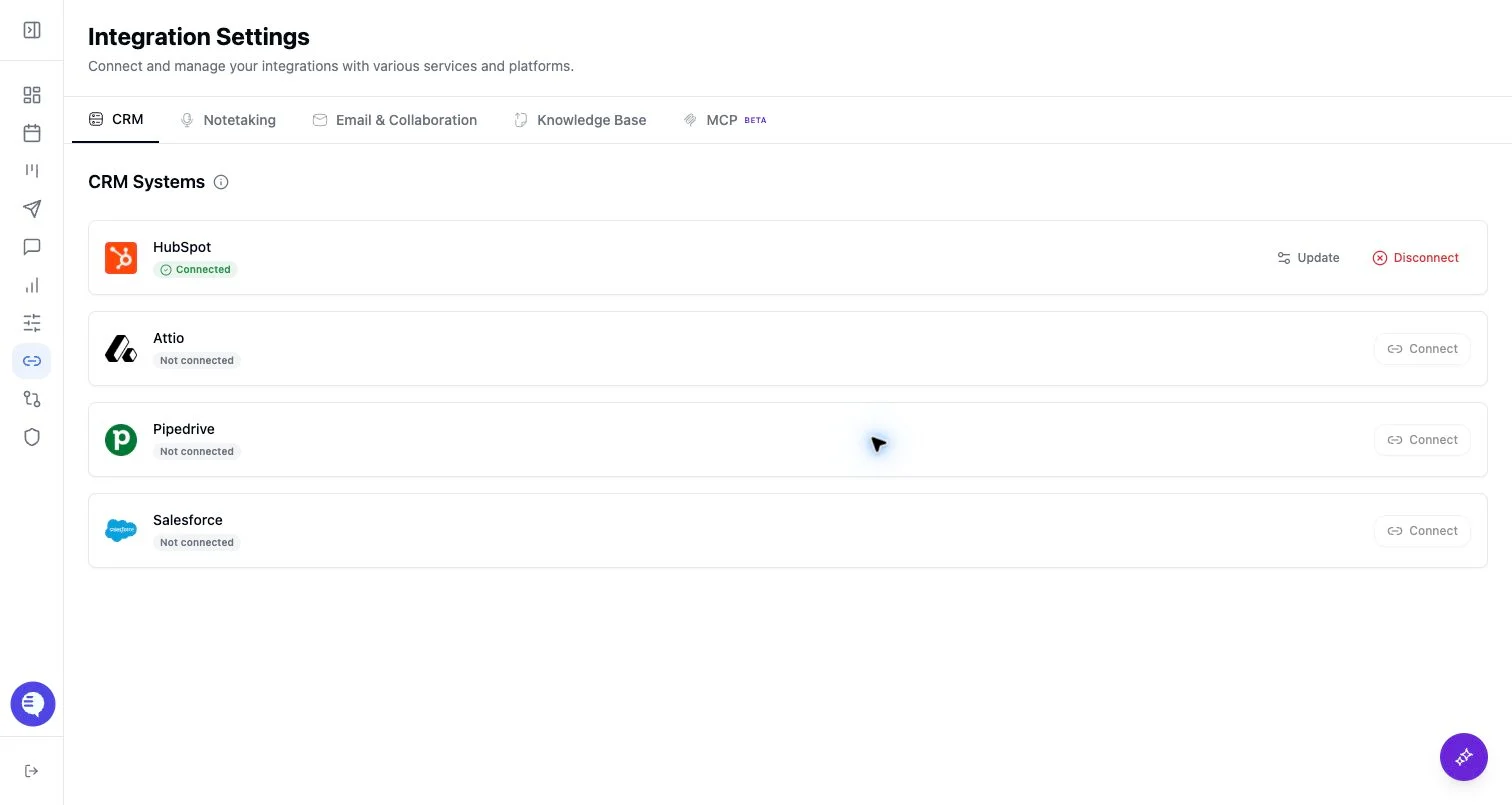
- Open Integrations and select Outreach Dialer.
- Complete the OAuth flow.
- Confirm Outreach appears connected.
- Test with one completed call that includes a recording URL.
What to expect
- Outreach is feature-gated and OAuth-based.
- Ergo processing depends on Outreach sending a supported call event with a recording URL.
- This integration is for Outreach Dialer call data, not Outreach-sequenced emails; connect Google Workspace or Microsoft 365 for email context.
- Calls may be delayed until the recording URL is available.
Common issues
- The workspace does not have the Outreach Dialer feature enabled.
- Outreach sent a call event before the recording URL was ready.
- The call could not be matched to the expected Ergo user or record.