Who can use this
- Admins and operators configuring dialer ingestion.
- Users validating whether Nooks calls appear in Ergo.
Before you start
- Confirm the Nooks Dialer integration is enabled for your workspace.
- Copy the webhook URL shown in Ergo.
- Have the Nooks webhook signing key ready.
Steps
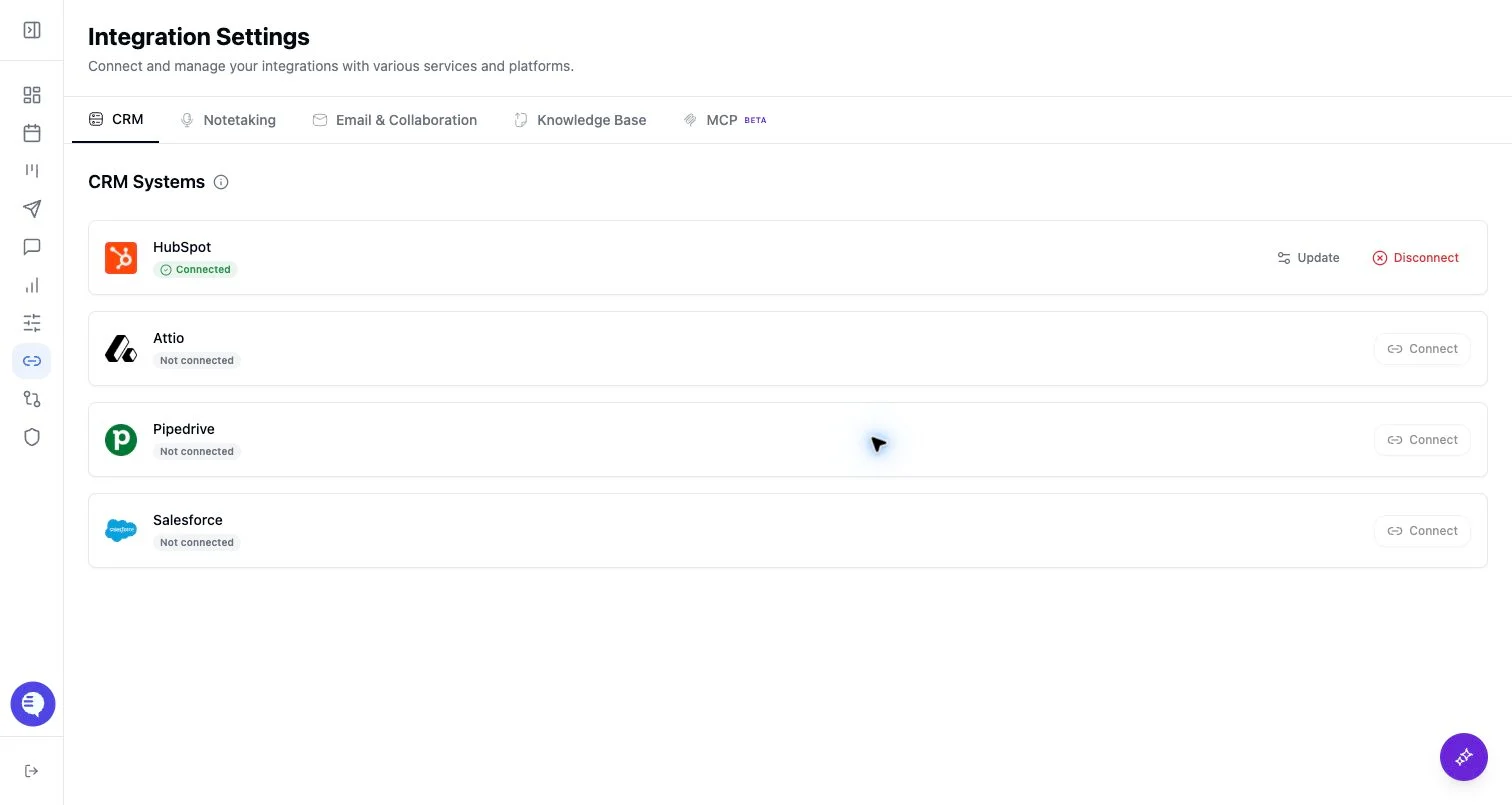
- Open Integrations and select Nooks Dialer.
- Open the Nooks setup modal.
- Copy the webhook URL into Nooks.
- Save the Nooks webhook signing key in Ergo.
- Confirm the status shows connected and test one call.
What to expect
- Nooks is feature-gated and uses an org-level API key/webhook pattern.
- The connection status depends on the saved signing key and webhook setup.
- Call availability depends on Nooks sending a supported payload.
Common issues
- The feature flag is not enabled for the workspace.
- The webhook URL or signing key was copied incorrectly.
- Nooks sent a payload Ergo could not verify or match.