Who can use this
- Admins and technical operators setting up external agent access.
- Users who have been given an approved MCP setup path by their team.
Before you start
- Confirm the MCP tab or setup instructions are enabled for your workspace.
- Use the account whose Ergo context the external agent should access.
- Review what the external client will be allowed to ask or retrieve before connecting.
Steps
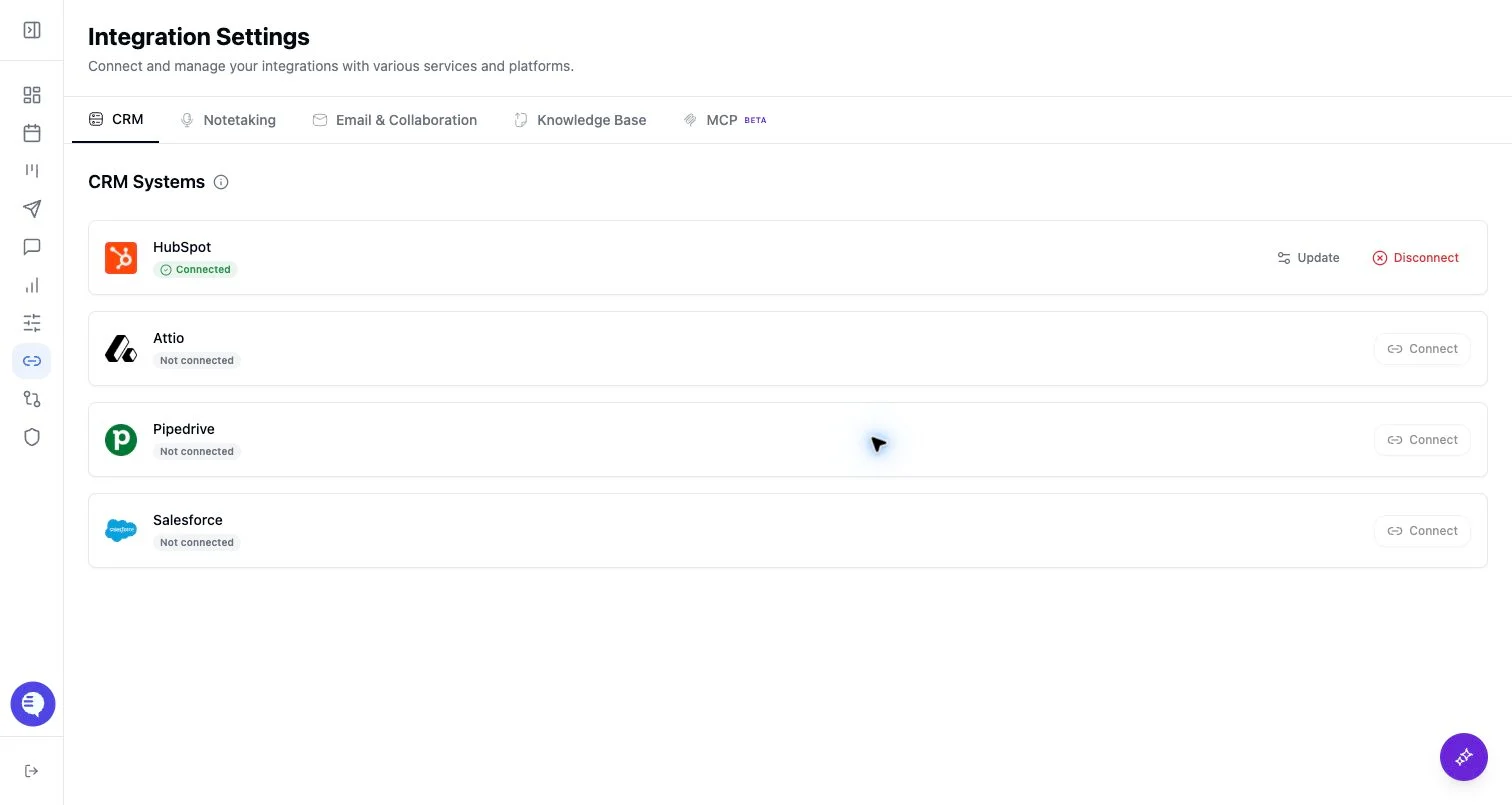
- Open Integrations and find the MCP or external agent setup area.
- Copy the MCP URL or client-specific setup command shown in Ergo.
- Complete OAuth in the external client.
- Ask a small test question and verify the answer uses the expected Ergo context.
What to expect
- MCP access is permission-aware and tied to the authenticated Ergo user.
- External clients may expose setup, login, or reconnect flows differently.
- If the MCP tab or command is not visible, treat the feature as unavailable for that workspace until enabled.
Common issues
- The workspace does not have MCP access enabled.
- OAuth was completed with the wrong Ergo user.
- The external client cached an old MCP configuration and needs reconnect.