Who can use this
- Users connecting their Granola account.
- Operators validating Granola source status and duplicate notetaker behavior.
Before you start
- Confirm the Granola integration is enabled for your workspace.
- Decide whether you are connecting Granola through OAuth/MCP or an API token.
- Avoid enabling multiple notetaker sources without checking duplicate behavior.
Steps
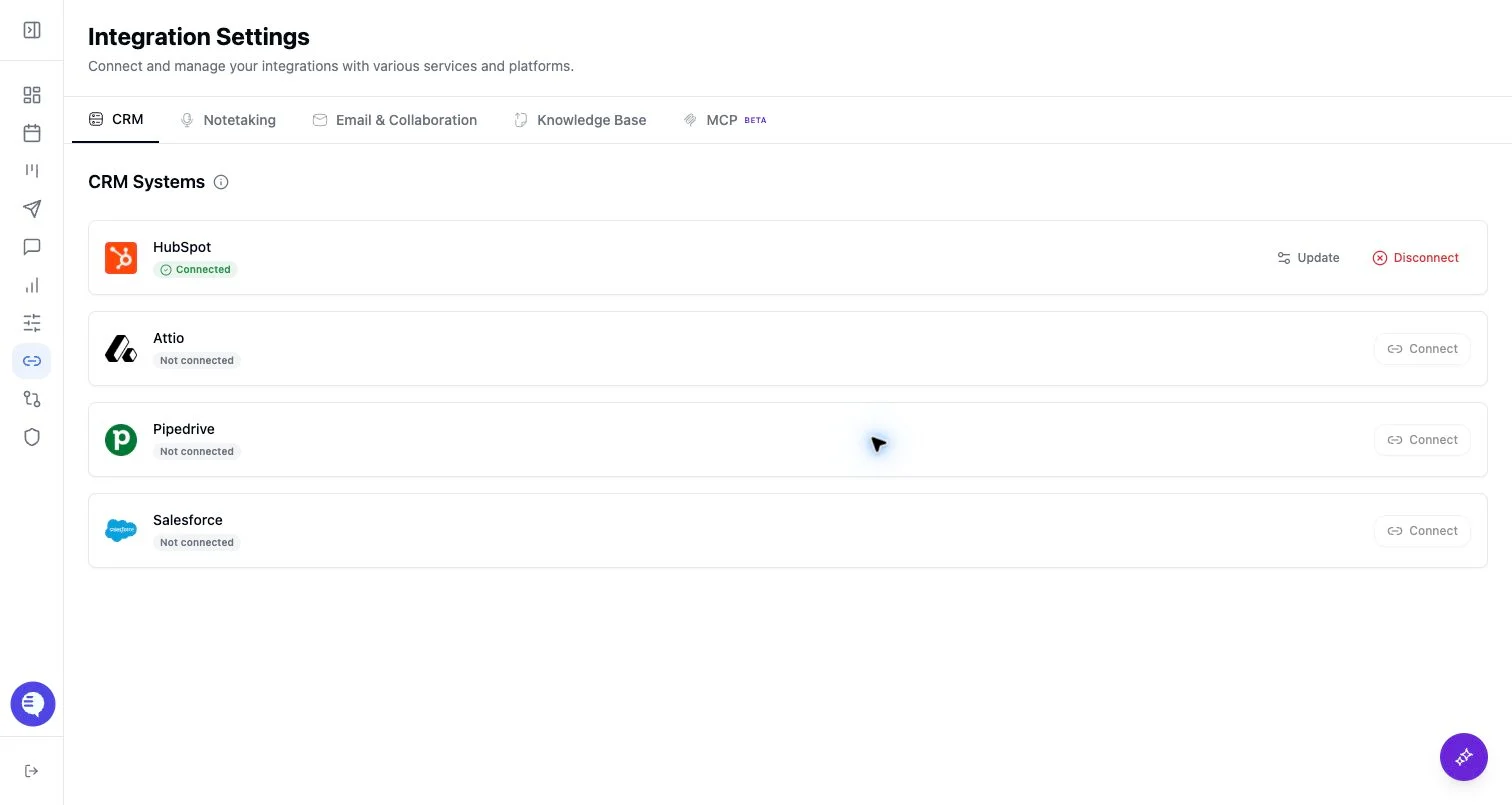
- Open Integrations and select Granola.
- Choose the Granola connection method shown in Ergo.
- Complete OAuth or paste the personal API token.
- Confirm the connection status and preferred source.
- Test with one Granola note before relying on broader import.
What to expect
- Ergo tracks Granola connection state per source, including OAuth/MCP and API-token sources.
- Token refresh and polling behavior happen behind the scenes, but revoked or expired credentials can stop imports.
- Granola notes are imported when they are available through the connected source and have not already been processed.
Common issues
- The Granola token was revoked or expired.
- Both OAuth/MCP and API token sources are connected and the wrong source is preferred.
- A Granola note was already imported or is still pending.