Who can use this
- Admins and operators configuring a Gong-based notetaker source.
- Users validating whether Gong meetings are appearing in Ergo.
Before you start
- Confirm your workspace has access to the Gong integration.
- Have the credentials or JWT key requested by the integration panel.
- Decide how Gong should coexist with Ergo Notetaker, Ergo Desktop, and other third-party notetakers.
Steps
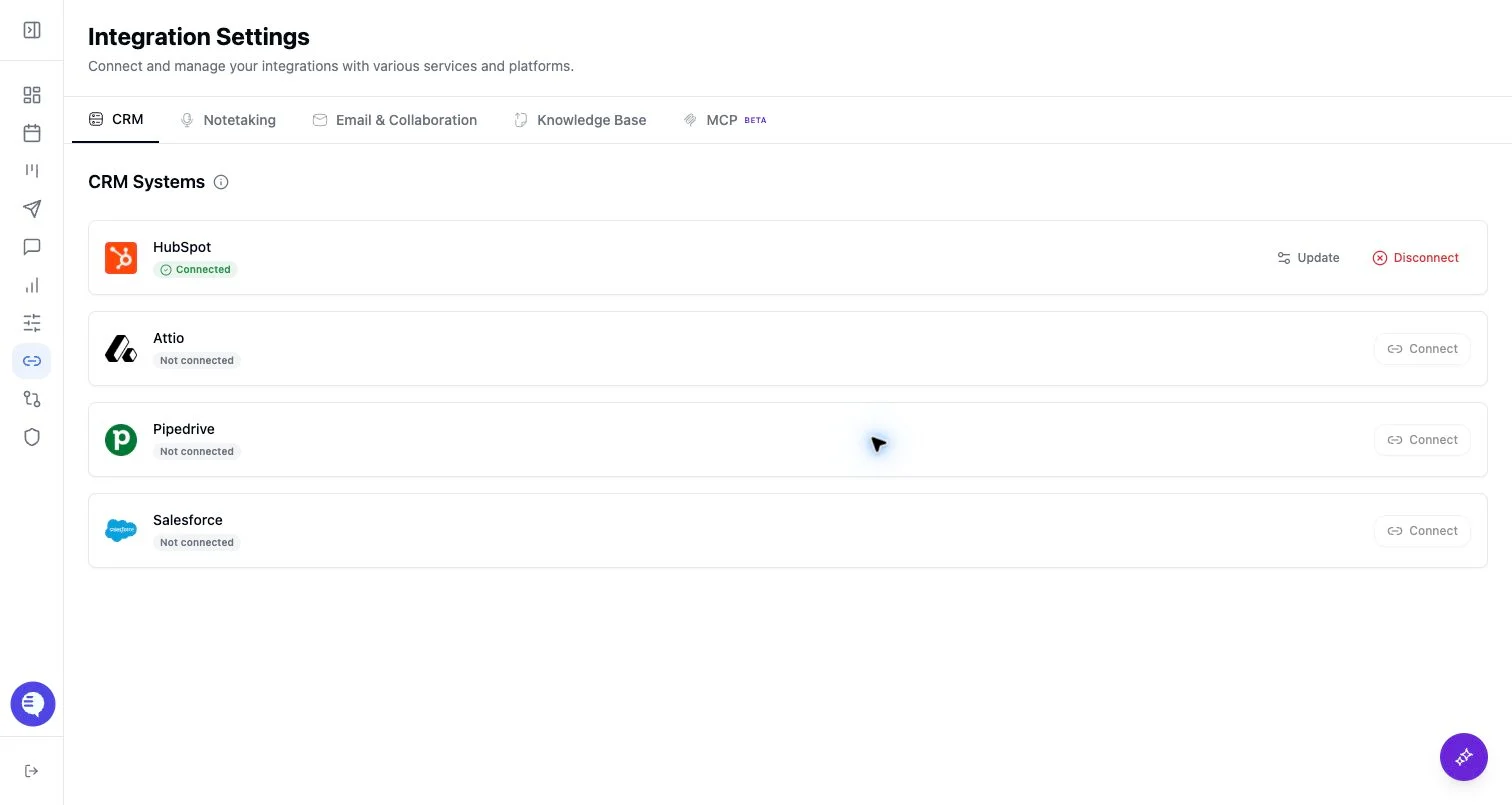
- Open Integrations and select Gong.
- Complete the OAuth or credential flow shown in Ergo.
- If prompted, provide the signed JWT key used for webhook verification.
- Confirm Gong appears connected and test with a known meeting.
What to expect
- Gong is treated as a notetaker/recording source.
- Connection state may depend on both org-level OAuth and the JWT key required for webhooks.
- Duplicate recordings can happen if another notetaker source captures the same call.
Common issues
- The JWT key is missing or incorrect.
- Gong is connected but the specific meeting was not delivered or matched.
- Another notetaker source captured the same meeting.