Who can use this
- Admins and operators configuring third-party notetaker ingestion.
- Users validating Fireflies meetings in Ergo.
Before you start
- Confirm your Fireflies plan supports the webhook setup your team needs.
- Have the Fireflies API key and webhook signing secret ready.
- Decide how Fireflies should coexist with other notetaker sources.
Steps
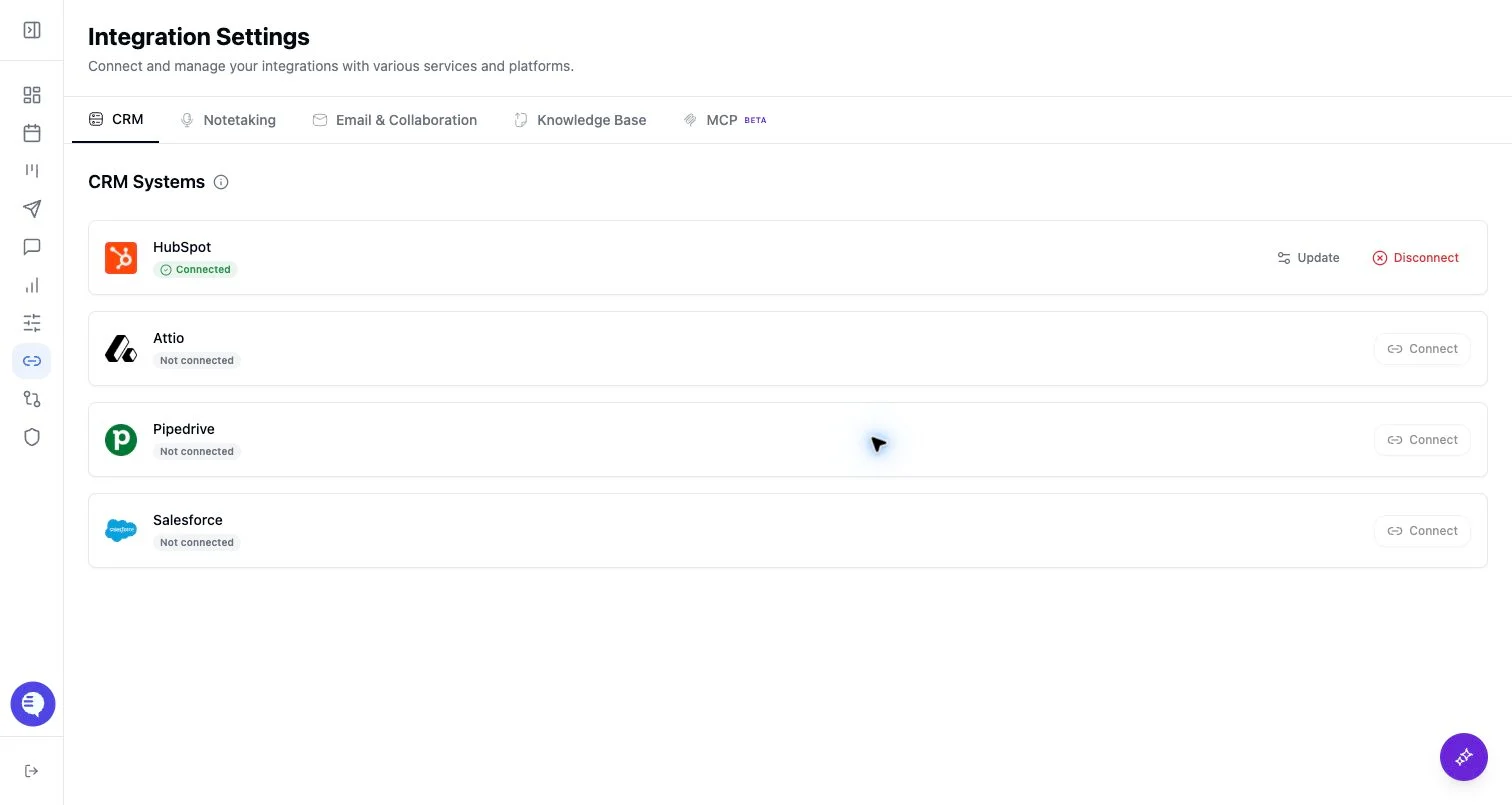
- Open Integrations and select Fireflies.
- Follow the Fireflies instructions shown in Ergo.
- Paste the API key and webhook secret.
- Subscribe the Fireflies webhook to the meeting events required by the integration panel.
- Confirm a test Fireflies meeting appears in Ergo.
What to expect
- Ergo validates the Fireflies API key before saving it.
- The webhook signing secret is checked when Fireflies sends signed webhook payloads.
- Fireflies data still depends on Fireflies delivering transcript and summary events.
Common issues
- The Fireflies API key is invalid.
- The webhook secret in Fireflies does not match the value saved in Ergo.
- Fireflies sent only part of the meeting data or another notetaker source already captured the call.