Who can use this
- Users and operators configuring Fathom ingestion.
- Admins reviewing third-party notetaker overlap.
Before you start
- Confirm your workspace has access to the Fathom integration.
- Follow the Fathom-specific instructions shown in Ergo.
- Decide how Fathom should coexist with other notetakers.
Steps
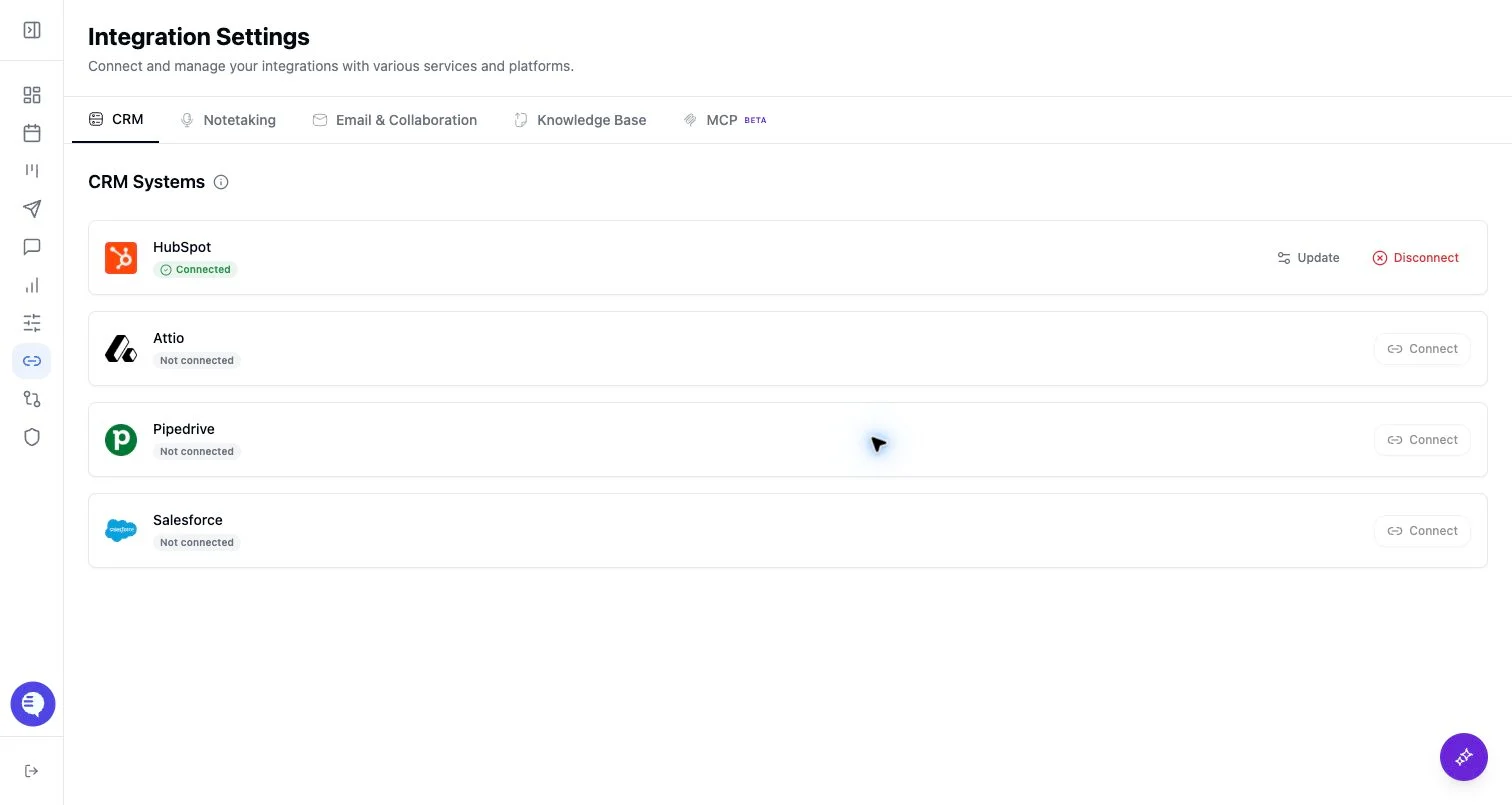
- Open Integrations and select Fathom.
- Follow the instructions shown in the Fathom panel.
- Save the required secret or credential in Ergo.
- Test with a known Fathom recording and verify it appears in Ergo.
What to expect
- Fathom webhook verification depends on the saved secret and supported webhook payloads.
- Ergo may skip a Fathom payload if the recorded-by email cannot be mapped to the expected Ergo user.
- Duplicate-source review is important if another notetaker records the same meeting.
Common issues
- The webhook secret does not match.
- The recorded-by email is not mapped to the Ergo user.
- The Fathom payload is valid but another notetaker source already captured the meeting.