Who can use this
- Admins and users setting up cloud meeting capture.
- Operators verifying notetaker name, language, and meeting scheduling behavior.
Before you start
- Connect email/calendar if you expect calendar-based scheduling.
- Decide whether the cloud bot, desktop recorder, or a third-party notetaker should be the primary source.
- Review recording disclosure and waiting-room expectations for your team.
Steps
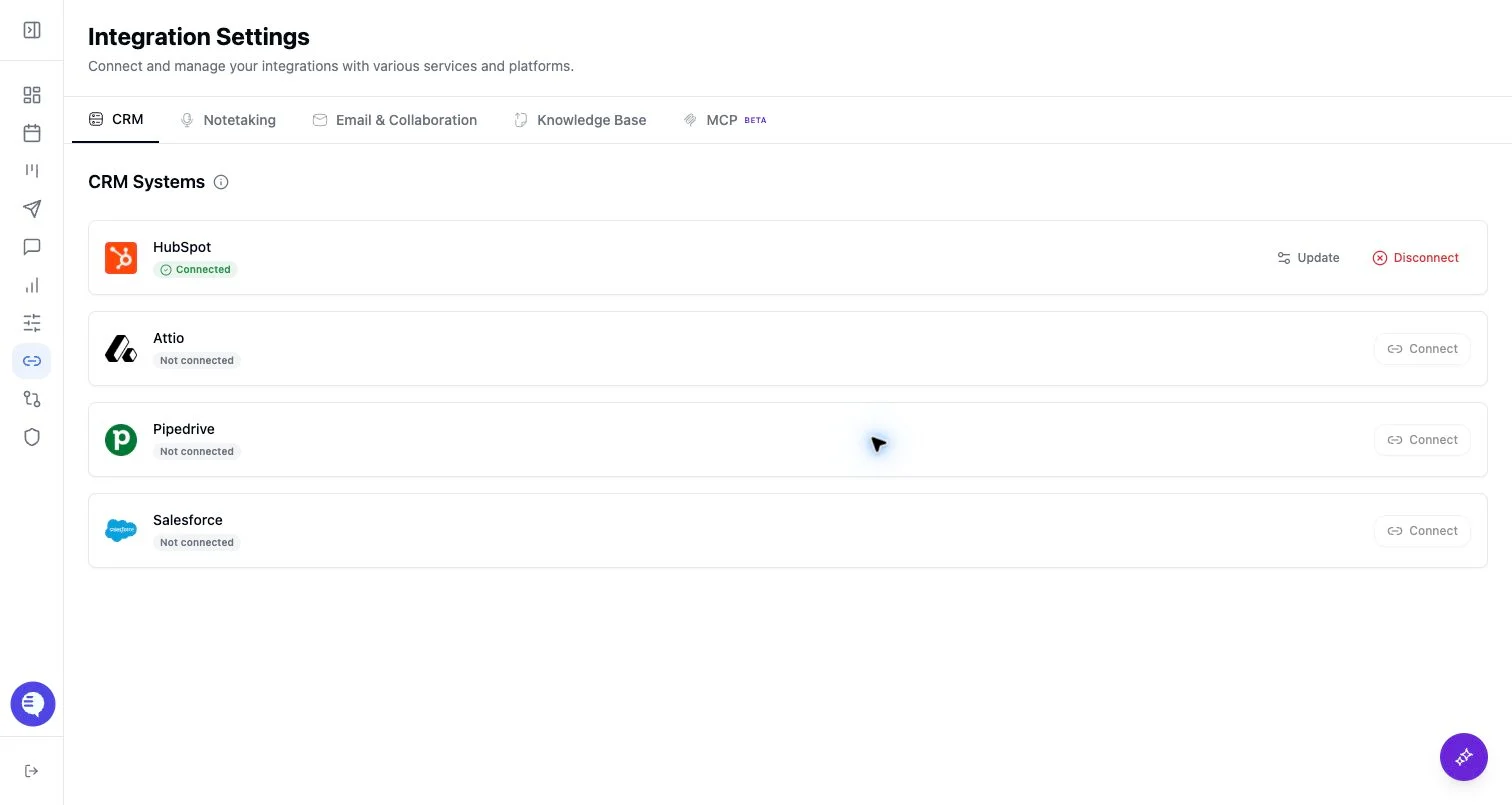
- Open Integrations and select Ergo Notetaker.
- Configure the notetaker settings shown in the panel.
- Confirm upcoming meetings appear as expected.
- Use the Meetings area to schedule, cancel, or add the bot to a live meeting when needed.
What to expect
- The cloud notetaker appears in the meeting as a bot participant.
- Calendar visibility, meeting URL support, waiting-room admission, and team settings affect whether it joins.
- If another notetaker source is enabled, review duplicate-source behavior before broad rollout.
Common issues
- The calendar event is missing or has no supported meeting link.
- The bot was not admitted from the waiting room.
- Another notetaker source already captured the meeting.