Who can use this
- Users and operators configuring Circleback automation delivery.
- Admins reviewing third-party notetaker overlap.
Before you start
- Have access to Circleback automations.
- Copy the webhook URL and sign-in secret shown in Ergo.
- Decide how Circleback should coexist with other notetaker sources.
Steps
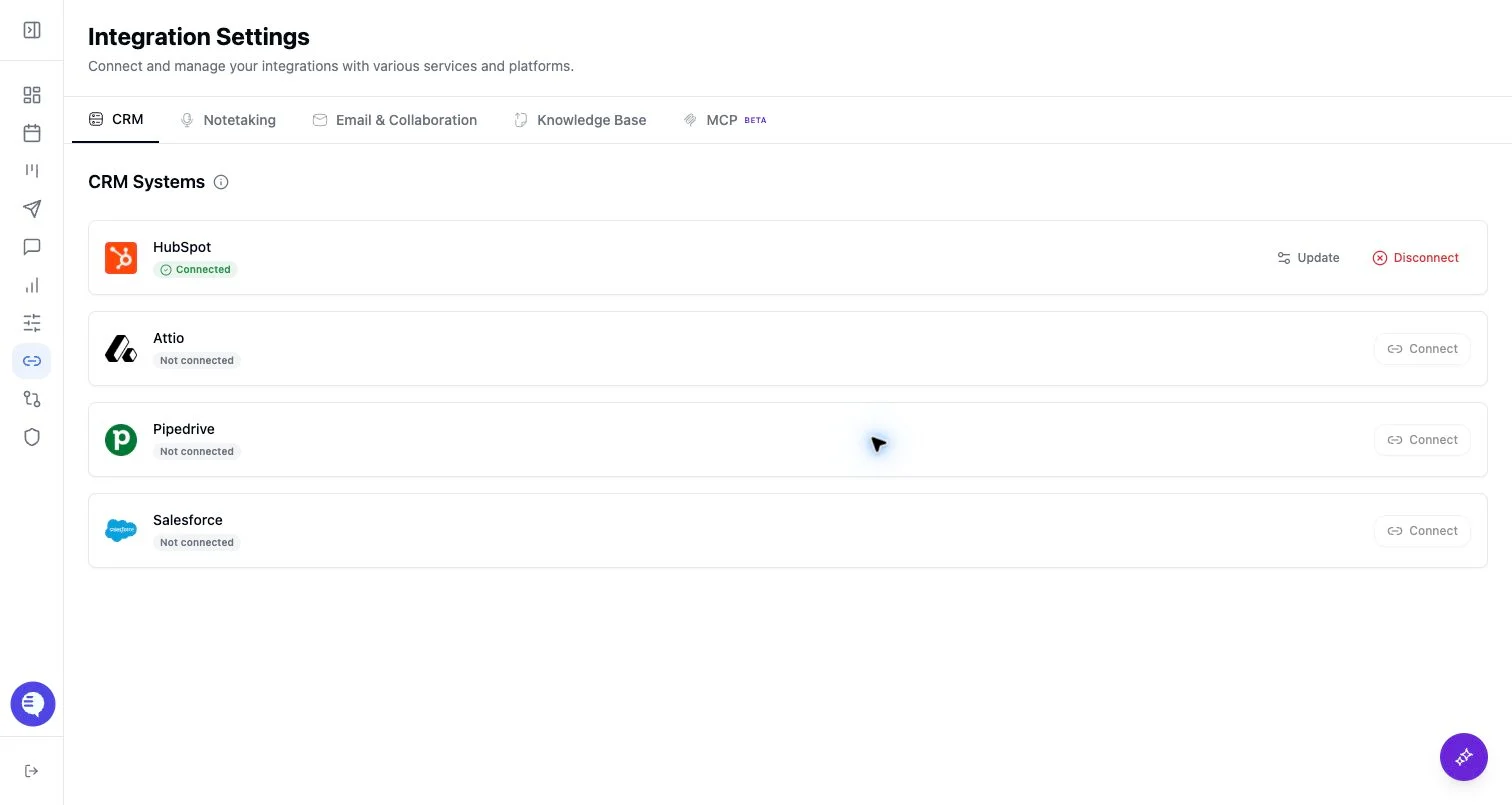
- Open Integrations and select Circleback.
- Copy the webhook URL shown in Ergo.
- In Circleback, create an automation that sends meeting notes, transcript, and action items to the webhook after meetings.
- Paste the Circleback sign-in secret in Ergo and connect.
- Test with one meeting.
What to expect
- Circleback delivery depends on the Circleback automation firing after the meeting.
- Ergo processes the payload it receives; missing transcript, notes, or action items in Circleback can limit downstream output.
- Duplicate-source review is important if another notetaker also records the same call.
Common issues
- The webhook URL was copied incorrectly.
- Circleback automation does not include the expected notes, transcript, or action items.
- A meeting is delivered more than once or another notetaker source already captured it.