Who can use this
- Users and operators configuring a BlueDot source.
- Admins reviewing third-party notetaker overlap.
Before you start
- Confirm your workspace has access to the BlueDot integration.
- Have the BlueDot sign-in secret required by the integration panel.
- Decide whether BlueDot should be enabled alongside other notetakers.
Steps
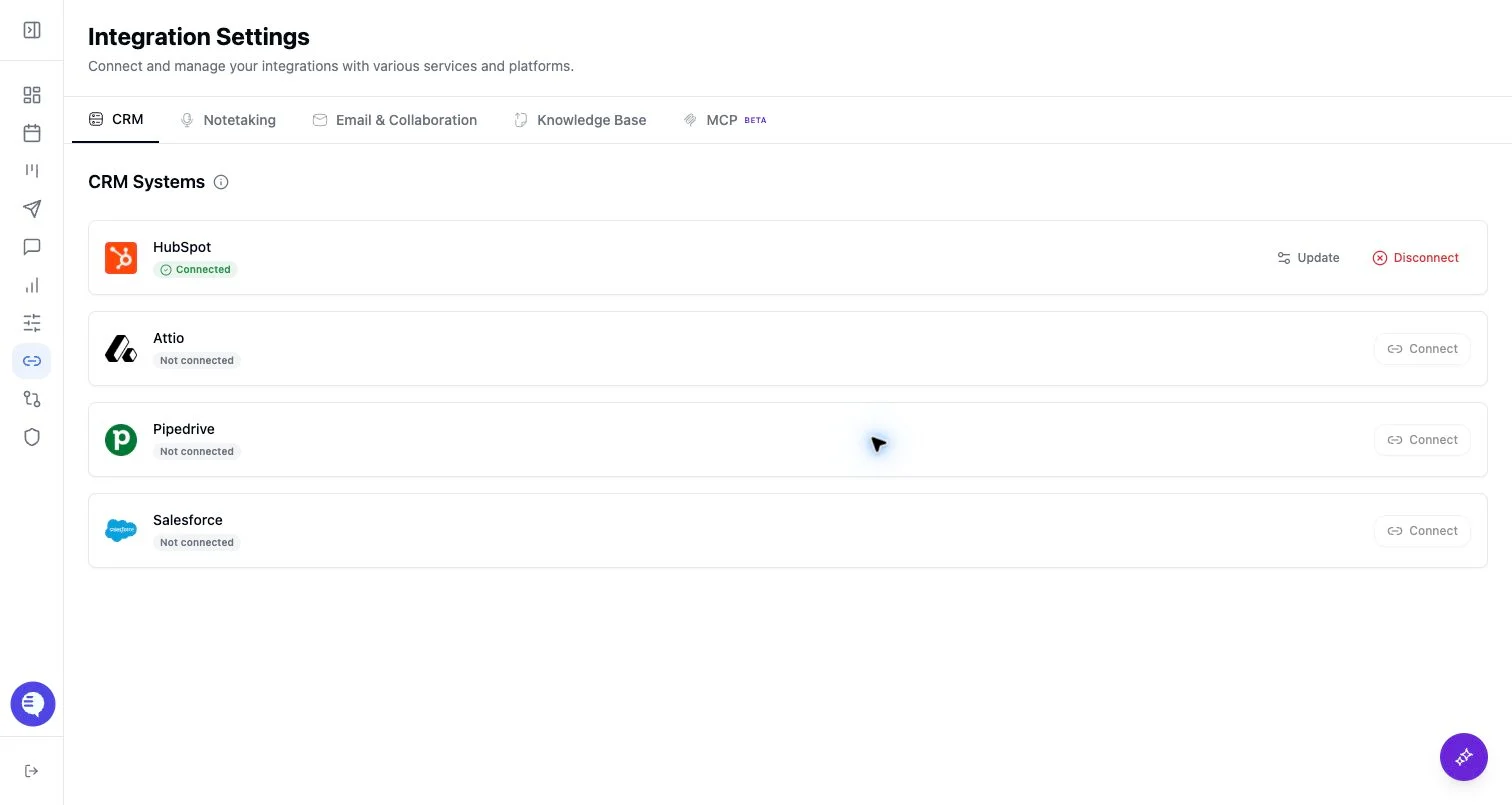
- Open Integrations and select BlueDot.
- Enter the BlueDot sign-in secret.
- Confirm BlueDot shows connected.
- Run one test meeting and verify the meeting appears in Ergo.
What to expect
- BlueDot uses a sign-in secret in Ergo.
- Meeting availability depends on BlueDot sending a supported webhook payload with meeting data.
- If the payload does not include expected attendees, transcript, or summary data, downstream output may be incomplete.
Common issues
- The sign-in secret is wrong or stale.
- The BlueDot payload was missing required meeting fields.
- Another notetaker source also captured the meeting.