Who can use this
- Admins and RevOps teams configuring CRM access.
- Operators validating object, field, and pipeline behavior.
Before you start
- Use an Attio account with access to the workspace records and objects Ergo should use.
- Confirm the relevant Attio lists, attributes, and permissions before relying on CRM updates.
- Review field mapping and CRM matching before enabling automation.
Steps
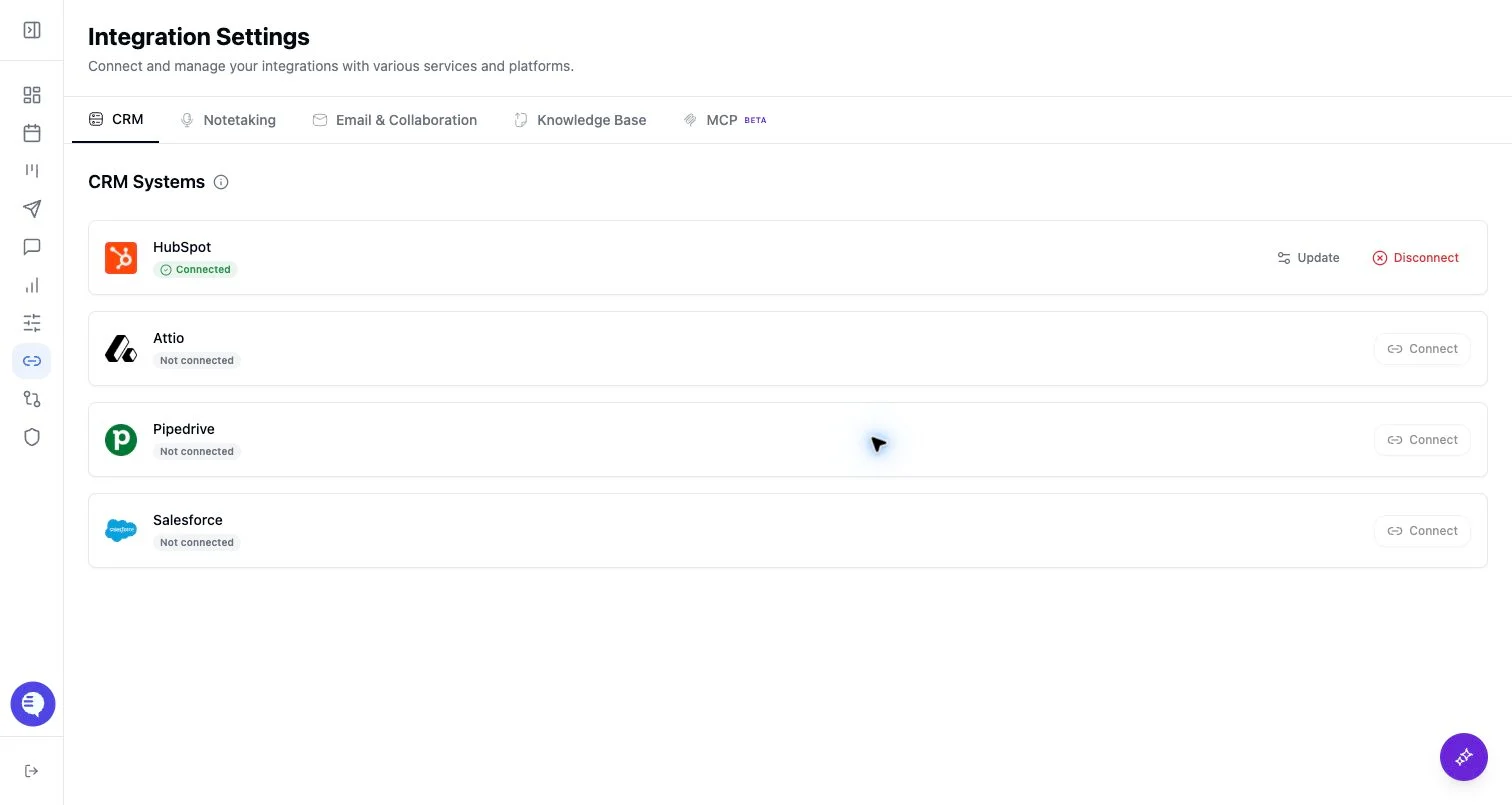
- Open Integrations and select Attio.
- Complete the OAuth flow.
- Confirm Attio appears connected.
- Review field mapping and object matching with your admin.
What to expect
- Ergo can use Attio CRM data where your workspace has connected and mapped the relevant objects.
- Attio permissions, object setup, and attribute mapping determine which records Ergo can read or update.
Common issues
- The connected account cannot access the target Attio object or attribute.
- A list or attribute changed after setup.
- A record is missing because the meeting or email was not matched to the expected CRM entity.