Who can use this
- RevOps, sales operations, CRM owners, and admins with CRM permissions.
Before you start
- Use a CRM account that can read and update the fields Ergo needs.
- Map properties, pipelines, and stages before enabling broad CRM automation.
- Test changes on one record before rolling them out.
Steps
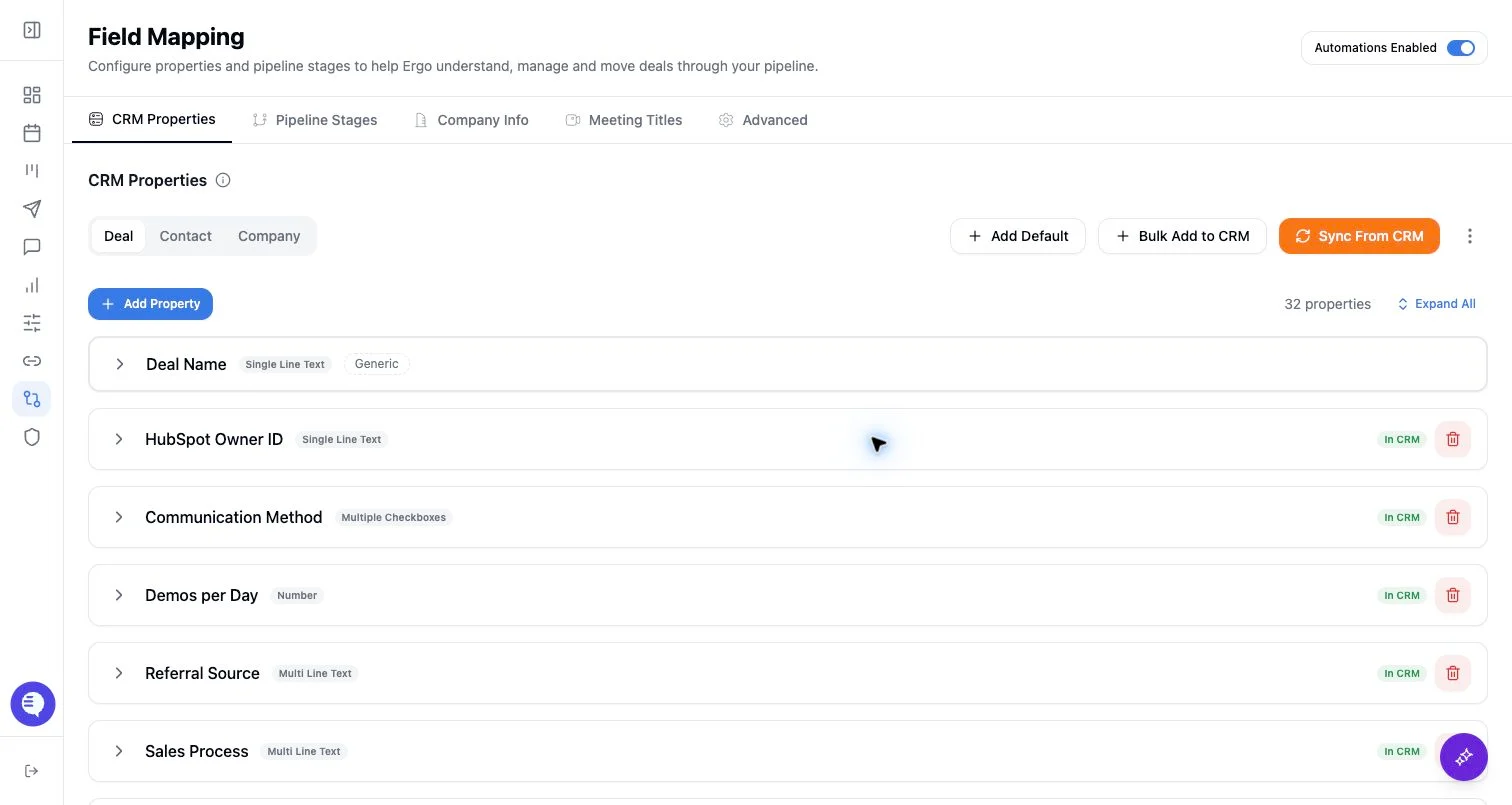
- Compare the CRM source stages with the stages stored in Ergo.
- Sync stages from the CRM when the CRM is the source of truth.
- Resolve renamed, reordered, deleted, or recreated stages before running automation.
- Retest one board view and one CRM update after resolution.
What to expect
- Drift can make records appear in the wrong column or block updates to a stage.
- Stage IDs matter more than names when diagnosing drift.
- Resolving drift may require CRM admin help if the source CRM no longer exposes the expected stage.
Common issues
- CRM stages were changed outside Ergo.
- A stage was recreated with the same name but a new ID.
- A pipeline filter is hiding the stage you expected to see.