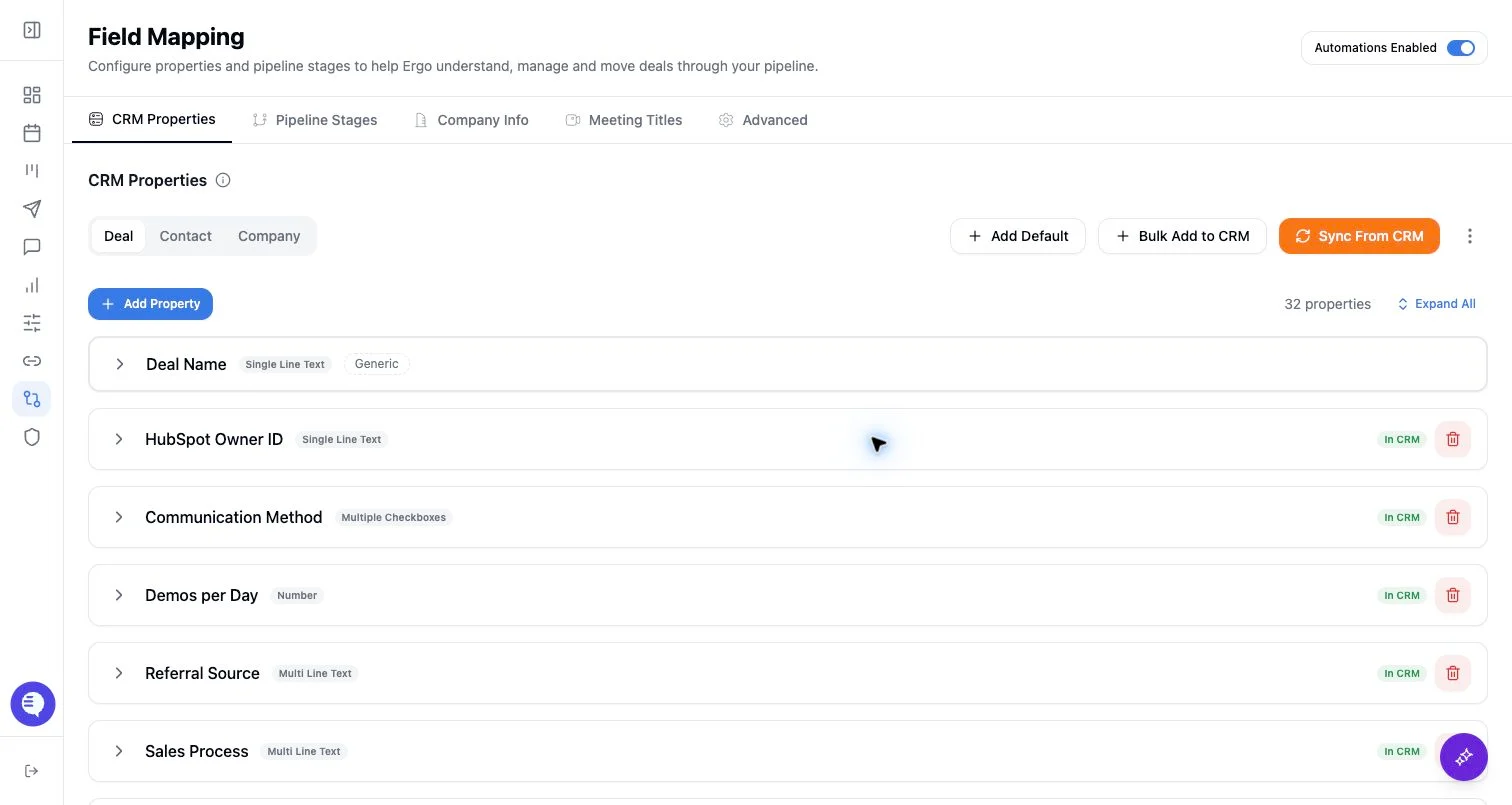
Who can use this
- RevOps, sales operations, CRM owners, and admins with CRM permissions.
Before you start
- Use a CRM account that can read and update the fields Ergo needs.
- Map properties, pipelines, and stages before enabling broad CRM automation.
- Test changes on one record before rolling them out.
Steps
- Review or write a description for each active stage in the pipeline.
- Explain the evidence required for a deal to enter that stage.
- Include exclusions when a phrase or signal is commonly misread.
- Keep descriptions aligned with CRM stage IDs, display names, entry criteria, and sales-manager expectations.
- Review descriptions after process or CRM changes.
What to expect
- Descriptions guide classification and review; they do not override CRM permissions.
- Ambiguous descriptions can make stage suggestions too broad or too conservative.
- Stage descriptions should be short, operational, and specific.
- Stage descriptions guide classification; CRM validation rules and stage controls still govern whether a write can succeed.
Common issues
- Stages have similar names but different entry criteria.
- Descriptions describe the sales process generally instead of the evidence needed for a stage.
- CRM stages changed but descriptions were not updated.