Who can use this
- RevOps, sales operations, CRM owners, and admins with CRM permissions.
Before you start
- Use a CRM account that can read and update the fields Ergo needs.
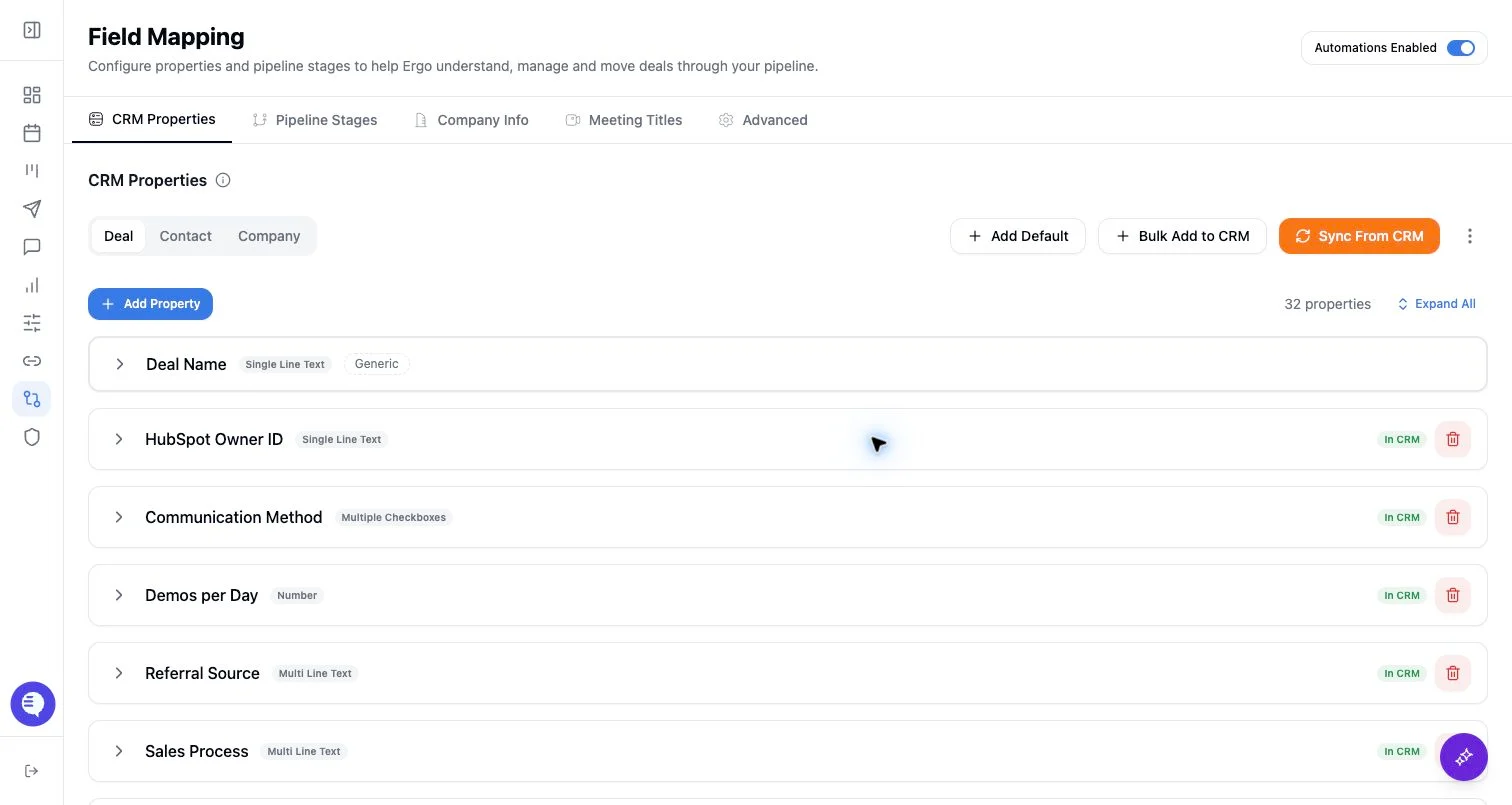
- Map properties, pipelines, and stages before enabling broad CRM automation.
- Test changes on one record before rolling them out.
Steps
- Choose the CRM pipelines Ergo should sync and operate on.
- Confirm unsynced pipelines are intentionally out of scope.
- Recheck Deals board counts, saved views, reports, and automations after changing the setting.
- Run a single-record test in an included pipeline, and confirm an out-of-scope pipeline is not expected in Ergo workflows.
What to expect
- Pipeline sync scope affects which deal pipelines Ergo is configured to use; it is not a substitute for CRM permissions.
- Unsynced pipelines can make valid CRM records look missing from Ergo.
- Pipeline scope decisions should be documented for admins and managers.
Common issues
- A deal is in a CRM pipeline that Ergo has not synced.
- The default pipeline changed but Ergo’s synced pipeline set did not.
- A saved view was built before the pipeline scope changed.