Who can use this
- RevOps, sales operations, CRM owners, and admins with CRM permissions.
Before you start
- Use a CRM account that can read and update the fields Ergo needs.
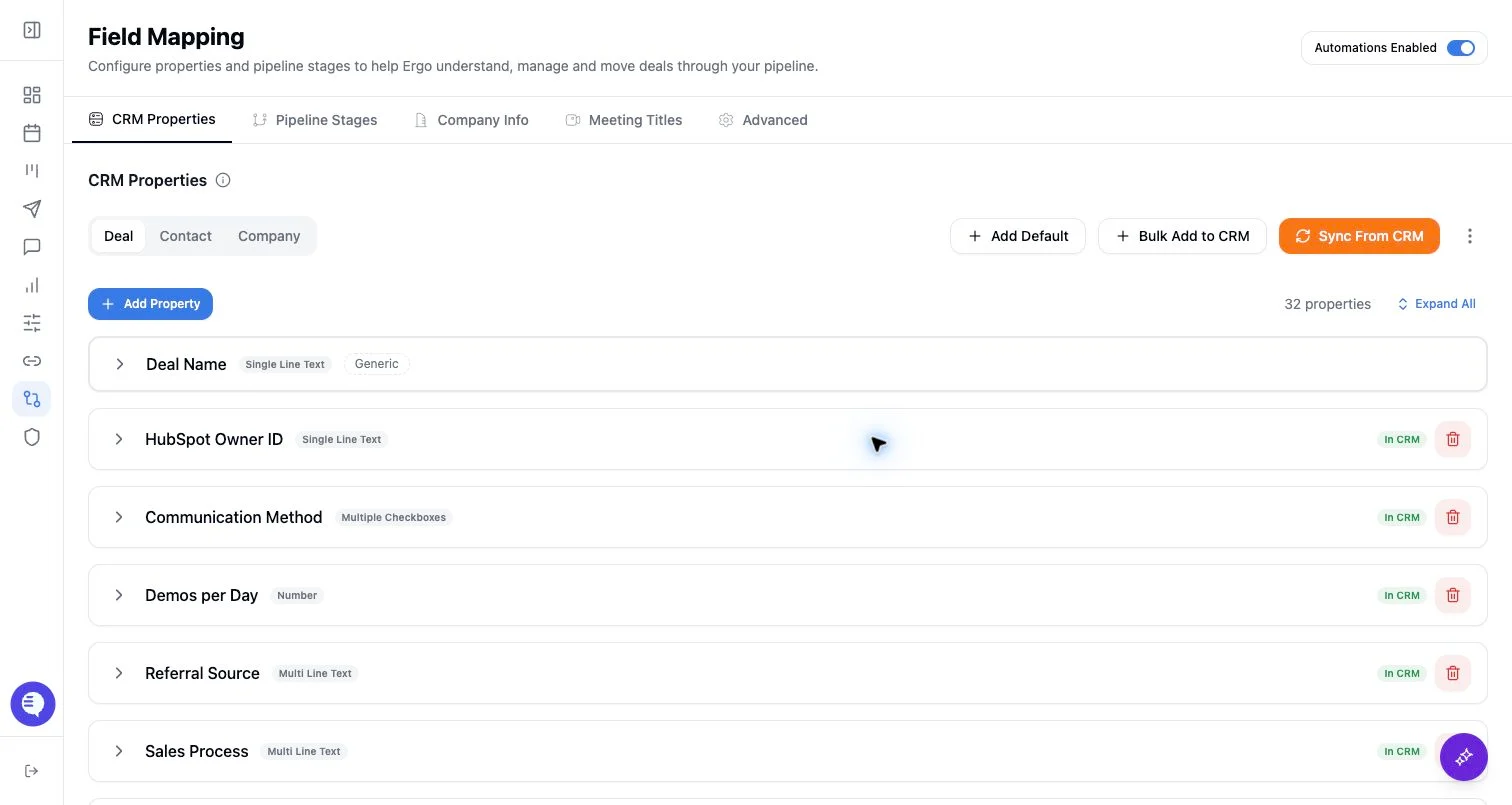
- Map properties, pipelines, and stages before enabling broad CRM automation.
- Test changes on one record before rolling them out.
Steps
- Review create and update permissions for deals, contacts, and companies.
- Disable writes for fields or record types where Ergo should only read context.
- Keep sensitive or manager-owned fields read-only unless the CRM owner has approved automation.
- Recheck permissions after CRM role, profile, or field-security changes.
What to expect
- Ergo cannot write a field if either Field Mapping or the CRM itself blocks the action.
- Permission changes can affect deal creation, updates, owner changes, and field writeback.
- Read-only fields can still be useful context for AI and board display.
Common issues
- The CRM user can read a field but not update it.
- A field was newly restricted in CRM after it was mapped.
- A broad permission toggle was changed without a single-record test.