Who can use this
- RevOps, sales operations, CRM owners, and admins with CRM permissions.
Before you start
- Use a CRM account that can read and update the fields Ergo needs.
- Map properties, pipelines, and stages before enabling broad CRM automation.
- Test changes on one record before rolling them out.
Steps
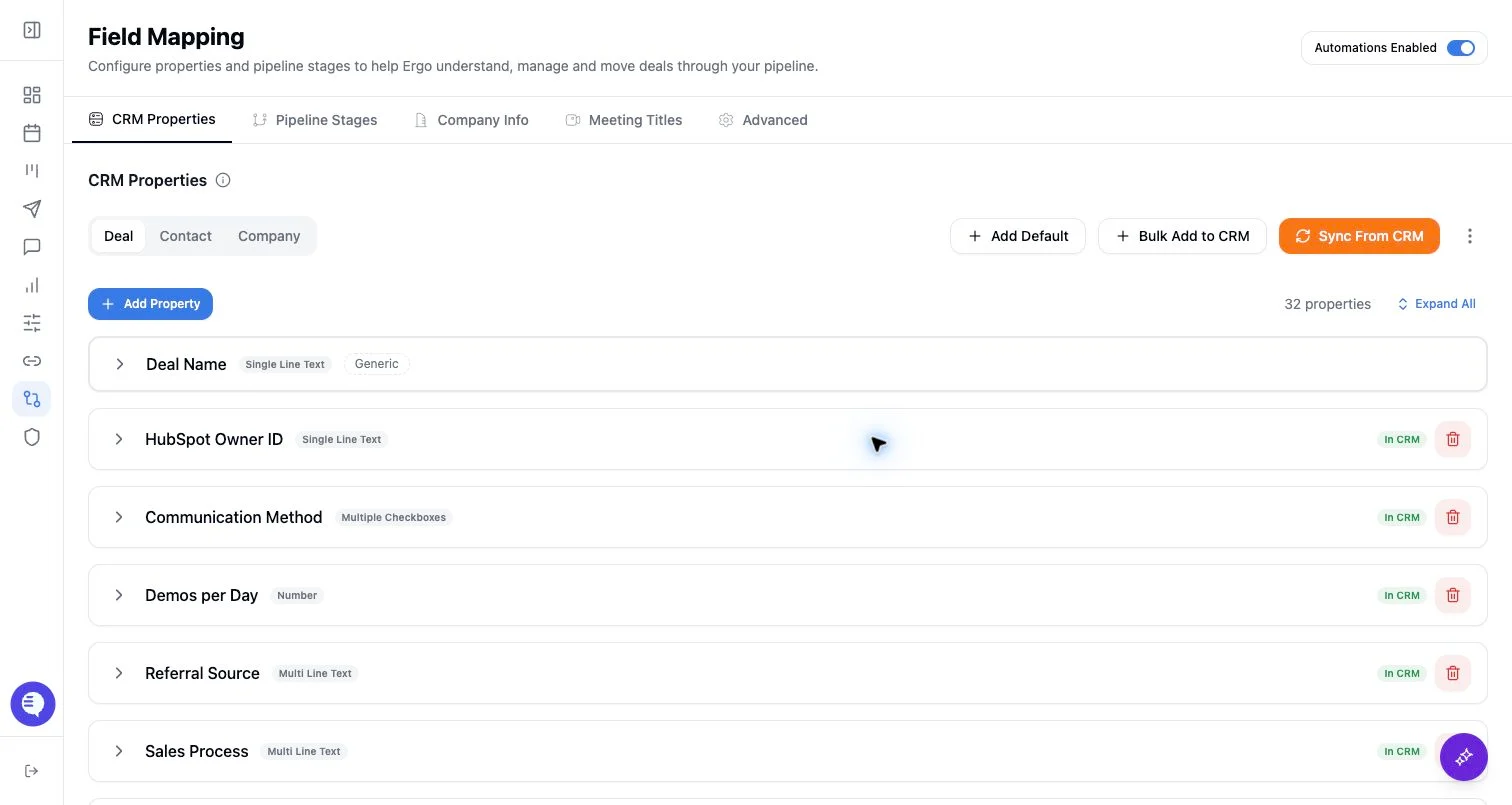
- Open Pipeline Stages from Field Mapping.
- Sync CRM pipelines and stages into Ergo.
- For supported CRMs, use edit mode carefully when creating, renaming, reordering, or deleting stages.
- Keep pipeline names, IDs, stage order, and descriptions aligned with the CRM.
- Sync only the pipelines Ergo should use, and document intentionally excluded pipelines for admins.
What to expect
- Pipeline support depends on the connected CRM.
- Edit-mode changes can write directly to supported CRMs.
- Pipeline-stage changes made in the source CRM may require a manual resync before Ergo’s configuration reflects them.
- Pipeline IDs matter; do not rely only on display names when troubleshooting.
Common issues
- A stage exists in CRM but has not been synced into Ergo.
- Two pipelines have similarly named stages with different IDs.
- Deleting or renaming stages affects board filters and automation behavior.