Who can use this
- RevOps, sales operations, CRM owners, and admins with CRM permissions.
Before you start
- Use a CRM account that can read and update the fields Ergo needs.
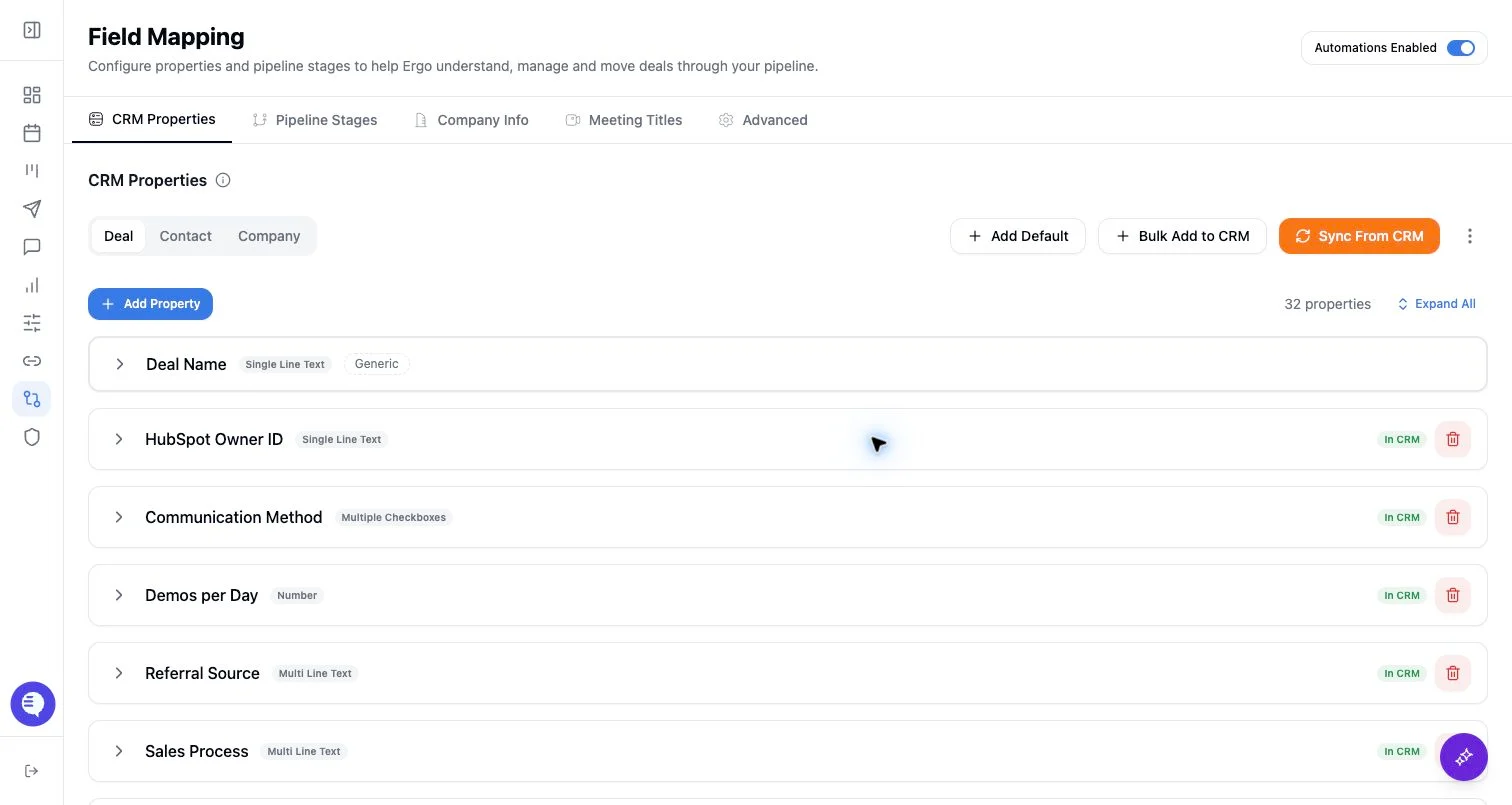
- Map properties, pipelines, and stages before enabling broad CRM automation.
- Test changes on one record before rolling them out.
Steps
- Add partner domains that commonly appear in meetings or emails.
- Decide whether each domain is partner, customer, internal, or an alternate customer domain before saving.
- Retest matching with a recent meeting or email after changes.
- Keep the list small enough for admins to audit.
What to expect
- Partnership domains help classify context; they do not create partner CRM records by themselves.
- Misclassified partner domains can make customer activity look indirect or unrelated.
- Domain classification should be reviewed when partner motions change.
Common issues
- A partner domain is also used by a customer subsidiary.
- Partner attendees dominate a meeting and hide the end-customer context.
- The domain belongs in alternate domains instead of partnership domains.