Who can use this
- RevOps, sales operations, CRM owners, and admins with CRM permissions.
Before you start
- Use a CRM account that can read and update the fields Ergo needs.
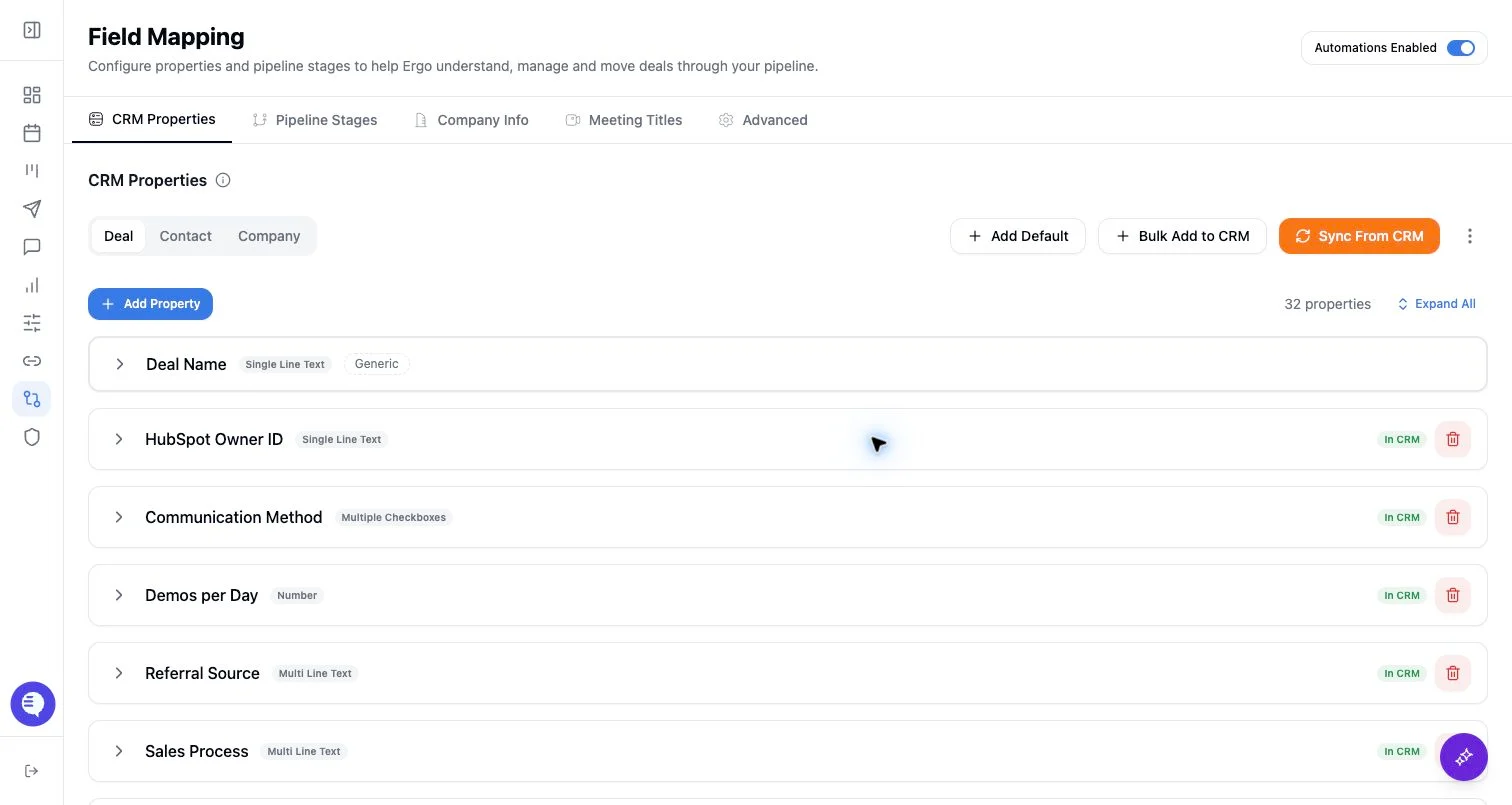
- Map properties, pipelines, and stages before enabling broad CRM automation.
- Test changes on one record before rolling them out.
Steps
- Add meeting-title phrases that reliably indicate relevant meetings.
- Use Strict Mode only when meetings without a matching title phrase should be skipped by this workflow.
- Use AI Boost when phrases should guide AI classification alongside other context.
- Test with recent meeting titles before changing the setting broadly.
What to expect
- Meeting-title phrases influence classification context; every included or excluded meeting can still depend on source and processing context.
- AI Boost can be more flexible but should be reviewed for false positives.
- Strict Mode can reduce false positives but may miss useful variants or externally scheduled meetings with different naming patterns.
- Phrase matching is case-insensitive, but phrase scope still matters; broader phrases can cover more title variants.
Common issues
- Phrases are too broad, such as generic customer or internal terms.
- Meeting titles changed after a team renamed calendar events.
- Strict Mode is too narrow for the naming patterns reps actually use.