Who can use this
- RevOps, sales operations, CRM owners, and admins with CRM permissions.
Before you start
- Use a CRM account that can read and update the fields Ergo needs.
- Map properties, pipelines, and stages before enabling broad CRM automation.
- Test changes on one record before rolling them out.
Steps
- Confirm the CRM connection is active.
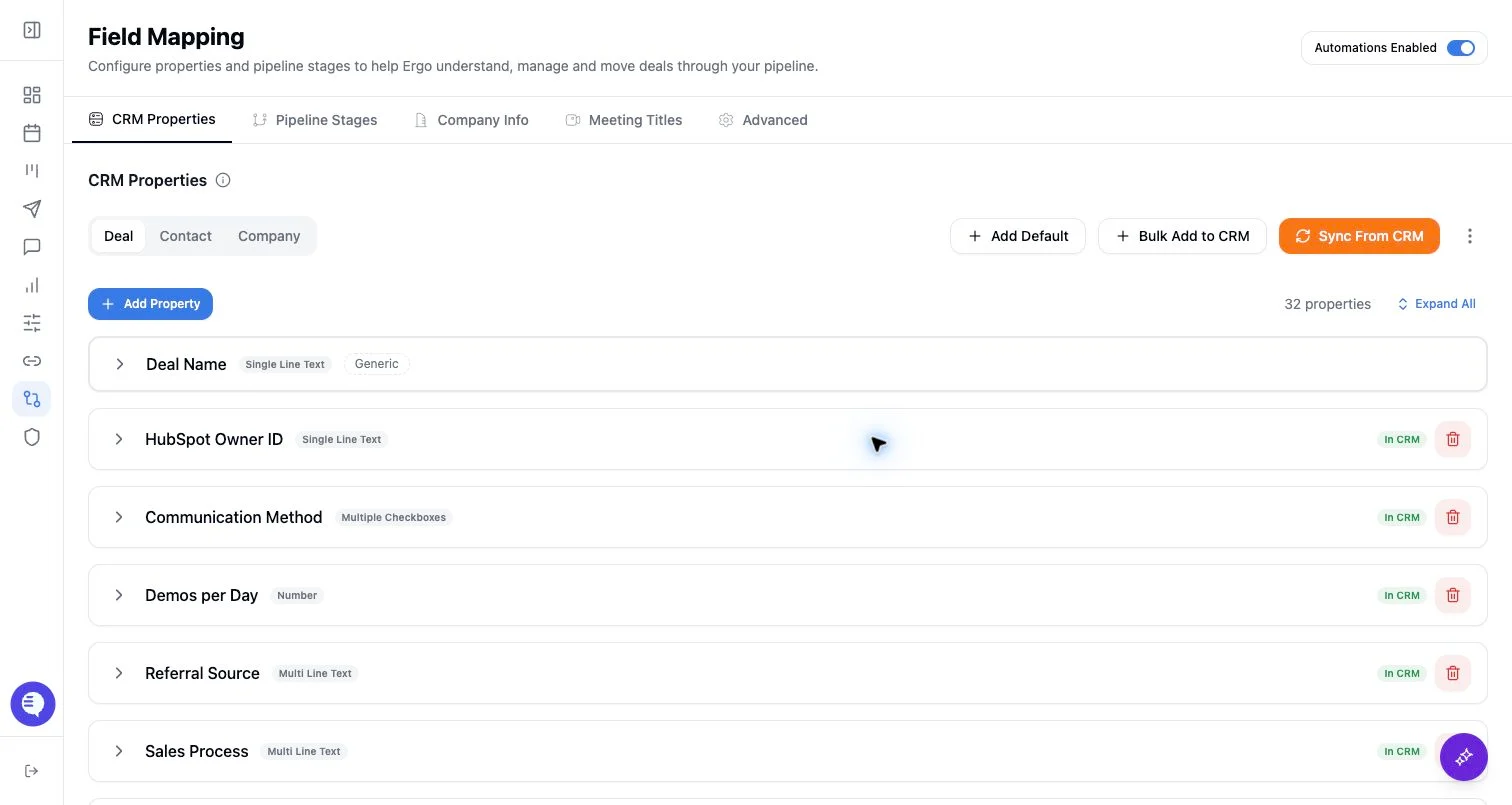
- Sync the deal, contact, and company properties Ergo should read or update.
- Confirm owner fields and team/user mappings where owner-based views or updates matter.
- Sync or configure pipelines and stages, including stage descriptions where AI classification uses them.
- Review property permissions for create and update behavior.
- Run a narrow test writeback before relying on automation.
What to expect
- Missing mappings usually show up as blank board fields, failed updates, incorrect stage suggestions, or records that cannot be created.
- CRM-side changes can create drift that needs review before automation continues.
- Field Mapping does not override CRM-level permission restrictions.
Common issues
- The integration user lacks write permission for the target field.
- The field exists in CRM but is not selected or synced in Ergo.
- Stage or pipeline IDs changed in CRM after initial setup.