Who can use this
- RevOps, sales operations, CRM owners, and admins with CRM permissions.
Before you start
- Use a CRM account that can read and update the fields Ergo needs.
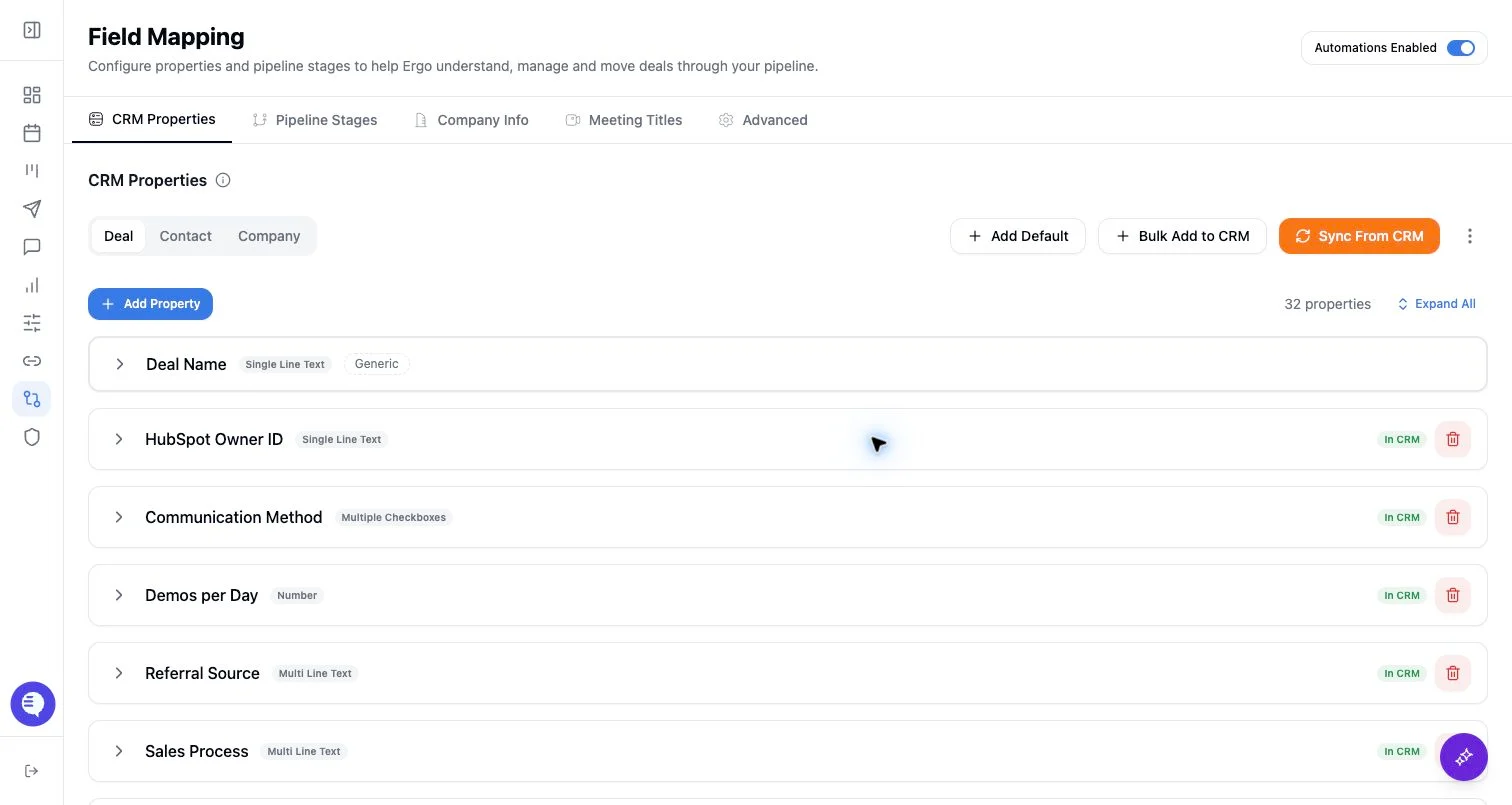
- Map properties, pipelines, and stages before enabling broad CRM automation.
- Test changes on one record before rolling them out.
Steps
- Compare the default stages with your CRM pipeline.
- Add only the stages that match your sales motion.
- Edit names and descriptions before automation uses them.
- Confirm the target pipeline and stage order before saving.
What to expect
- Default stages are configuration helpers, not proof that the CRM is ready.
- Stage descriptions and IDs still need to align with the active CRM pipeline.
- Adding defaults to the wrong pipeline can create downstream board and writeback confusion.
Common issues
- Default stages do not match your CRM stage names or criteria.
- A default stage was added without a useful description.
- The wrong pipeline was selected before adding stages.