Who can use this
- RevOps, sales operations, CRM owners, and admins with CRM permissions.
Before you start
- Use a CRM account that can read and update the fields Ergo needs.
- Map properties, pipelines, and stages before enabling broad CRM automation.
- Test changes on one record before rolling them out.
Steps
- Identify which CRM fields represent qualification.
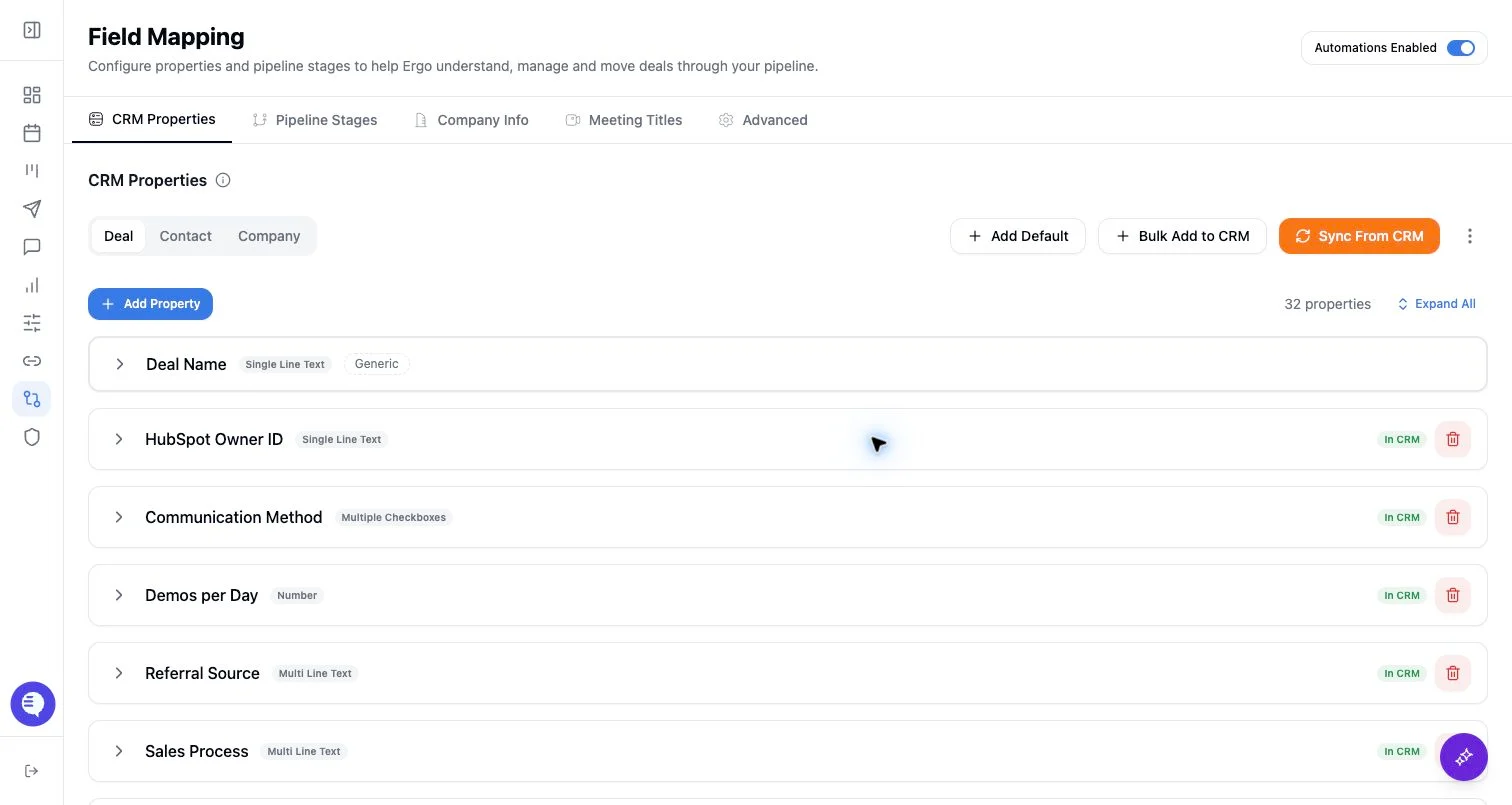
- Map those fields in CRM Properties before using them in AI or automation workflows.
- Align qualification criteria with stage descriptions.
- Review AI-generated qualification outputs before writing them back to CRM.
What to expect
- Qualification behavior depends on mapped fields, stage descriptions, and available source context.
- AI can summarize evidence, but admins should define the fields and criteria.
- Missing or stale source data can make qualification outputs incomplete.
Common issues
- Qualification fields were not mapped or are read-only.
- Stage descriptions conflict with qualification criteria.
- Reps use informal criteria that are not represented in the CRM.