Who can use this
- RevOps, sales operations, CRM owners, and admins with CRM permissions.
Before you start
- Use a CRM account that can read and update the fields Ergo needs.
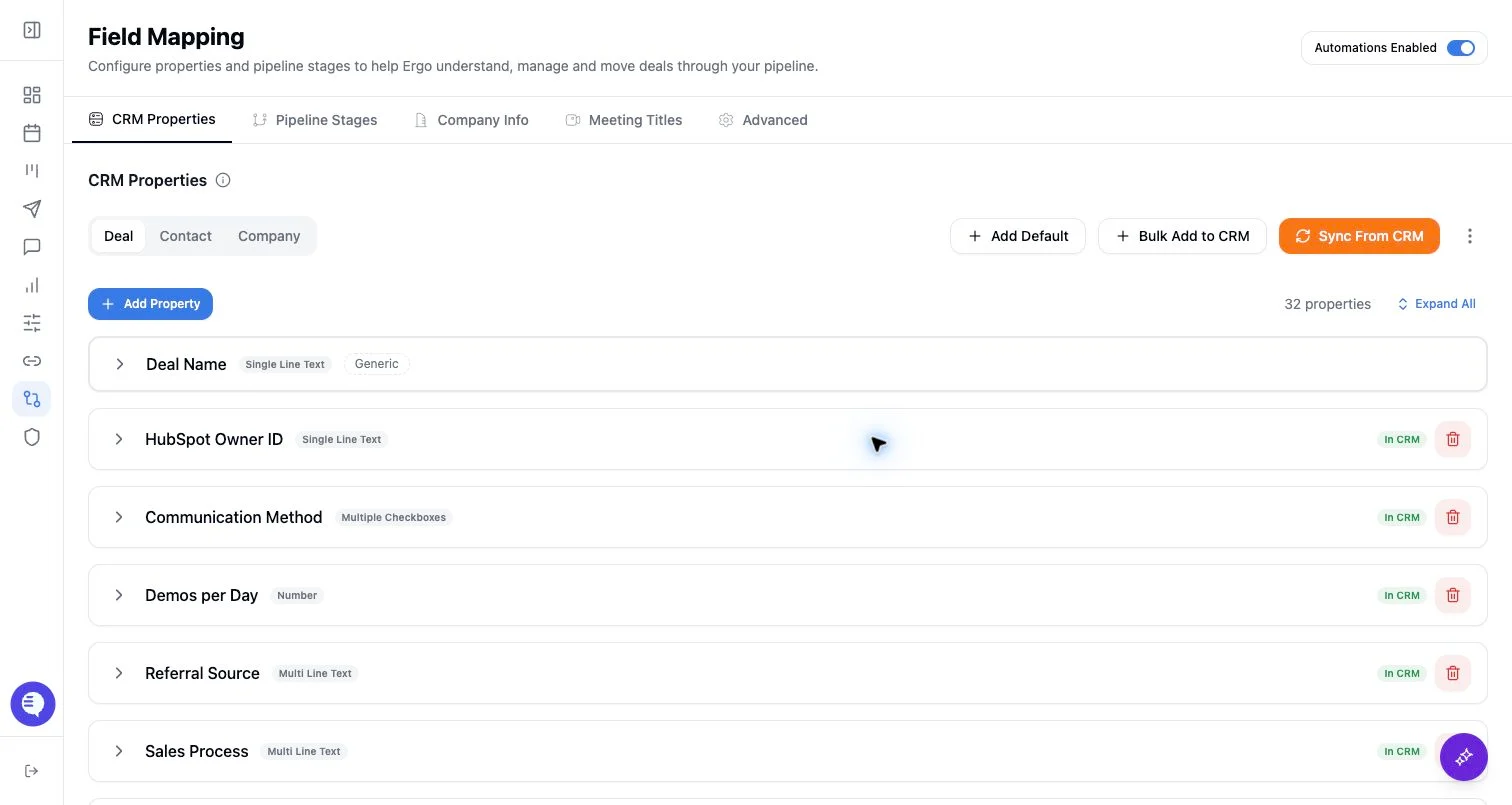
- Map properties, pipelines, and stages before enabling broad CRM automation.
- Test changes on one record before rolling them out.
Steps
- Add only domains or emails that should be treated as the same account context.
- Confirm the domain is not a generic provider, partner, reseller, or internal domain.
- Review matching after adding a new alias.
- Remove aliases that cause unrelated records to merge in context.
What to expect
- Alternate domains and emails broaden matching context; they do not replace CRM associations.
- Over-broad aliases can attach activity to the wrong account.
- Matching changes may affect meetings, emails, drafts, and record search.
Common issues
- A parent company, subsidiary, and partner use overlapping domains.
- A personal email domain was added by mistake.
- The CRM has duplicates that alternate domains cannot safely resolve.