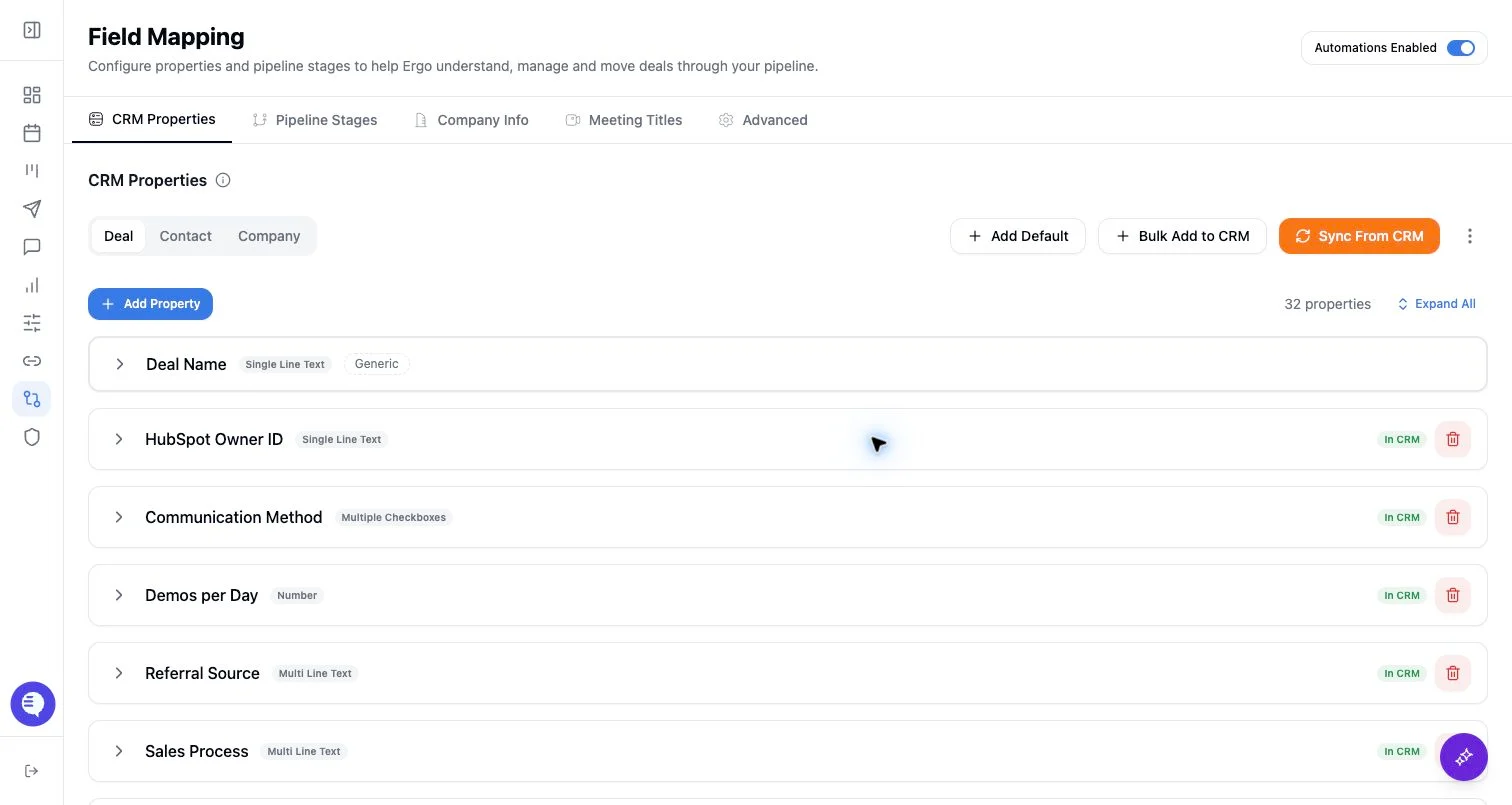
Who can use this
- RevOps, sales operations, CRM owners, and admins with CRM permissions.
Before you start
- Use a CRM account that can read and update the fields Ergo needs.
- Map properties, pipelines, and stages before enabling broad CRM automation.
- Test changes on one record before rolling them out.
Steps
- Review the current setting and the workflow it affects.
- Change only one broad toggle at a time.
- Test with one representative record before rollout.
- Tell impacted users what changed if the setting affects visible workflow behavior.
What to expect
- Advanced toggles can change behavior without changing field mappings.
- Some toggles influence AI or automation behavior rather than CRM schema.
- A setting can appear correct but still fail if CRM permissions or mappings are incomplete.
Common issues
- Multiple broad toggles changed at once.
- A toggle was enabled before field mapping was complete.
- The test record does not represent the real workflow.