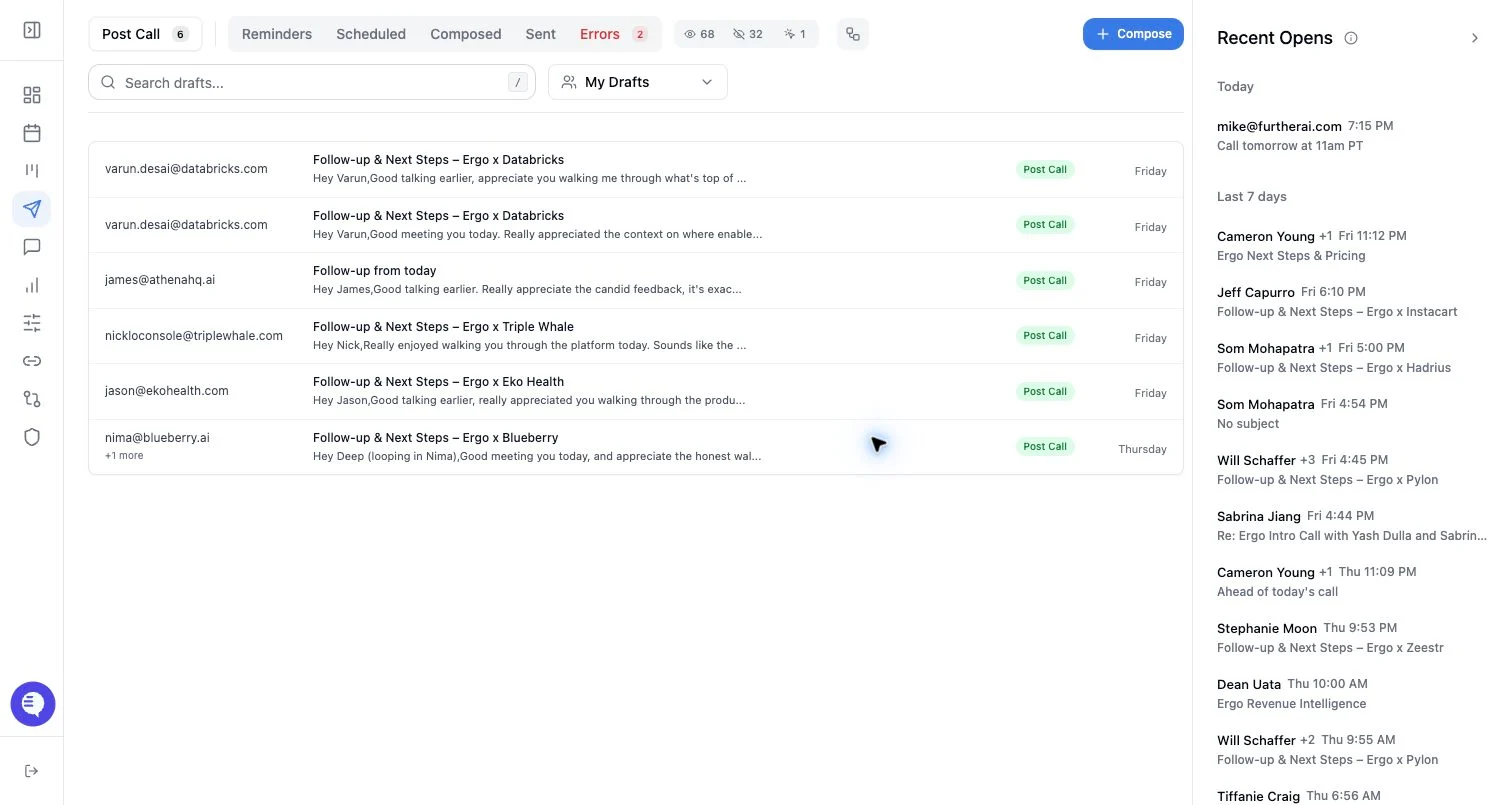
Who can use this
- Admins and RevOps teams managing rollout.
- Users checking whether their own post-call drafts should be created.
Before you start
- Connect the user’s email account.
- Connect calendar and the relevant notetaker source.
- Confirm the user belongs to the team or role that should receive post-call drafts.
- Decide whether you are changing future draft creation only or also cleaning up existing drafts.
Steps
- Open the workspace or user settings area where draft generation is configured.
- Find the post-call email draft setting for the user, team, or workspace.
- Turn the setting on to create drafts for future qualifying calls.
- Turn the setting off to stop creating new post-call drafts for that scope.
- Save the change and test with a future qualifying meeting.
What to expect
- Changes affect future draft generation. Existing drafts may remain until sent, scheduled, dismissed, expired, or cleaned up.
- Turning post-call drafts on does not mean every meeting produces a draft.
- Turning post-call drafts off does not disable templates, signatures, manual compose, or scheduled/sent history.
- Auto-send is separate from draft creation. Do not treat enabling drafts as enabling auto-send.
Common issues
- The setting is enabled, but email or calendar access is stale.
- The meeting did not have enough processed context.
- The setting is enabled for the wrong user or team.
- A draft appears from another workflow, such as surfacing or manual compose.