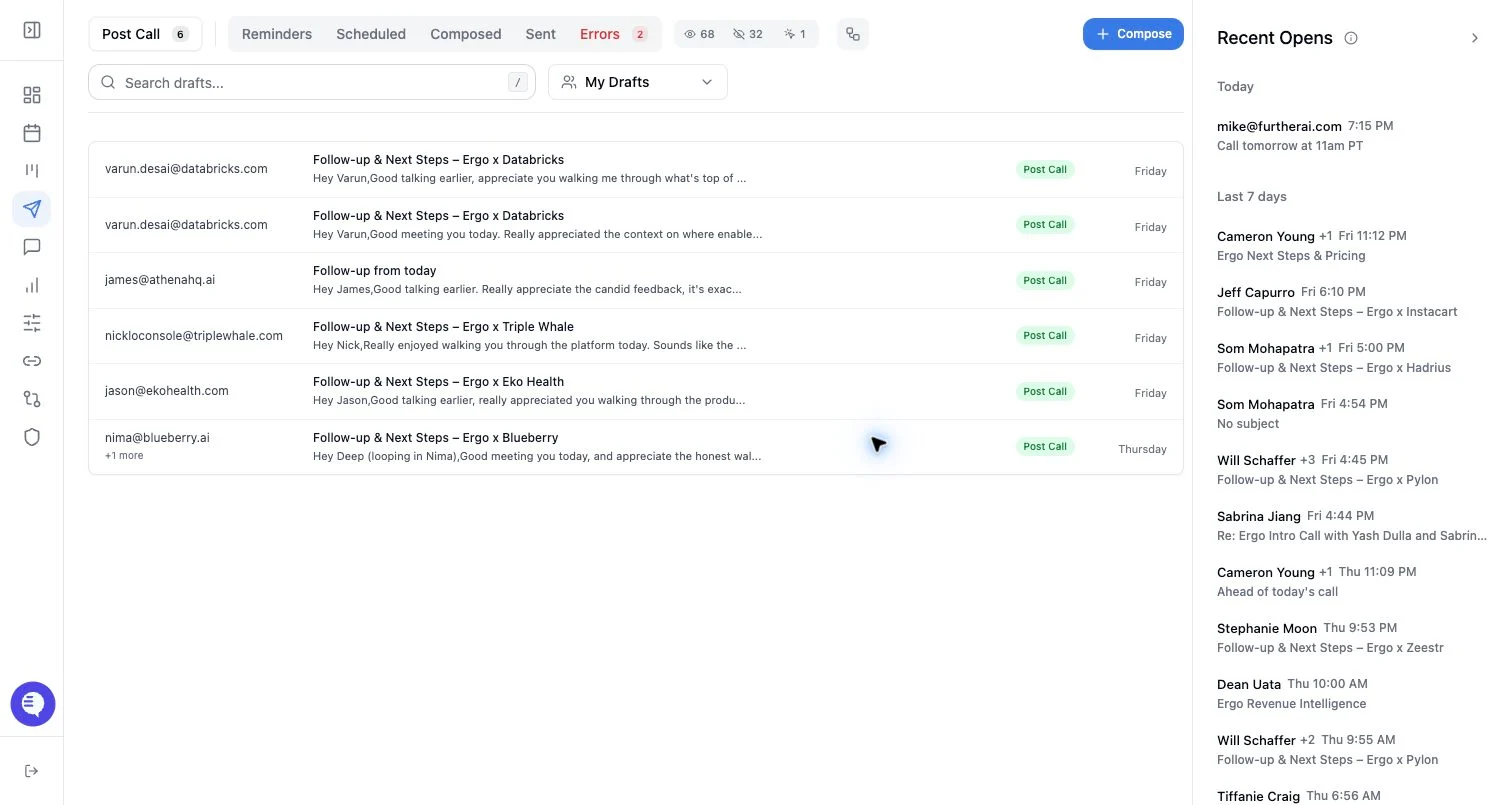
Who can use this
- Reps reviewing drafts for active customer or prospect conversations.
- Managers checking why drafts are attached to specific threads.
Before you start
- Connect the sender’s email account.
- Confirm the draft’s recipient list is correct.
- Review the existing conversation before changing thread strategy.
Steps
- Open the draft.
- Review the current thread choice, if one is present.
- Open thread history to read the selected conversation.
- Review related thread suggestions based on recipient context.
- Choose an existing thread when the draft is a reply.
- Choose a new thread when the email is a new topic or the old conversation is no longer appropriate.
What to expect
- Thread history depends on connected email access and the thread identifiers available to Ergo.
- Related threads are suggestions. They need human review before selection.
- Changing subject or recipients can affect whether email clients keep a message in the same thread.
- Some email clients may display threading differently even when Ergo sends with thread metadata.
Common issues
- The email grant is expired or missing, so thread history cannot load.
- The selected thread has the right recipient but the wrong topic.
- A draft has no thread because it was created as a new email.
- Related threads are incomplete when the connected account cannot access the full conversation.